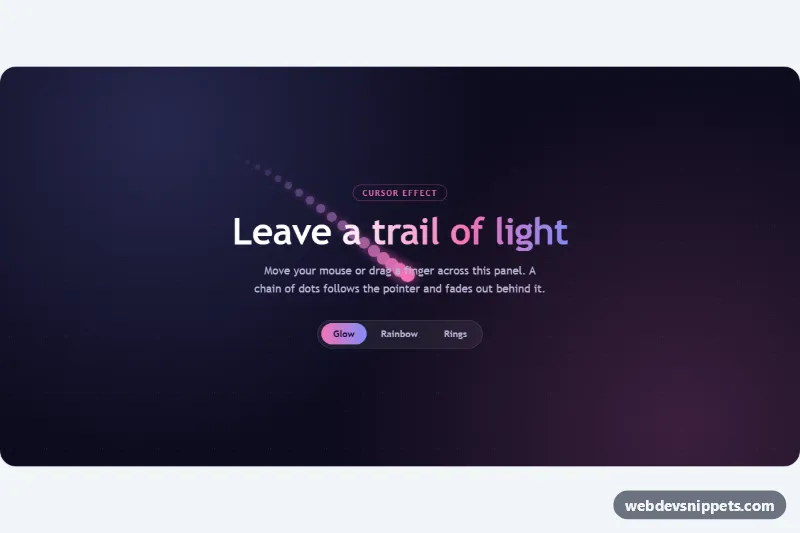
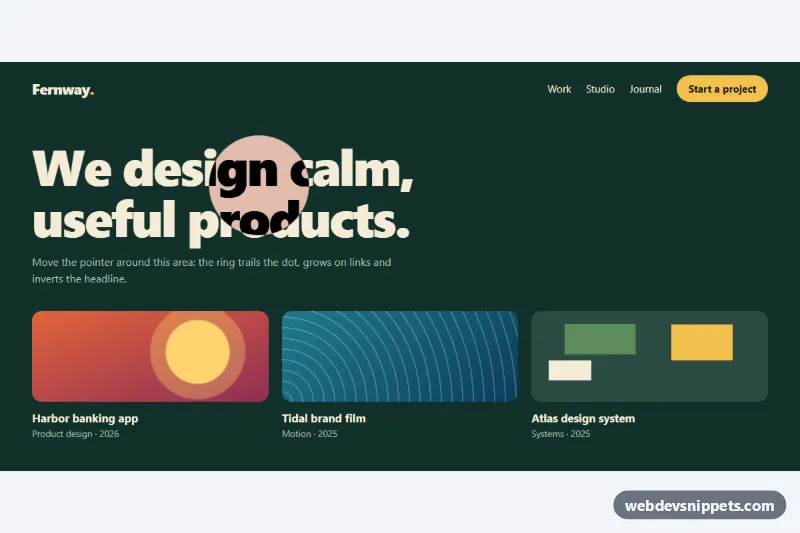
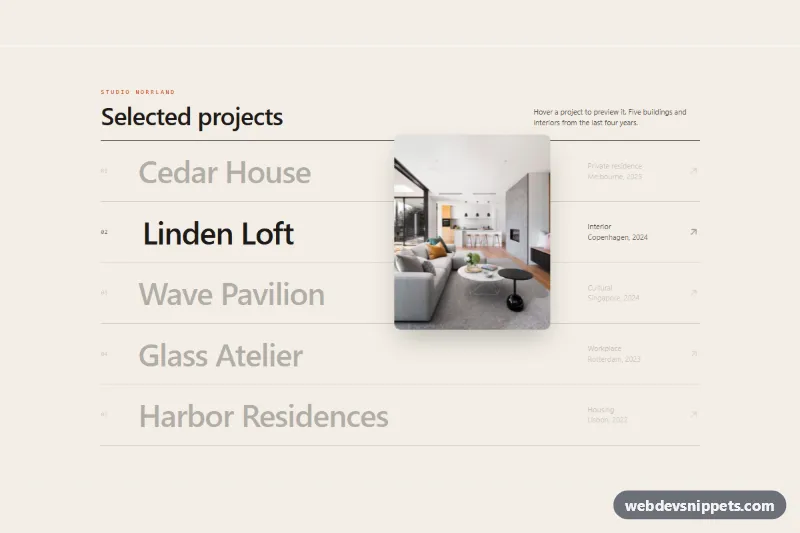
A cursor trail effect made with CSS and a small vanilla JavaScript loop: a chain of dots follows the mouse or a finger across a dark panel and fades out behind it. Three styles (glow, rainbow and rings) can be switched with a segmented control. Use it on a landing page hero, a portfolio intro or a playful 404 page.
How it works
The root section.ct-stage holds an empty .ct-layer for the dots and the .ct-content with the heading, text and .ct-modes buttons. On DOMContentLoaded the script creates as many span.ct-dot elements as data-ct-dots asks for and gives each one the custom properties --ct-i (its index) and --ct-n (the total). CSS uses them for the fade: opacity and the color mix shrink toward the tail.
A requestAnimationFrame loop moves the chain. The first dot eases toward the pointer, and every following dot eases toward the dot in front of it, which creates the smooth tail. The script listens for pointermove and pointerleave on the stage, so mouse, pen and touch all work. While no pointer is over the panel, the head follows a figure-eight path, so the effect is visible on first load and in screenshots.
The style lives in data-ct-mode on .ct-stage. Each .ct-mode button sets it from its data-ct-set value, and the CSS attribute selectors restyle the dots: glow blends --ct-accent into --ct-accent-2 with a halo, rainbow shifts the hue per dot, and rings draws hollow circles that grow along the trail.
Customization
data-ct-dotson.ct-stage: number of dots, e.g.30for a longer tail.data-ct-mode: the starting style (glow,rainboworrings); updatearia-pressedon the buttons to match.--ct-sizeon.ct-stage: diameter of the lead dot.--ct-accentand--ct-accent-2: the two colors of the glow trail, the title gradient and the active button.--ct-height: minimum height of the panel.FOLLOWat the top ofscript.js: lower values such as0.2give a longer, lazier trail; higher values keep the dots tight.- Edit
idleTarget()to change the path the trail draws when the pointer is away.
Use cases
- Landing page heroes: a glowing chain of dots follows the pointer across a dark panel
- Portfolio intros: switch between glow, rainbow and ring styles for a playful first impression
- 404 pages: a playful effect gives a missing page some personality
- Touch devices: the trail follows a finger as well as a mouse, with an idle animation when nobody is moving
- Creative agency sites: add a decorative effect that never blocks clicks
Accessibility
The dots are purely decorative: .ct-layer is aria-hidden="true" and has pointer-events: none, so it never blocks clicks. The section is labelled by its heading, and the style switcher is a role="group" of real buttons using aria-pressed, with a visible focus outline. With prefers-reduced-motion: reduce the script does not start the animation loop and CSS hides the layer, leaving a static panel.
Usage notes
Several stages can share a page; each one creates its own dots and loop. To use the effect on a whole page, give .ct-stage the full viewport size or move the layer to a fixed overlay.