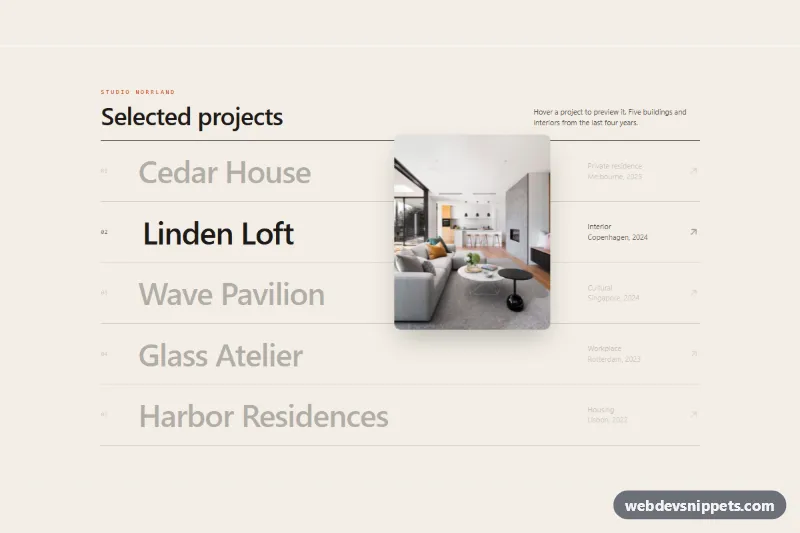
Image Reveal Cursor on Hover
Tailwind CSS project list where hovering a row reveals a photo that follows the cursor with smooth easing and tilt, plus keyboard and touch fallbacks.
Custom cursors and pointer trails.
2 components
Tailwind CSS project list where hovering a row reveals a photo that follows the cursor with smooth easing and tilt, plus keyboard and touch fallbacks.
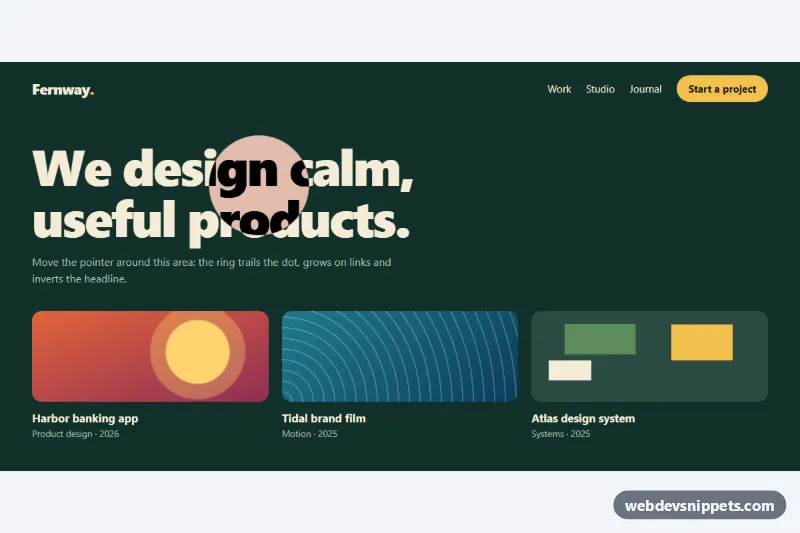
Smooth custom cursor with a dot and an eased ring that grows on links, shows a label over cards and inverts the headline, in CSS and vanilla JS.
Cursor effects change how the mouse pointer looks or behaves: custom cursors with a dot and ring, magnetic buttons that pull the cursor in, pointer trails, spotlight and reveal effects, and cursors that grow or change label over links and images. They are popular on creative portfolios, agency sites, interactive landing pages and experimental demos.
Use a cursor effect when the site is meant to feel playful or crafted and the audience is mostly on desktop. On content-heavy or task-focused sites, a custom cursor can slow people down. Touch devices have no cursor, so the effect should simply switch off there.
Best practices for custom cursor effects:
@media (hover: hover) and (pointer: fine).aria-hidden="true" and pointer-events: none so they never block clicks or confuse assistive technology.transform: translate() inside requestAnimationFrame, not by setting top and left on every mouse event.prefers-reduced-motion users.mix-blend-mode: difference can help.Every cursor effect has a live preview and code tabs for HTML, CSS and JS. Bootstrap 6 versions use the new alpha ES module build and theme-* colour roles, Bootstrap 5 and Tailwind CSS versions combine the effect with their usual utilities, and pure CSS versions use plain styles with a small vanilla script for tracking. Pick your stack with the framework filter, copy or download the code and adjust size, colour and easing to suit your design.