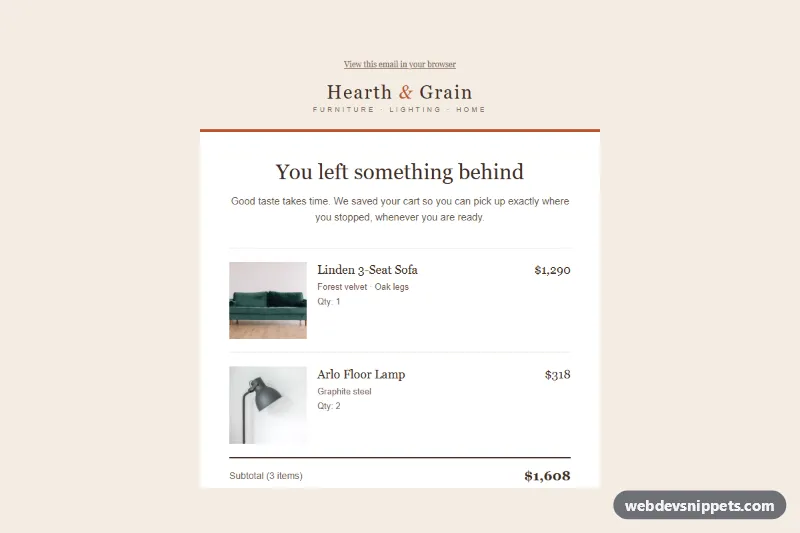
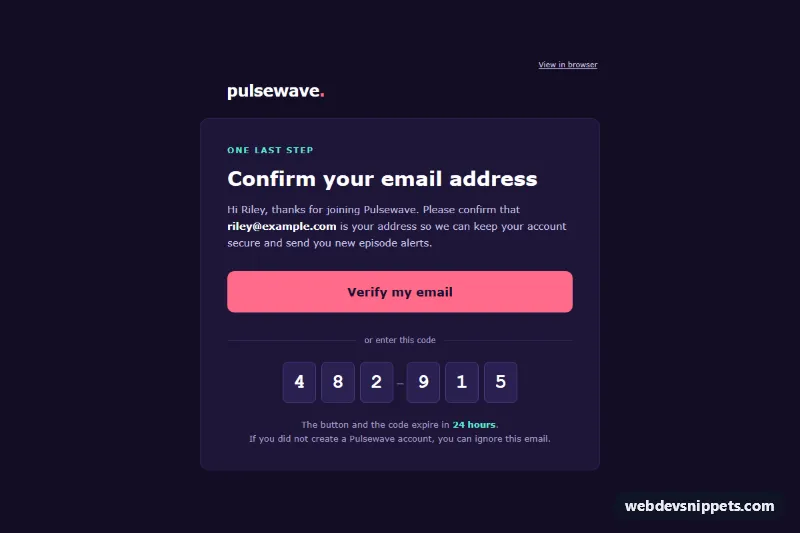
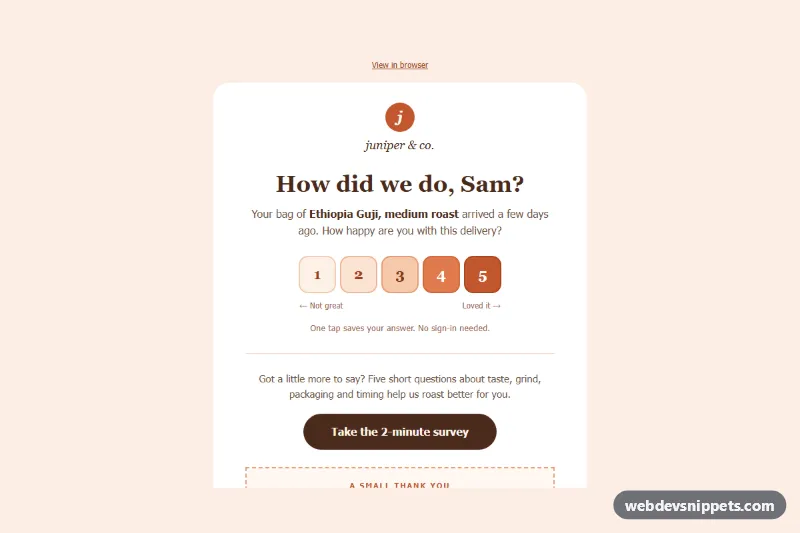
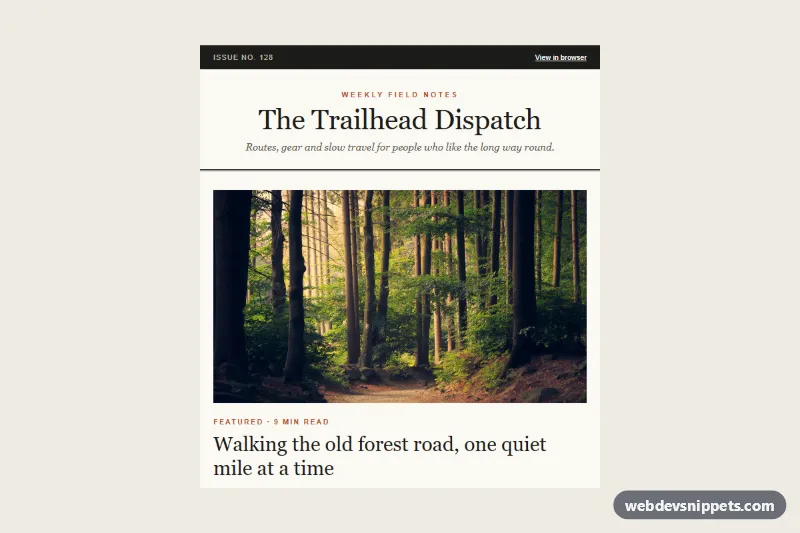
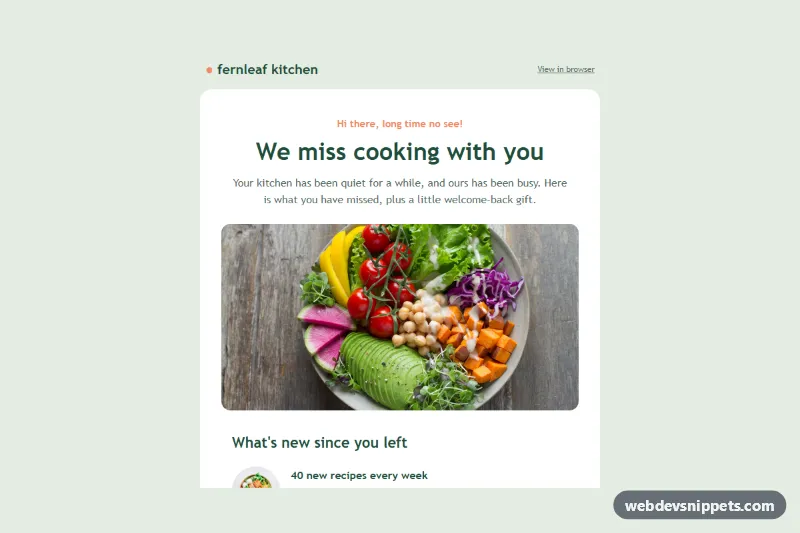
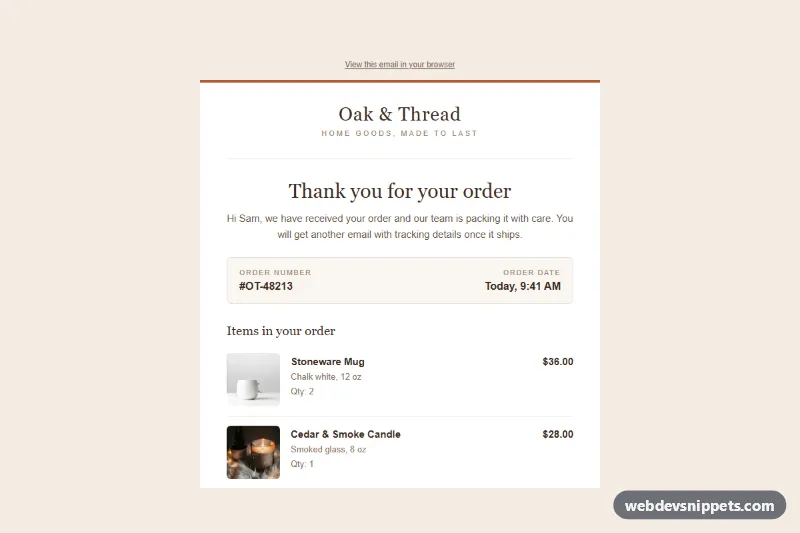
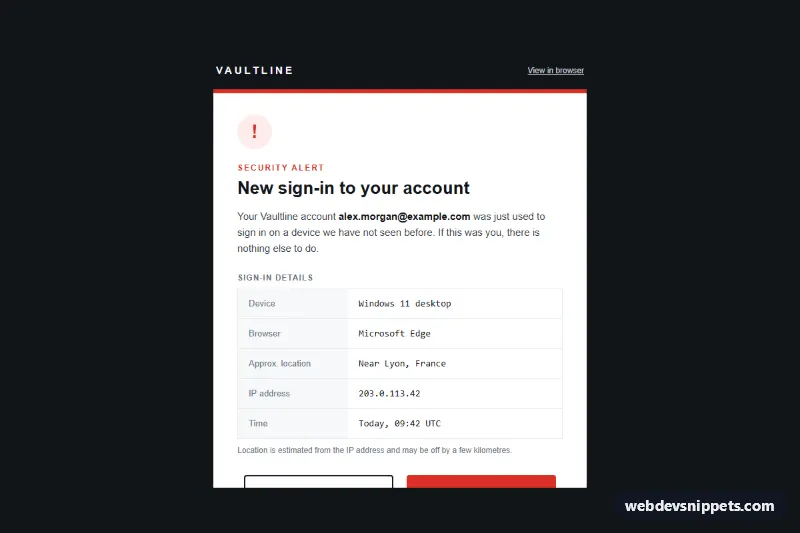
An email-safe abandoned cart reminder built with table layout and inline styles: a warm "You left something behind" headline, cart items with photos and prices, a subtotal with free delivery, an incentive note, a rounded "Complete checkout" button and three related products. It suits furniture, home goods and other higher-priced stores where shoppers often pause before buying.
How it works
The hidden .acr-preheader comes first so the inbox preview shows the offer instead of the "View in browser" link. The full-width .acr-wrapper table paints the cream background, and .acr-container holds the 600 px column; an MSO conditional comment adds a fixed-width table for Outlook on Windows.
The white card has a terracotta top border. Each cart line is a three-cell row: an .acr-thumb cell with a 116 px photo, a cell with the product name, variant and quantity, and a right-aligned price. A heavier rule separates the subtotal and the free delivery line, where the old delivery price is struck through. The incentive is a cell with a left border, and the checkout button is a padded .acr-btn cell with mso-padding-alt so Outlook keeps the clickable padding. Three .acr-perk cells list trial, warranty and financing, and the "Pairs well with your picks" band shows three .acr-rel products. Headings use Georgia, body text uses Arial.
Customization
- Replace
#b8552d(terracotta) in the inline styles to change the top border, button, incentive border and logo ampersand. - Duplicate or remove a cart row inside the items table to match the real cart; your email platform usually loops over this row.
- Edit the incentive cell text to offer a discount code or free gift instead of free delivery.
- Change the 48-hour window in the preheader and incentive to your own reminder timing.
- Drop the
.acr-perkrow if you have no trial or warranty promise to show. - Swap the
.acr-relproducts for recommendations from your store; keep.acr-rel-imgimages square. - Remove the
.acr-relrule instyle.cssto keep related products in three columns on phones.
Use cases
- Furniture stores: remind shoppers of cart items with photos and prices
- Home goods shops: a subtotal and free delivery incentive nudge buyers to finish
- Higher-priced stores: a rounded Complete checkout button leads straight back to the cart
- Ecommerce recovery flows: three related products offer alternatives if the first choice was not right
Accessibility
All layout tables use role="presentation", the email has a single h1 and an h2 for related products, and every product photo has a descriptive alt. Prices, quantities and the delivery saving are real text, so they survive image blocking. Dark brown text on white and cream meets contrast guidelines, and the link-style "review your cart" option gives a second, clearly labelled path.
Usage notes
Patterns target Outlook 2016+ on Windows, Outlook.com, Gmail web and apps, Apple Mail and iOS Mail. style.css only adds a hover state and a phone layout below 480 px (smaller thumbnails, stacked related products); paste it into a <style> block in your email head. Product photos are from Unsplash; replace them with your own product images on an https host.