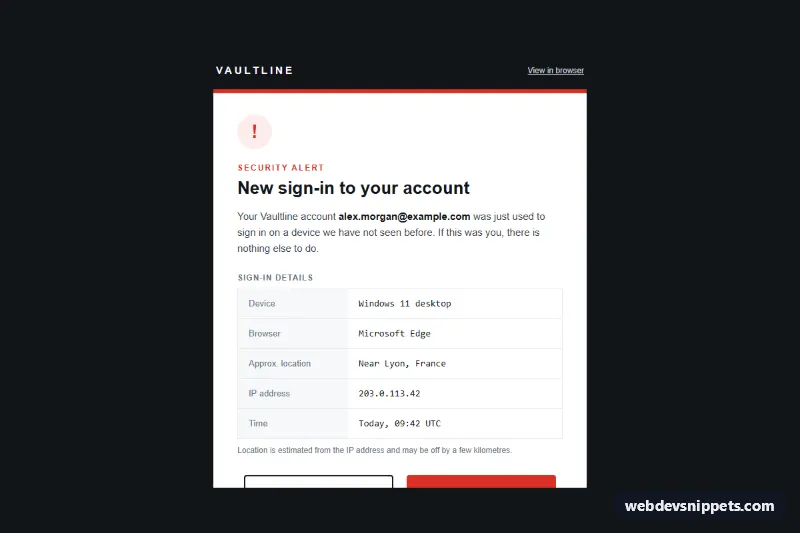
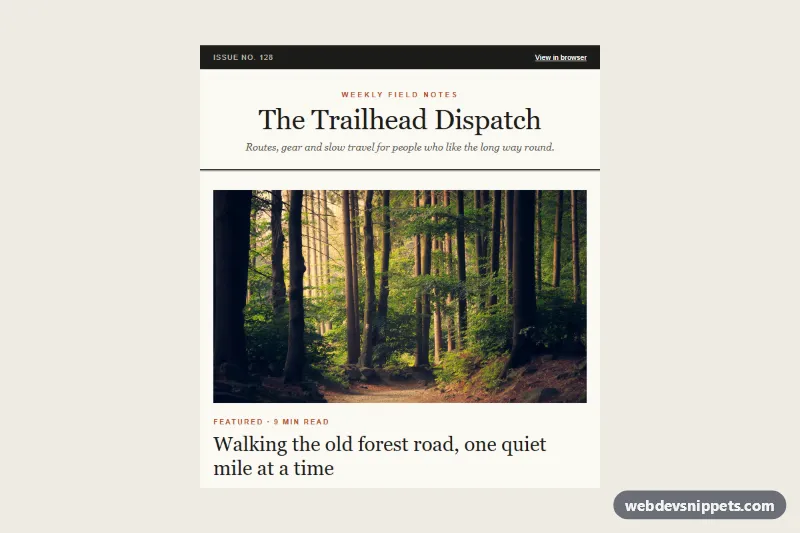
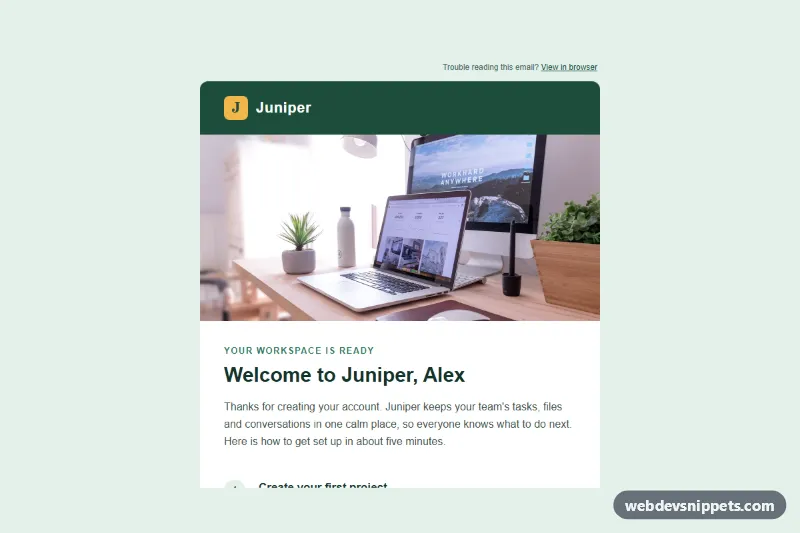
A transactional security alert email for a new sign-in, written as a real email-safe template: nested tables, inline styles, MSO conditional comments and padded-cell buttons, with no frameworks, web fonts, icon fonts or JavaScript. A white card with a red top border sits on a near-black background and lists the device, browser, approximate location, IP address and time of the sign-in, followed by two clear choices. The patterns target Outlook (Windows desktop), Gmail (web and apps) and Apple Mail.
How it works
A hidden preheader (.ssa-preheader) sets the inbox preview text. The full-width table.ssa-wrapper paints the dark background, and table.ssa-container is limited to 560px with max-width; an MSO ghost table gives Outlook the same fixed width. The brand row shows a letter-spaced wordmark and a "View in browser" link.
The card starts with a round alert badge drawn as a table cell with a pink background and a bold exclamation mark, so no image or icon font is needed. The sign-in details use a real data table, table.ssa-details, with a caption and th scope="row" headers; values are set in a monospace stack so IP addresses and times line up. "Today, 09:42 UTC" keeps the sample relative to the send.
The two buttons use the fluid hybrid technique: each sits in an inline-block div.ssa-col with a 244px max-width, so they appear side by side on desktop and stack on phones even in clients that ignore media queries, while Outlook reads them from a two-cell ghost table. Each button is a padded table cell (td.ssa-btn-ghost and td.ssa-btn-danger) wrapping a block link, which Outlook renders reliably. A yellow note explains what "Secure my account" does, and the footer carries the postal address, alert settings and an unsubscribe link.
Customization
- Replace
#d93025(alert red) in the top border, badge, label andtd.ssa-btn-dangerto match your danger color. - Change
#111418ontable.ssa-wrapperfor a lighter background; adjust the footer link color#c9d1d9so it stays readable. - Fill the rows of
table.ssa-detailsfrom your sign-in event: device, browser, geo-IP city and time. - Point the two button links at signed, single-use URLs for confirming the sign-in and starting account recovery.
.ssa-pxand.ssa-pxbinstyle.cssreduce side padding below 600px, and.ssa-collets the buttons fill the width.
Accessibility
Layout tables use role="presentation", while the details table keeps its semantics so screen readers announce each label with its value. The heading is an h1, buttons have verbs as labels, and all text meets 4.5:1 contrast. The meaning never depends on color alone: the badge, label and heading all say it is a security alert. style.css adds focus-visible outlines where supported.
Usage notes
The template uses no images, so it renders fully even with images blocked. Keep alerts like this free of marketing content; many providers require security notices to stay purely transactional.