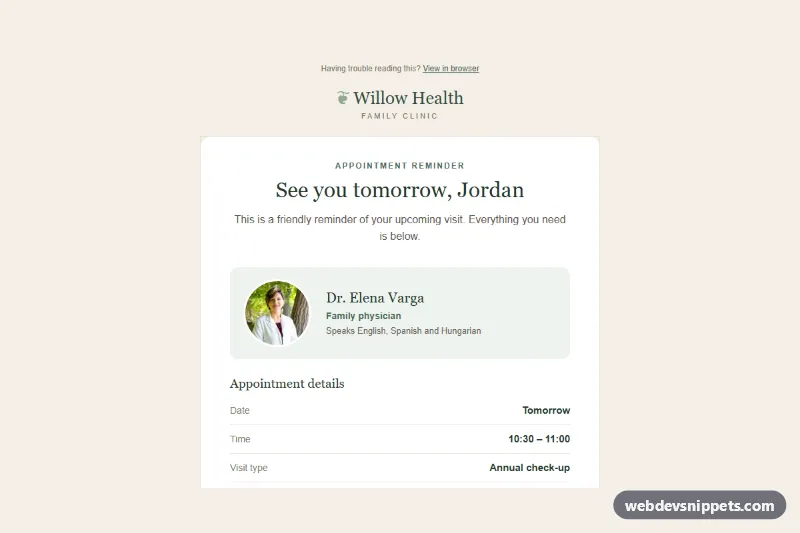
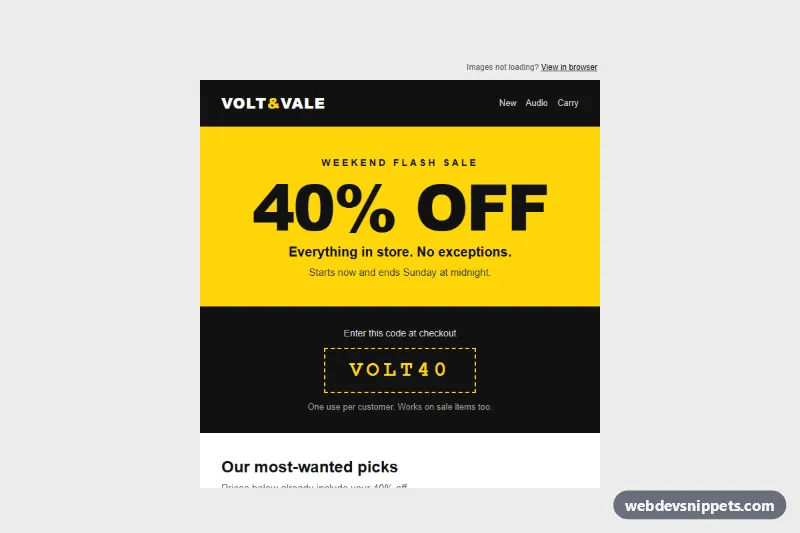
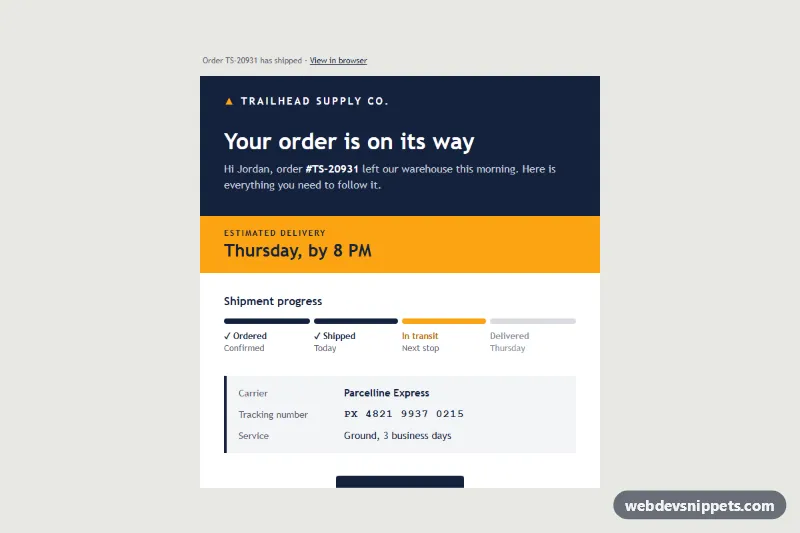
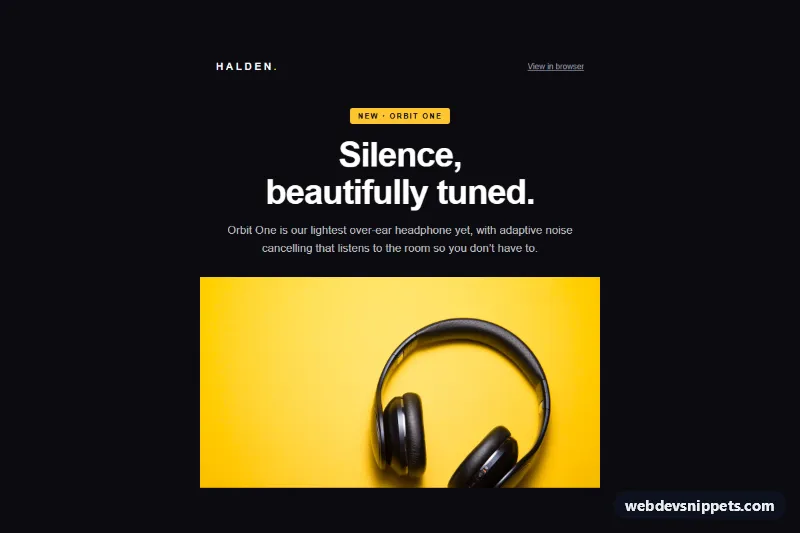
An appointment reminder email for clinics, salons, studios or any booking-based business, built as a real email-safe template: table layout, inline styles, MSO conditional comments and bulletproof buttons, with no frameworks, web fonts, icon fonts or JavaScript. The calm sage and cream design shows who the appointment is with, when and where, how to change it, and how to prepare. The patterns target Outlook (Windows desktop), Gmail (web and apps) and Apple Mail.
How it works
A hidden preheader (.apr-preheader) gives the inbox preview. The full-width table.apr-wrapper sets the cream background and table.apr-container caps the email at 600px, with an MSO ghost table providing the fixed width in Outlook. A serif "Willow Health" wordmark sits above a rounded white card.
The card opens with a centered greeting ("See you tomorrow, Jordan"), then a provider box: a 96px round portrait in td.apr-photo-cell beside the doctor's name, specialty and languages. Below it, table.apr-details is a real data table with a caption and th scope="row" labels for date, time, visit type, room and booking reference. The date reads "Tomorrow", so the sample never shows a stale calendar date; your sending system can merge in the exact day.
A dashed address box contains the clinic address, parking and transit notes and a "Get directions" link to a Google Maps search URL. The Reschedule and Cancel buttons use the fluid hybrid pattern: each lives in an inline-block div.apr-col, side by side on desktop and stacked on phones, inside a two-cell ghost table for Outlook. Each button is a padded cell (td.apr-btn, td.apr-btn-ghost) wrapping a block link. A dark green band lists four numbered preparation tips, and the footer holds the address, reminder settings and an unsubscribe link.
Customization
- Replace
#4a6b57and#2f4a3c(sage greens) and#f4efe6(cream) inindex.htmlto apply your brand palette. - Swap the portrait URL, name and specialty in the provider box; keep
width="96"andheight="96". - Change the
queryvalue of the "Get directions" link to your own address, or use an Apple Maps link. - Point the
td.apr-btnandtd.apr-btn-ghostlinks at your booking system's reschedule and cancel pages, including the booking reference. - Edit the tips in the dark band for your service, such as fasting rules or what to wear.
- In
style.css,.apr-pxand.apr-pxbtighten padding below 620px and.apr-photoshrinks the portrait to 68px.
Accessibility
Layout tables use role="presentation"; the details table keeps its semantics so each label is read with its value. The greeting is an h1 and the tips heading an h2. The portrait has descriptive alt text, width and height. Text colors meet 4.5:1 contrast, links are underlined, the phone number is a tel: link, and style.css adds focus-visible outlines where supported.
Usage notes
The portrait comes from Unsplash; replace it with your own provider photo hosted on your server. Send the reminder 24 to 48 hours ahead and keep the cancellation policy line in sync with your terms.