Skip to content

Promotional Sale Email with Discount Code

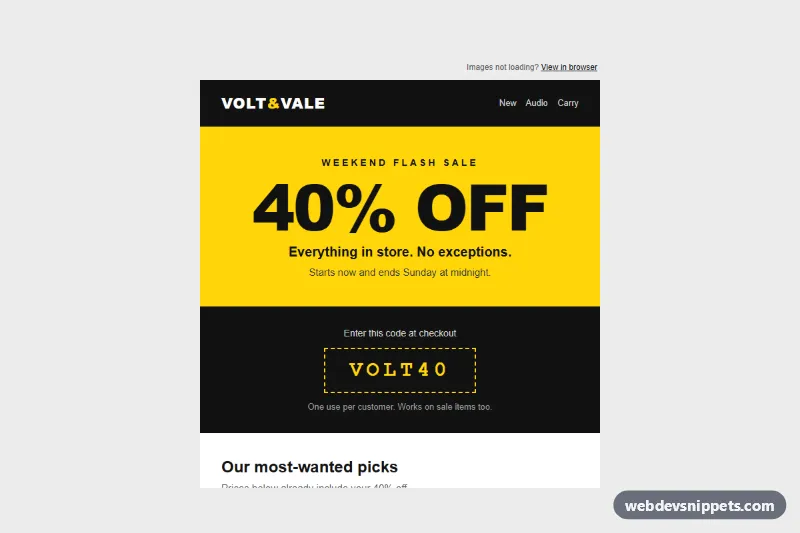
Email-safe sale template with a big 40% off banner, dashed discount code box, four-product price grid, bulletproof shop button and terms line.

Also known as: sale email, promotional email, flash sale email

Promotional Sale Email with Discount Code live demo

Open in new tab

Pure CSS code (HTML, CSS)

An email-safe promotional sale template in pure HTML with inline styles: a giant yellow "40% OFF" banner, a dashed discount code box, a four-product grid with old and new prices, a bulletproof "Shop the sale" button and a terms line. Use it for flash sales, weekend promotions or seasonal discount campaigns.

How it works

The markup starts with the hidden .pse-preheader text that inbox lists show as the preview line, followed by the full-width .pse-wrapper table that paints the grey background. Inside it, .pse-container is limited to 600 px with max-width, and an MSO conditional comment wraps it in a fixed 600 px table for Outlook on Windows, which ignores max-width.

Every section is a table row of role="presentation" tables with all colors, fonts and spacing as inline style attributes, so Gmail keeps the design even when it strips embedded styles. The banner uses 'Arial Black' with an Arial fallback, the code box is a single cell with a 2px dashed border, and the product grid is two rows of two .pse-col cells, each with an image that has width, height, alt and display:block. The button is a VML v:roundrect for Outlook and a padded link inside .pse-btn for every other client.

style.css is optional: it adds a hover color on .pse-btn and a phone layout below 480 px.

Customization

  • Change #ffd60a (yellow) and #111111 (black) in the inline styles to recolor the banner, code box, logo bar and button; replace them in the VML fillcolor too.
  • Edit the text of .pse-hero and the VOLT40 code in .pse-code to run a different offer; also update the preheader and the terms line.
  • Swap the four product images, names and prices inside the .pse-col cells; keep images square at 258 x 258 so the rows stay even.
  • Reduce .pse-hero in the @media block of style.css if your headline is longer than "40% OFF".
  • Remove the .pse-col rule from style.css to keep the grid two columns wide on phones instead of stacking it.
  • Replace the logo text "VOLT&VALE" with an <img> logo (absolute URL, width, height, alt).

Use cases

  • Flash sales: a giant 40% OFF banner and dashed code box announce a short offer
  • Weekend promotions: a four-product grid shows old and new prices
  • Seasonal campaigns: a bulletproof Shop the sale button drives clicks to the store
  • Online retailers: a terms line keeps the discount conditions clear at the bottom

Accessibility

Layout tables carry role="presentation" so screen readers skip table semantics, and the content keeps a real h1 and h2. Every product image has a descriptive alt, so the email still makes sense with images blocked. Text colors meet WCAG contrast on their backgrounds (black on yellow, yellow on black, dark grey on white), prices are written as text, and the struck-through original price is followed by the sale price so it reads in order.

Usage notes

The patterns target Outlook 2016+ on Windows (MSO conditionals and VML), Outlook.com, Gmail web and apps, Apple Mail and iOS Mail. Wrap index.html in your own <!doctype html> document with <meta charset> and a viewport tag before sending, and inline style.css into a <style> block in the head. The product photos come from Unsplash; replace them with your own hosted images.
Promotional Sale Email with Discount Code at a glance

Framework
Pure CSS
Code
HTML, CSS
JavaScript
Not needed, CSS only
Dependencies
None
Layout
Responsive, works on mobile
Category
Email Templates
License
Free for personal and commercial use

Questions about this template

Can I use the Promotional Sale Email with Discount Code code for free?

Yes. You can copy or download the code and use it in personal and commercial projects, including client work. No sign-up is needed. Reselling it as part of a component library or template collection is not allowed; see the license.

How do I add it to my website?

There is nothing to install. Paste the HTML where the component should appear and add the CSS to your stylesheet. Download HTML gives you a complete page with everything already linked.

Does it need jQuery or a JavaScript framework?

No. It is built with HTML and CSS only, so there is no JavaScript to load.

Does it work on mobile?

Yes. The layout adapts to small screens. Use the Mobile and Tablet buttons above the live demo to check it at phone and tablet width.

Requirements

No dependencies. Pure HTML, CSS and JavaScript.

Promotional Sale Email with Discount Code – Pure CSS email templates component screenshot
Promotional Sale Email with Discount Code · Pure CSS Email Templates

More Email Templates

Email Verification Email – Pure CSS email templates preview

Email Verification Email

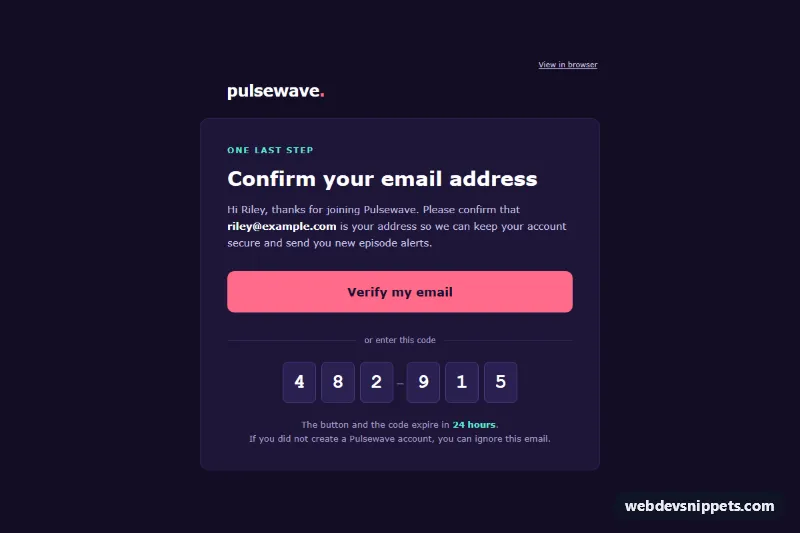
Dark, email-safe confirm-your-email template with a big bulletproof verify button, a six-digit one-time code, expiry note and footer.

Feedback Survey Request Email – Pure CSS email templates preview

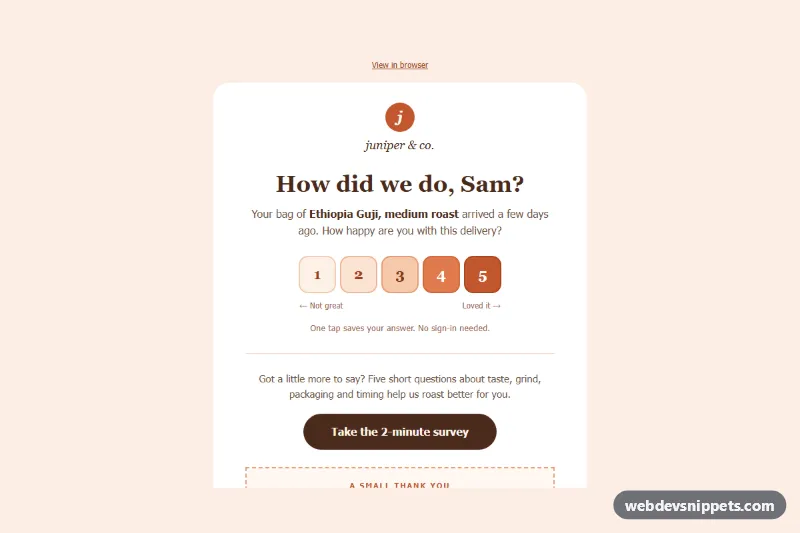
Feedback Survey Request Email

Email-safe feedback request with a one-tap 1 to 5 rating row of links, an open survey button, a thank-you discount note and a compliant footer.

Re-engagement We Miss You Email – Pure CSS email templates preview

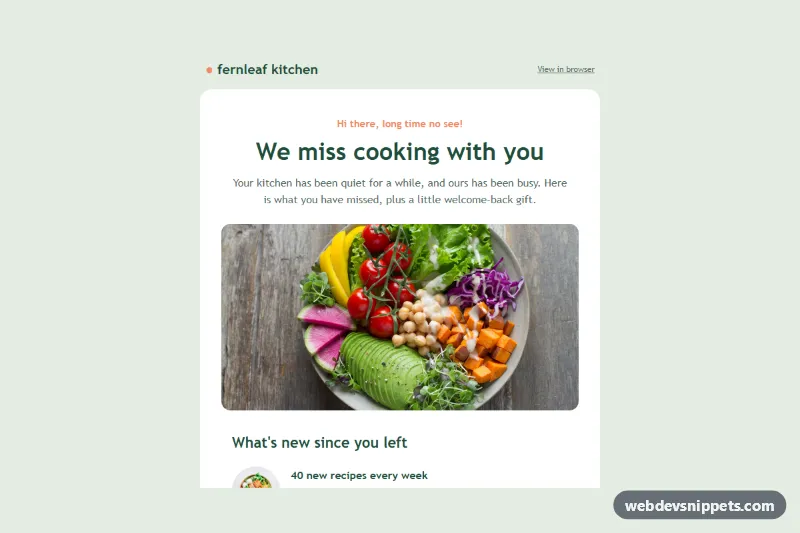
Re-engagement We Miss You Email

Email-safe win-back template with a friendly headline, what's new list with thumbnails, comeback offer card, return button and one-click unsubscribe.

Order Confirmation Email – Pure CSS email templates preview

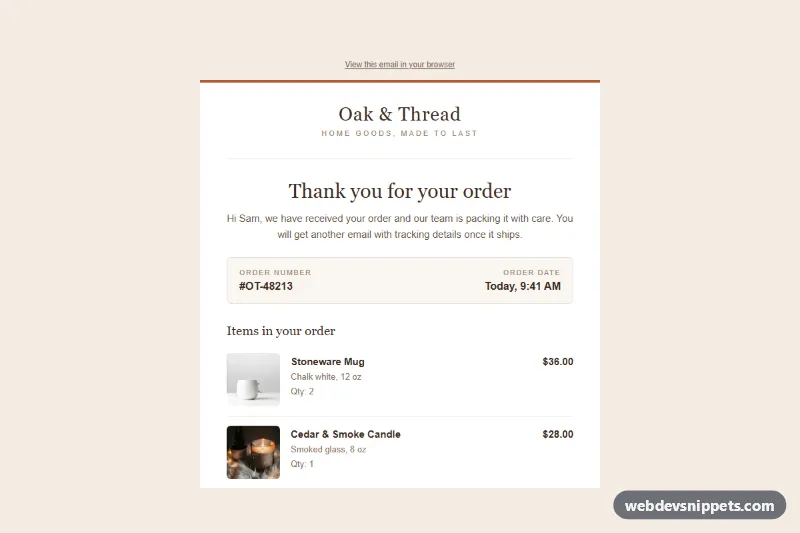
Order Confirmation Email

Email-safe order confirmation template with order number, product rows with photos, totals table, shipping and billing addresses and a track order button.

New Sign-In Security Alert Email – Pure CSS email templates preview

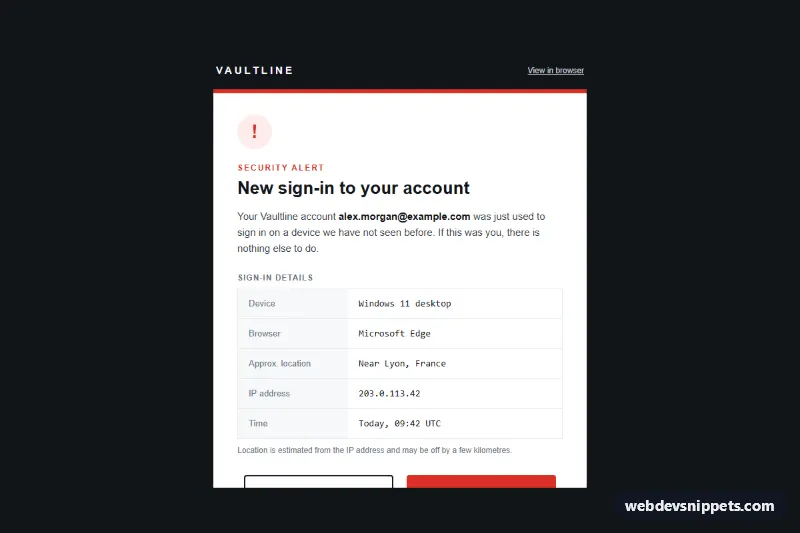
New Sign-In Security Alert Email

Email-safe security alert template for a new sign-in: device, browser, location, IP and time rows plus "This was me" and "Secure my account" buttons.

Webinar Registration Confirmation Email – Pure CSS email templates preview

Webinar Registration Confirmation Email

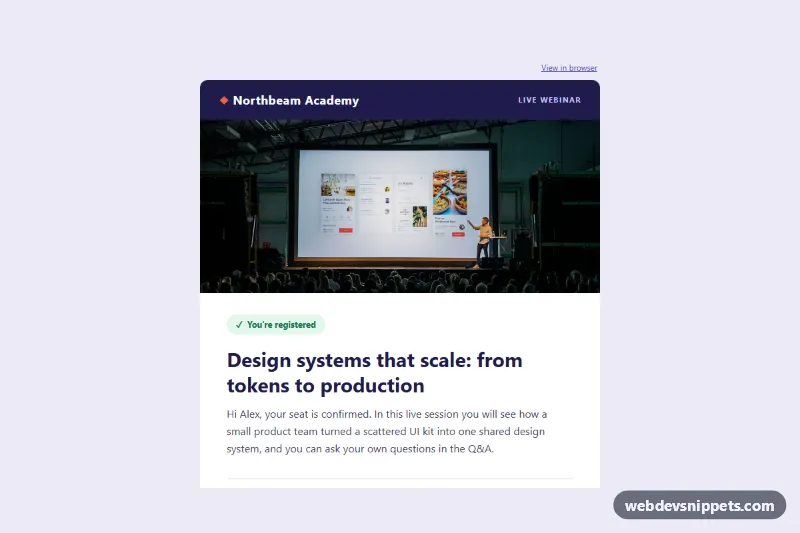
Email-safe webinar confirmation template with a hero photo, speaker card, time zone note, bulletproof join button, add-to-calendar links and a prep checklist.