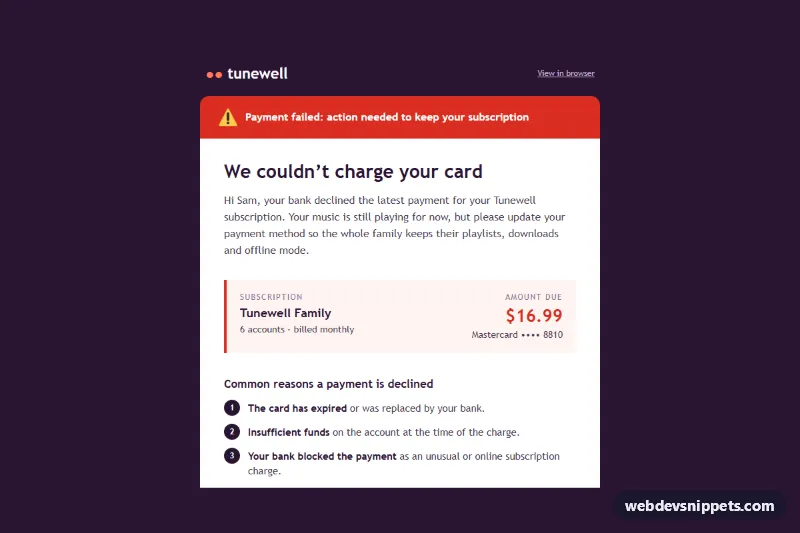
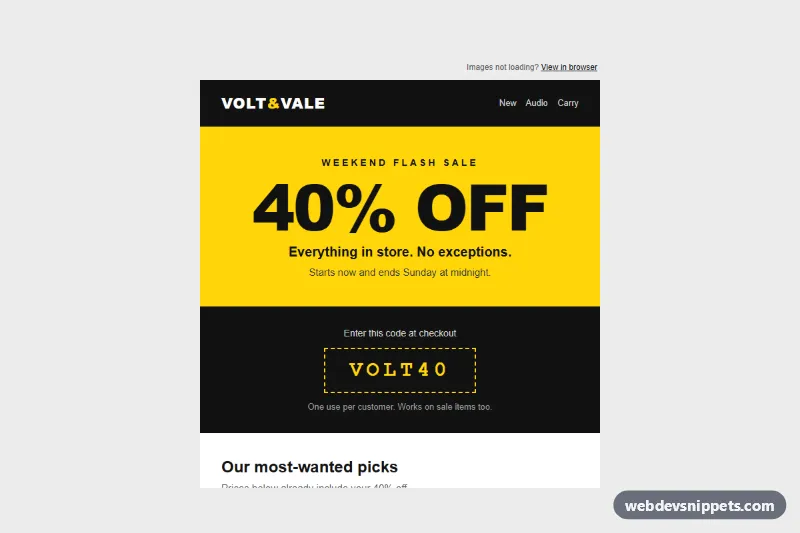
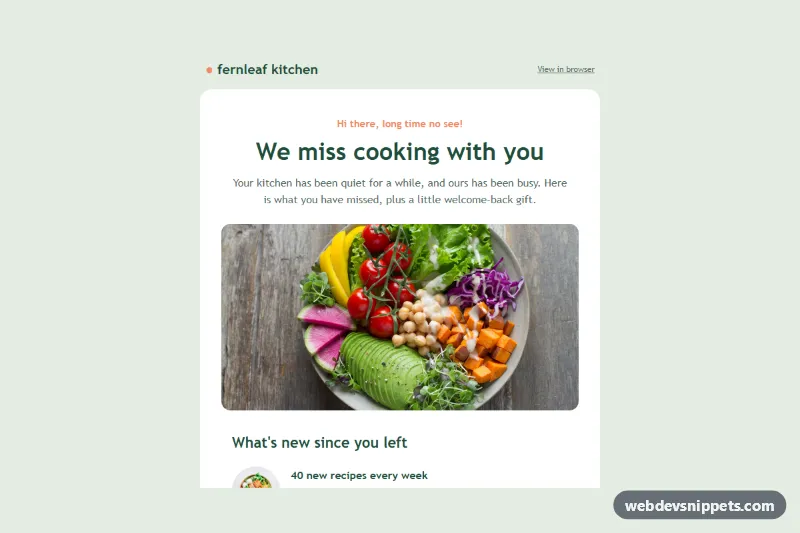
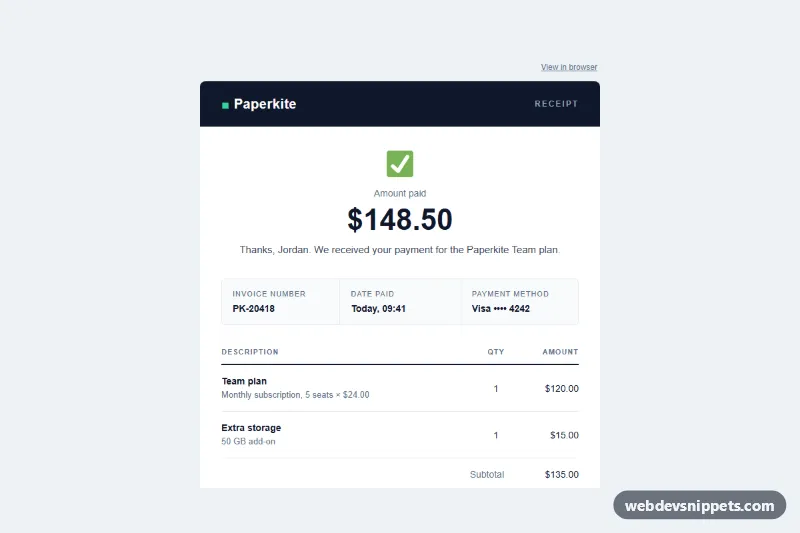
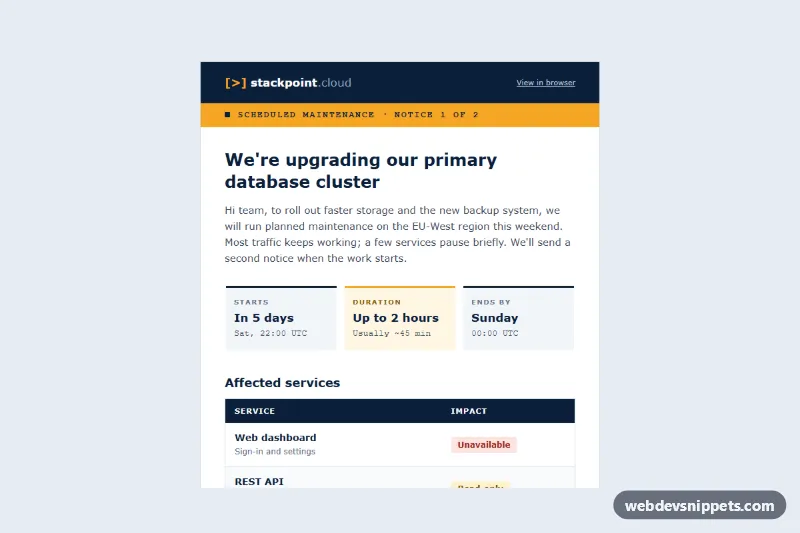
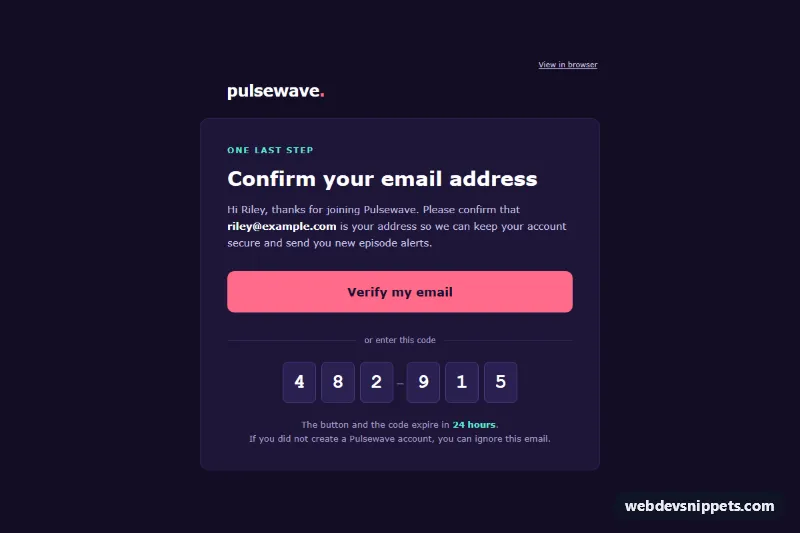
An email-safe "payment failed" template for subscription services, built with nested tables and inline styles. A red alert banner, a summary of the affected subscription and amount, common decline reasons, a bulletproof "Update payment method" button and a retry note with relative wording ("in 3 days") help customers fix a declined card quickly. The patterns target Outlook (Windows desktop), Gmail and Apple Mail.
How it works
A hidden preheader (.pf-preheader) sets the inbox preview text. The full-width .pf-wrap table paints the deep plum background, and the centered .pf-container table is limited to 600 px with max-width; MSO conditional comments add a fixed 600 px table for Outlook. The brand row and "View in browser" link sit above the white card.
The card starts with the .pf-banner row: a warning icon image and a bold message on red. The .pf-title heading and a short explanation follow. The subscription summary is a two-cell table (.pf-cell) with a red left border: plan name on the left, amount due and card on the right. Three decline reasons use numbered circles made from small table cells with border-radius, so no images or icon fonts are needed. The button is a padded table cell (.pf-btn-cell) holding the .pf-btn link; mso-padding-alt gives Outlook the same padding. A tinted box explains the automatic retry, then a support row and the footer with address, manage account and unsubscribe links.
Customization
- Change
#d92d20in.pf-banner, the summary border and the amount to adjust the alert color;#ff7a59on.pf-btn-cellis the button color. - Update the retry wording ("in 3 days", "a week from now") to match your dunning schedule; keep it relative so the template never shows a stale date.
- Replace the three reason rows with the decline codes your payment provider returns.
- Point the
.pf-btnhrefto your hosted billing portal or update-card page. - Below 480 px the
.pf-cellcells stack and.pf-btnbecomes full width viastyle.css; remove those rules to keep the desktop layout. - Swap the brand row text, the background color of
.pf-wrapand the footer address for your own company details.
Accessibility
Layout tables use role="presentation". The banner icon has alt="Warning" and the message is real text, so the alert is understood without images. Headings (h1, h2) give a clear outline, text on the coral button and the red banner meets WCAG AA contrast, and links are underlined.
Usage notes
index.html is body content only: wrap it in a complete HTML document and paste style.css into a <style> block in the <head>. Those rules are progressive extras (body reset, hover, mobile stacking). The warning icon is a Twemoji PNG from jsDelivr (CC-BY 4.0); host your own copy for production. Send this as a transactional message, and test in Outlook and Gmail before going live.