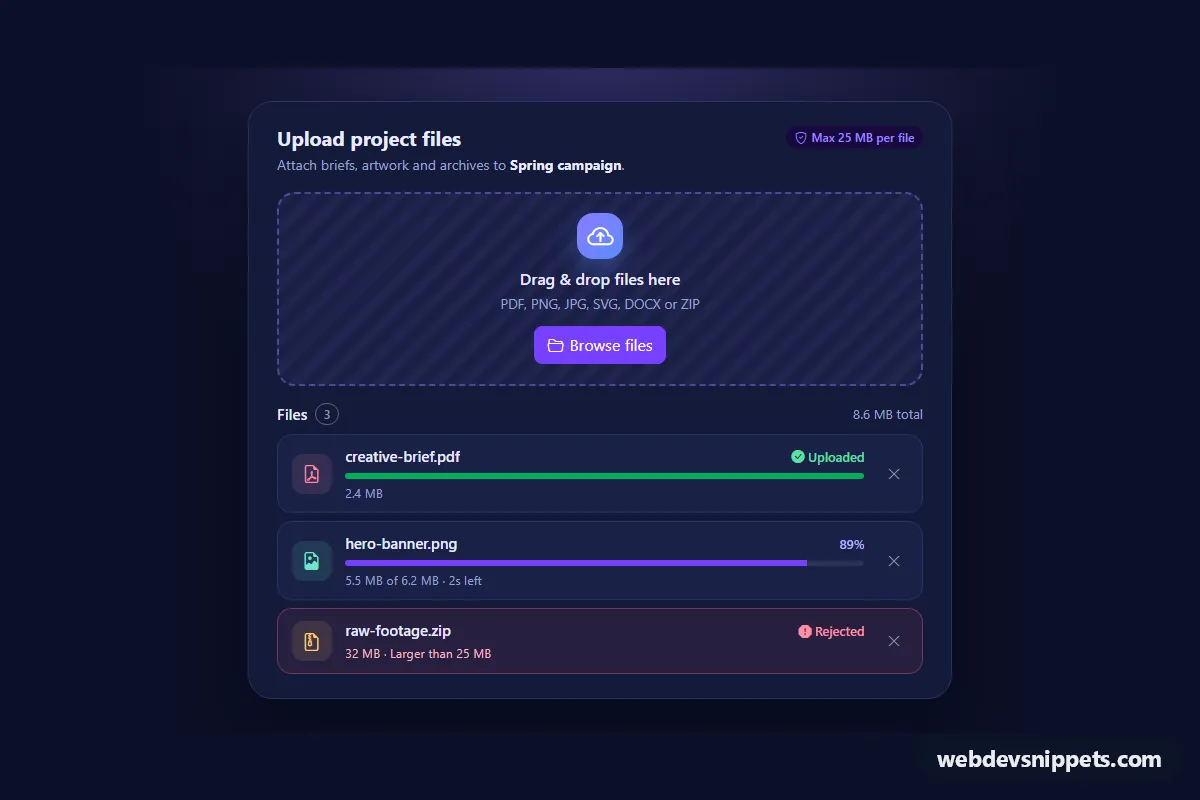
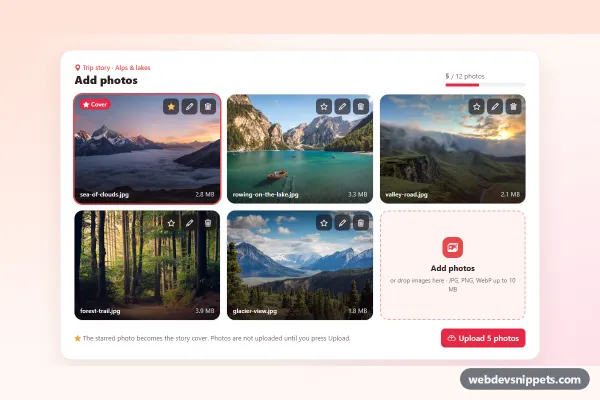
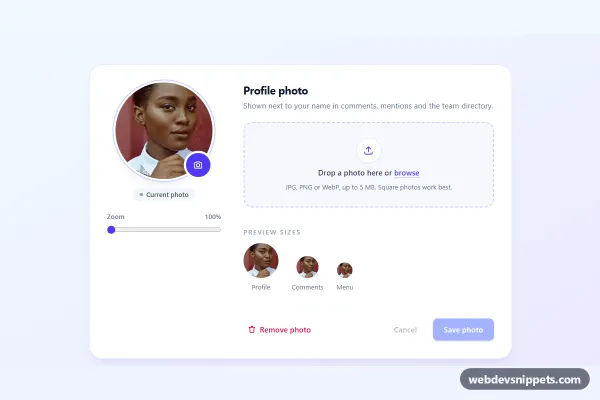
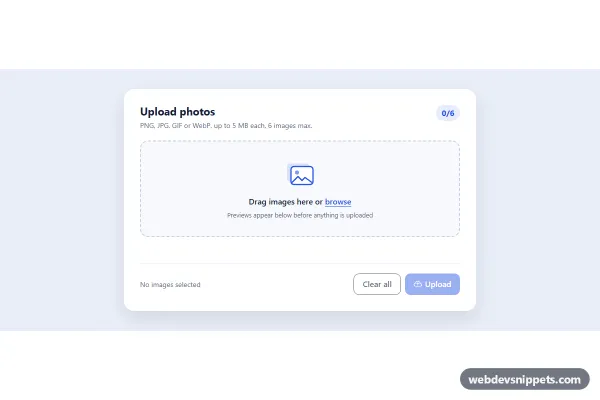
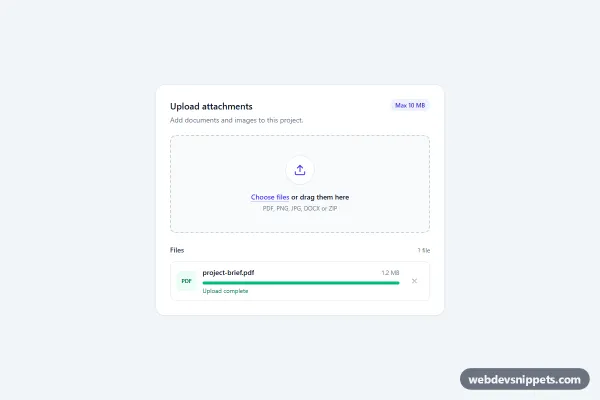
A dark drag and drop file uploader built with Bootstrap 6. Files dropped on the dashed zone, or picked with "Browse files", appear in a list with a type icon, their size, a progress bar with the time left, and a remove button. Files that are too large or of the wrong type are rejected with a clear reason. Use it for project briefs, support attachments, CMS media or any form that accepts several files.
How it works
The root .dfu-root contains a .dfu-card with the drop zone .dfu-zone, the list .dfu-list and a <template class="dfu-row-template"> that every row is cloned from. The real input.dfu-input (with multiple and an accept list) sits inside the label.dfu-browse button. It is visually hidden but still focusable, so keyboard users tab to "Browse files" and press Enter or Space.
The zone listens to dragenter, dragover, dragleave and drop. A small depth counter keeps the .dfu-zone--over highlight steady while the pointer crosses child elements, and preventDefault() stops the browser from opening the dropped file. Clicking anywhere on the zone also opens the file dialog.
addFile() reads the extension and picks a Bootstrap Icon and color from the ICONS map. It checks the type against the input's accept list and the size against data-dfu-max-mb. Accepted files get a Bootstrap 6 .progress bar. startUpload() simulates the transfer at data-dfu-speed KB per second, updating the percentage, the transferred size and the seconds left. A finished bar switches from theme-accent to theme-success. Rejected rows get .dfu-row--error and the reason. removeEntry() stops the timer, removes the row, updates the count and total, and moves focus to the next remove button. The first rows come from SAMPLE_FILES, so the demo never starts empty.
Customization
data-dfu-max-mbon.dfu-card: the per-file size limit (25 MB by default). Update the badge text to match.accepton.dfu-input: the allowed extensions. Validation reads this list, so there is one place to change.ICONSinscript.js: map more extensions to Bootstrap Icons and tone classes such as.dfu-type--pdf.- Delete the
SAMPLE_FILESarray (and itsforEachcall) in production. - Replace the timer in
startUpload()with anXMLHttpRequestand itsupload.onprogressevent, callingsetProgress(entry, percent). --dfu-accent,--dfu-cardand--dfu-rowon.dfu-root: change the violet accent and the dark surfaces.- Remove
multiplefrom the input to accept a single file.
Use cases
- Document portals: users drop files into a zone and see each one listed with an icon and size
- Application and support forms: type and size validation rejects files that are not allowed
- Cloud storage and CMS tools: progress bars show the state of every upload
- Dashboards: remove buttons let users drop a file before sending
Accessibility
The file input stays in the tab order, and its label shows a focus outline through :focus-within. Each progress bar has role="progressbar", aria-valuenow and a label with the file name. Each remove button's aria-label names its file. A visually hidden aria-live="polite" region announces added, uploaded, rejected and removed files. The zone's scale effect is turned off under prefers-reduced-motion.
Bootstrap 6 notes
Buttons use btn-solid theme-accent and btn-text theme-secondary btn-icon instead of btn-primary and btn-link. Progress bars are colored with theme-* classes, and badges use badge-subtle / badge-outline with a theme. Built on Bootstrap 6.0.0-alpha.1, so class names can still change. Icons come from Bootstrap Icons.