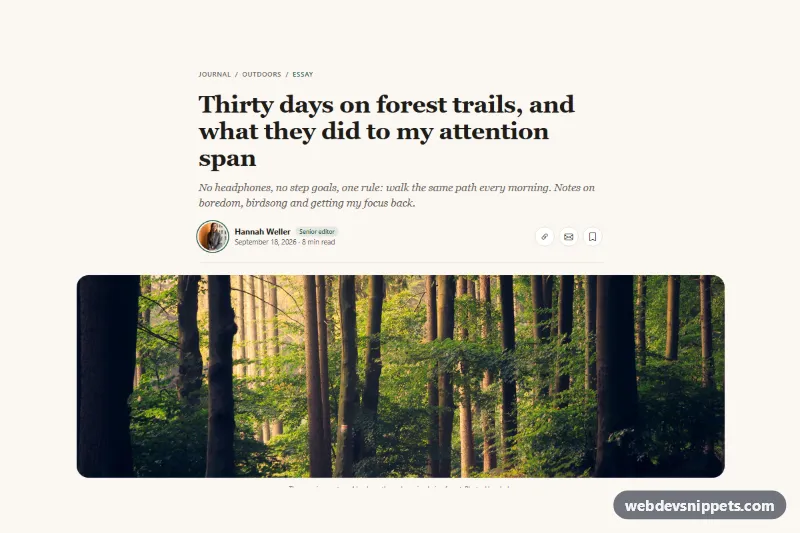
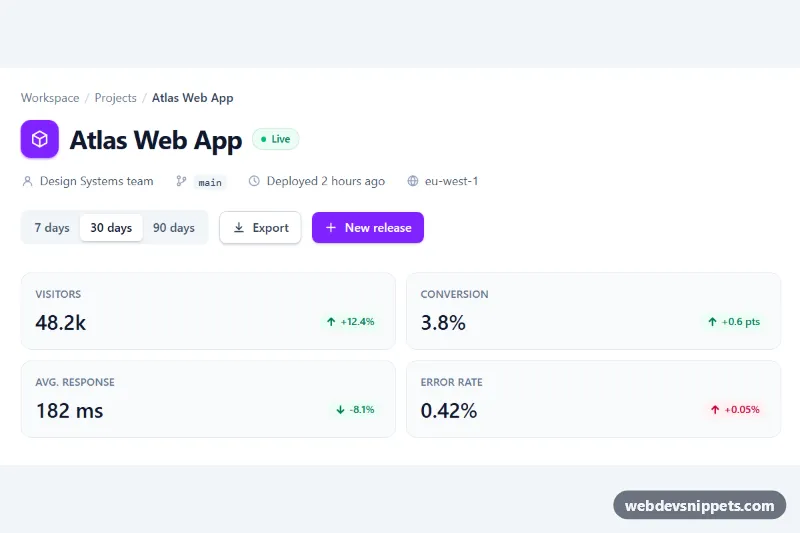
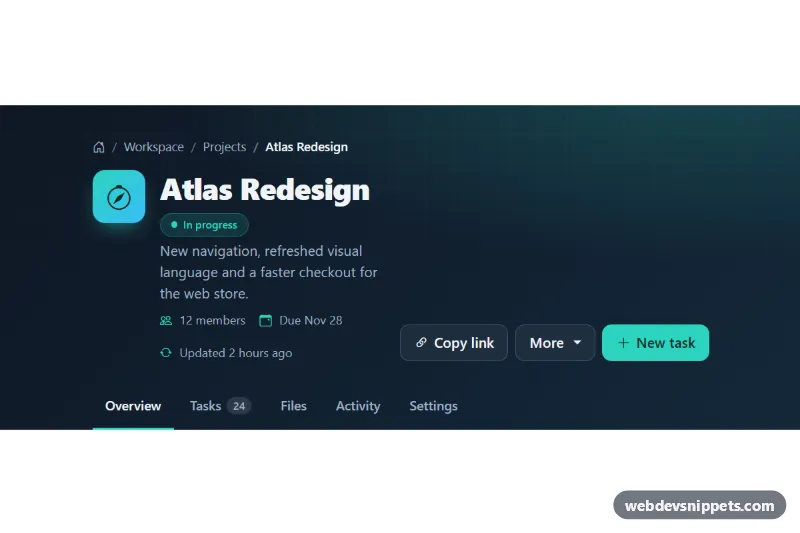
An editorial Bootstrap 5 article header with breadcrumb, a large serif headline, an italic standfirst, an author row with photo, date and reading time, share and save buttons, and a wide cover photo with a caption. Use it at the top of blog posts, magazine stories, case studies and long-form guides.
How it works
The root is header.bh-header on a warm paper background. The text sits in .bh-narrow, a container limited to 52rem for a comfortable line length, while the cover photo uses the wider .bh-wide container so it breaks out of the text column. The Bootstrap breadcrumb is restyled by .bh-crumbs, the headline is h1.bh-title with a fluid clamp() font size and the subtitle is .bh-dek.
The .bh-byline row is a flex container that wraps on small screens. On the left are the round .bh-avatar with a double ring, the author link, the .bh-role pill and .bh-meta with a time element and the reading time. On the right are three round .bh-action controls: copy link, share by email and save. The figure.bh-cover image is cropped with object-fit: cover to 16:9 on phones and a wider ratio from 992px.
The script runs on DOMContentLoaded for every .bh-header. The .bh-copy button tries navigator.clipboard.writeText() with the page address; if the clipboard is blocked, it shows the address instead. The .bh-save button toggles aria-pressed and the bookmark icon. Both report their result in .bh-status, which clears itself after four seconds and is hidden while empty.
The photos come from Unsplash; replace them with your author photo and cover image.
Customization
--bh-accentin.bh-header: recolors the avatar ring, role pill, active breadcrumb, saved button and focus outlines.--bh-paper,--bh-inkand--bh-mutedin.bh-header: change the background and text colors.--bh-cover-ratioand--bh-cover-ratio-lgin.bh-header: set the cover crop on phones and desktops, e.g.21 / 9.max-width: 52remin.bh-narrow: widen or narrow the text column.- Replace
container-xlwithcontainer-fluid px-0on.bh-widefor an edge-to-edge cover. - The messages in the
say()calls inscript.js: change the wording or connect.bh-saveto your reading list API.
Accessibility
The header is labelled by #bh-title, the breadcrumb is a labelled nav with aria-current="page", and the date uses a machine-readable datetime. Icon-only controls have an aria-label, the save button exposes its state with aria-pressed, and .bh-status is a role="status" live region. Images have descriptive alt text, and transitions stop under prefers-reduced-motion: reduce.
Usage notes
Requires Bootstrap 5 and Bootstrap Icons. The clipboard API only works on HTTPS pages.