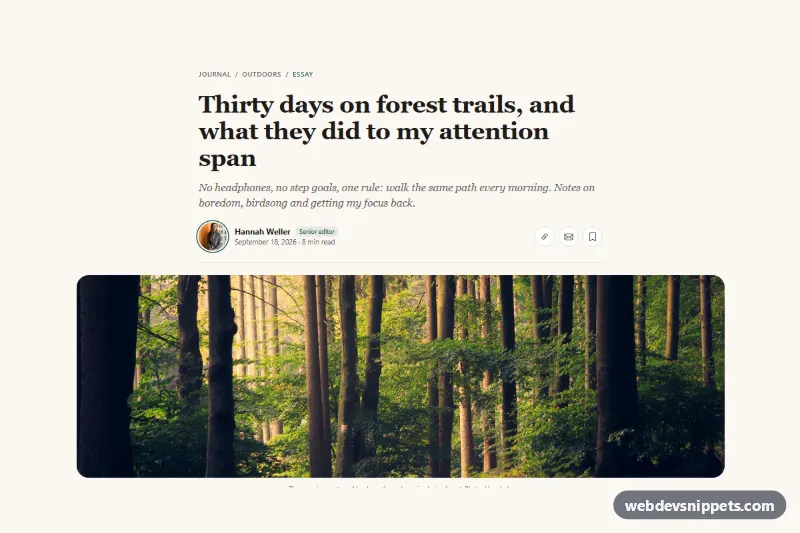
Blog Post Header with Author and Cover Photo
Bootstrap 5 article header with breadcrumb, serif headline, standfirst, author photo, date, reading time, share and save buttons and a wide cover photo.
Page headers and title banners.
3 component(s)
Bootstrap 5 article header with breadcrumb, serif headline, standfirst, author photo, date, reading time, share and save buttons and a wide cover photo.
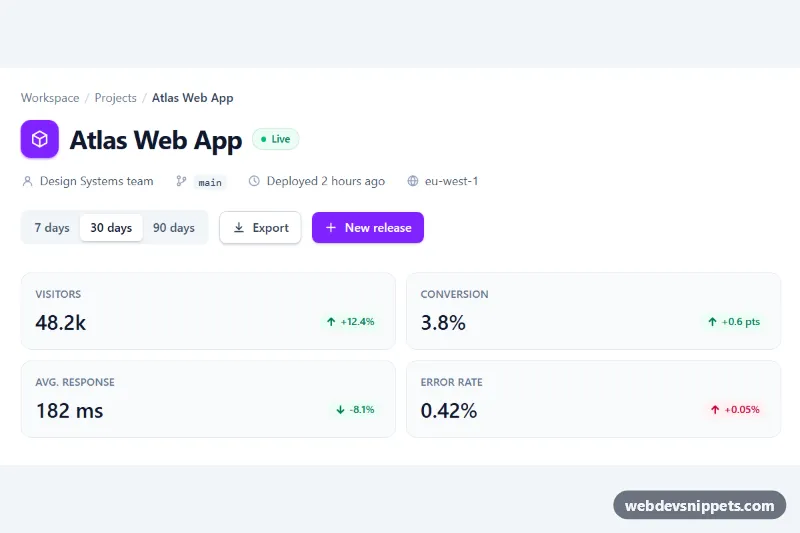
Tailwind CSS dashboard page header with breadcrumb, project meta info, action buttons and stat chips that update with a date range switch.
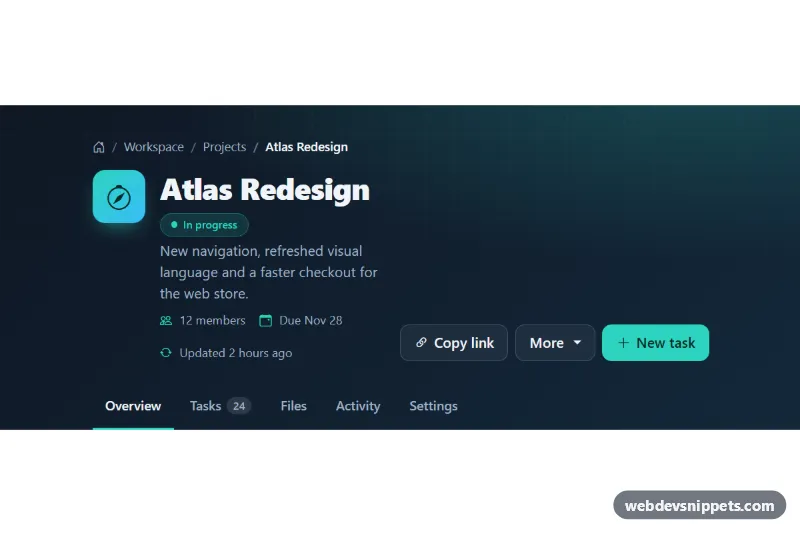
Dark Bootstrap 5 page header with breadcrumb, title and status badge, copy-link and dropdown actions, and section tabs.
A page header is the title area at the top of an inner page, below the navigation. Unlike a hero section on a homepage, it is usually more compact: a page title, an optional short description, breadcrumbs, and sometimes a background image, actions or metadata such as an article date. Page headers are used on blog posts, service pages, documentation pages, category pages and admin screens to tell users where they are.
Use one on every inner page that needs a clear title. Keep it short so the actual content appears quickly, particularly on mobile devices where vertical space is limited.
<h1>, and the page header is the natural place for it.<nav aria-label="Breadcrumb"> and mark the current page with aria-current="page".clamp(), so long titles wrap gracefully.The header examples are available in Bootstrap 6, Bootstrap 5, Tailwind CSS and pure CSS. Bootstrap versions use the container, typography and breadcrumb components, with Bootstrap 6 versions using theme-* colour roles for backgrounds and text. Tailwind CSS versions are made with utilities, and pure CSS versions rely on semantic markup and custom properties. Pick your framework with the filter, view each title banner in the live preview, then copy the code from the tabs or download it. Replace the title, description and breadcrumbs for each page of your site.