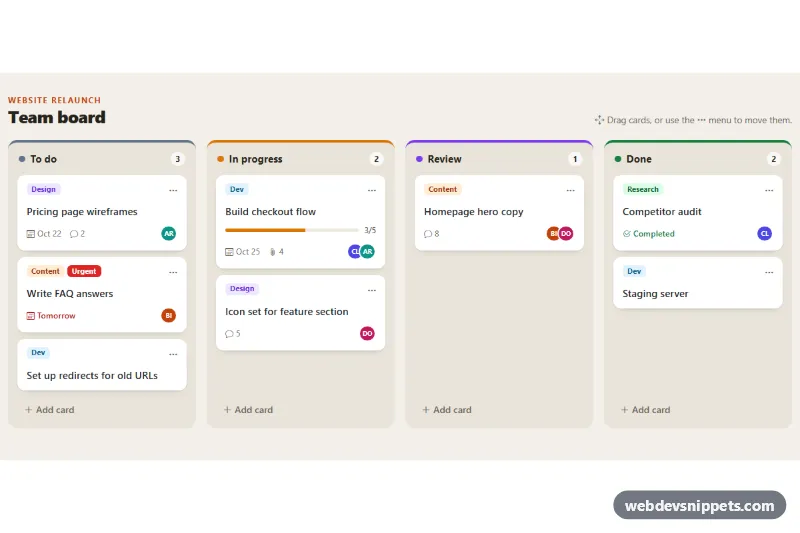
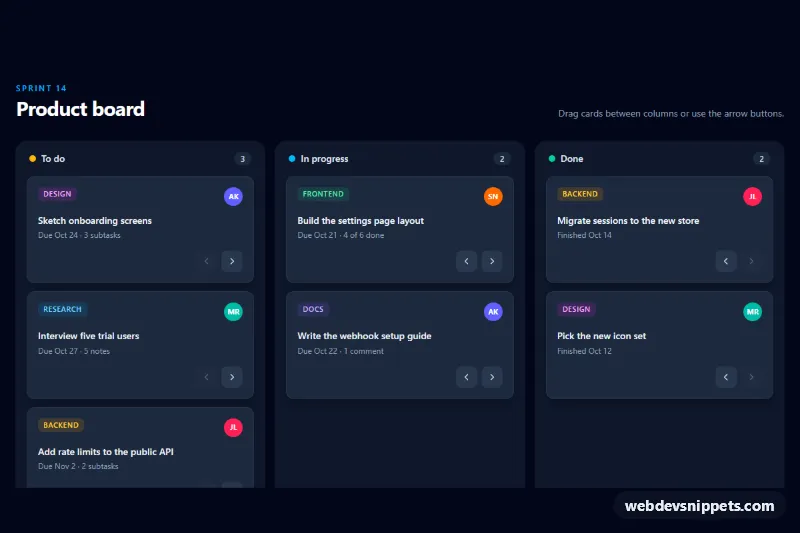
A Bootstrap 5 kanban board with To do, In progress, Review and Done columns, built from regular Bootstrap cards with colored labels, due dates, comment counts, a checklist progress bar and assignee initials. Cards can be dragged between columns or moved with a dropdown menu, and every column has its own Add card form.
How it works
The root section.kb-board contains .kb-columns, a horizontally scrolling flex row with scroll snapping and a four-column grid from 1200px. Each section.kb-column has a data-kb-column name, a modifier such as .kb-column--doing that sets --kb-col-color for its top bar and dot, a .kb-count badge, a ul.kb-list and a .kb-add button. Every task is a draggable li.kb-item holding an article.card.kb-card with .kb-label badges, a .kb-menu-btn dropdown toggle, the .kb-card__title and an optional .kb-card__meta row.
The script initialises every .kb-board on DOMContentLoaded and works through delegated listeners. On show.bs.dropdown it fills the card's .kb-menu with "Move to" items for every other column plus a Delete action. Clicking .kb-add inserts a small form with a title textarea and a label select built from the LABELS array; submitting it appends a new card, while Cancel or Escape closes it. For drag and drop, dragover finds the card under the pointer and inserts the dragged item before it, the target list gets an is-over outline, and drop updates the counts. updateCounts() keeps every badge in sync, and each time[data-kb-due] gets a real date.
Customization
--kb-todo,--kb-doing,--kb-reviewand--kb-donein.kb-board: change the color of each column's top bar and dot.--kb-accentin.kb-board: sets the eyebrow text, focus outlines and the Add card button in the form.--kb-column-widthin.kb-board: controls column width while the board scrolls horizontally below 1200px.LABELSat the top ofscript.js: the label options in the add form; add a matching.kb-label--yournamecolor rule instyle.css..kb-avatar--1to.kb-avatar--4instyle.css: background colors of the assignee initials.- Add another
section.kb-columnwith a uniquedata-kb-columnvalue to create a fifth column; the move menu picks it up automatically. data-kb-dueon a card'stimeelement: due date as a day offset from today.- The
submitanddrophandlers inscript.js: callfetch()there to save new cards and positions on your server.
Accessibility
Each column is a section labelled by its heading, and counts include a visually hidden "cards" suffix. Because dragging is mouse-only, every card has a menu button with an aria-label such as "Actions for Build checkout flow"; the Bootstrap dropdown supports arrow keys, and focus returns to the card's button after a move. The add form has hidden labels, flags an empty title with is-invalid and returns focus to the Add card button when closed. A .kb-status live region announces moves, new cards and deletions. Hover lifts and the new-card animation are disabled under prefers-reduced-motion.
Usage notes
Requires Bootstrap 5 with its JavaScript bundle and Bootstrap Icons. Several boards can share one page; all queries stay inside each .kb-board.