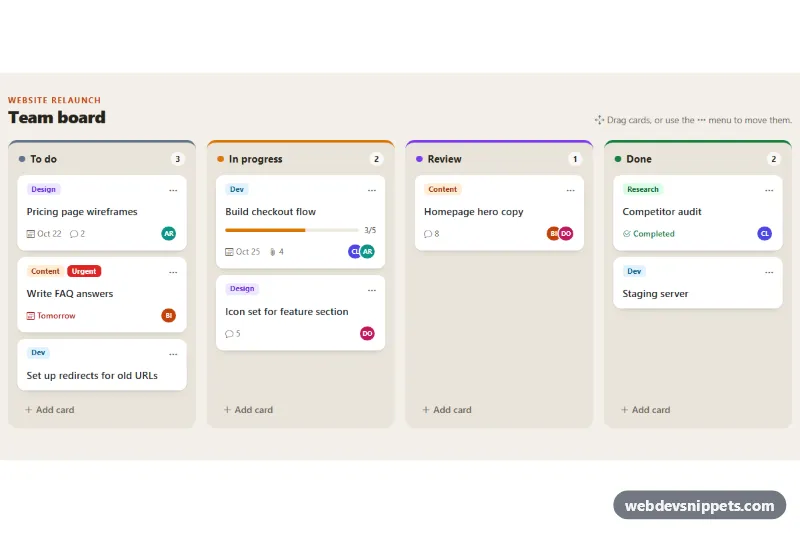
Kanban Board with Bootstrap Cards
Bootstrap 5 kanban board with four columns, labelled task cards, drag and drop, a keyboard-friendly move menu, live counts and inline add-card forms.
Column-based task boards.
2 component(s)
Bootstrap 5 kanban board with four columns, labelled task cards, drag and drop, a keyboard-friendly move menu, live counts and inline add-card forms.
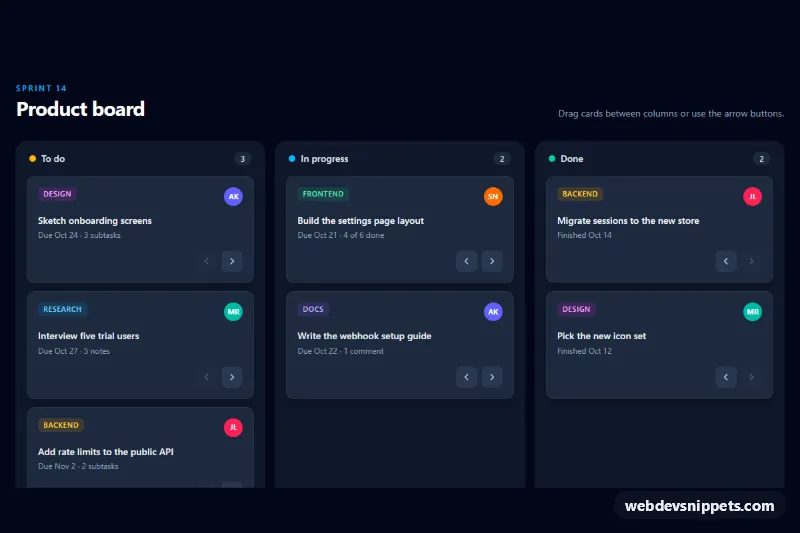
Dark Tailwind CSS kanban board with three task columns, native drag and drop, keyboard move buttons, live counters and screen reader announcements.
A kanban board organises tasks into columns that represent stages of work, such as To do, In progress, Review and Done. Each task is a card that moves from column to column as work progresses. Kanban boards are the core view of project management tools, support desks, recruitment pipelines and sales CRMs, and they are a popular layout for admin dashboards.
The kanban board examples here range from static column layouts to boards with drag and drop written in small vanilla JavaScript. Bootstrap 6 versions use theme-* colour roles for labels and column accents, with scripts as ES modules. Bootstrap 5 versions build columns from cards and flex utilities, Tailwind CSS versions use flex, gap and overflow utilities, and pure CSS versions show how far you can get with CSS grid. Preview each board live, check the code tabs, and copy or download the snippet to connect it to your own task data.