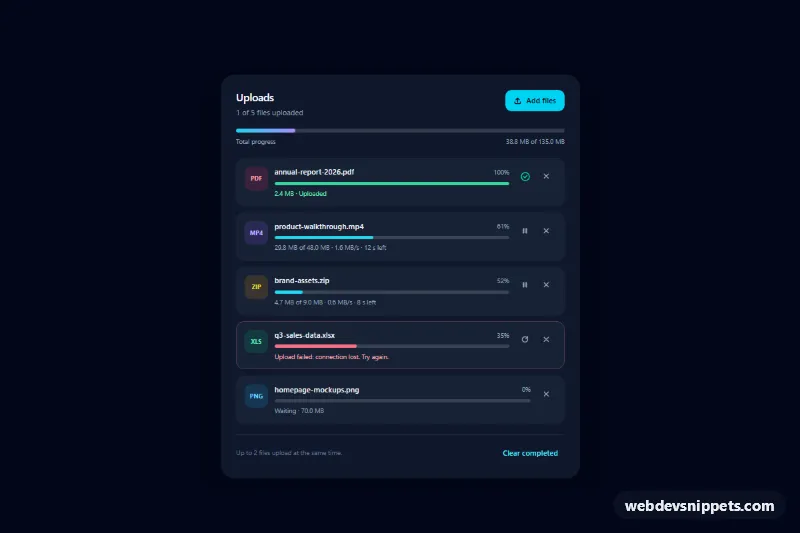
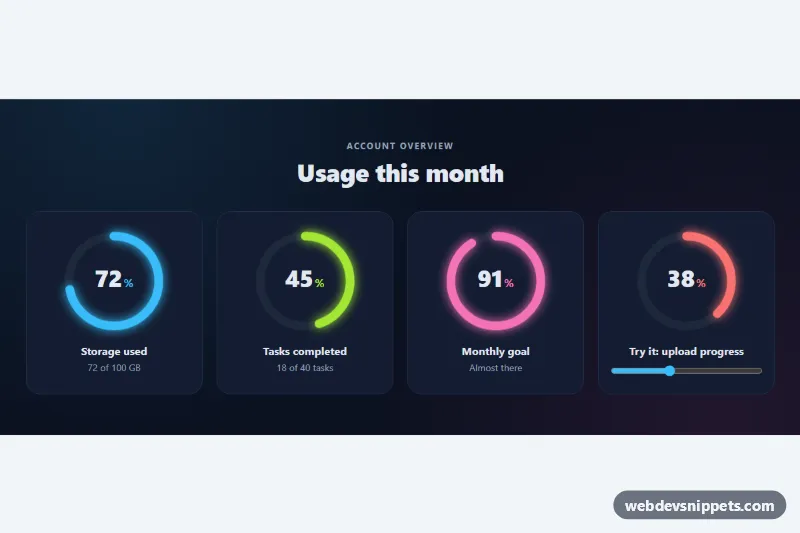
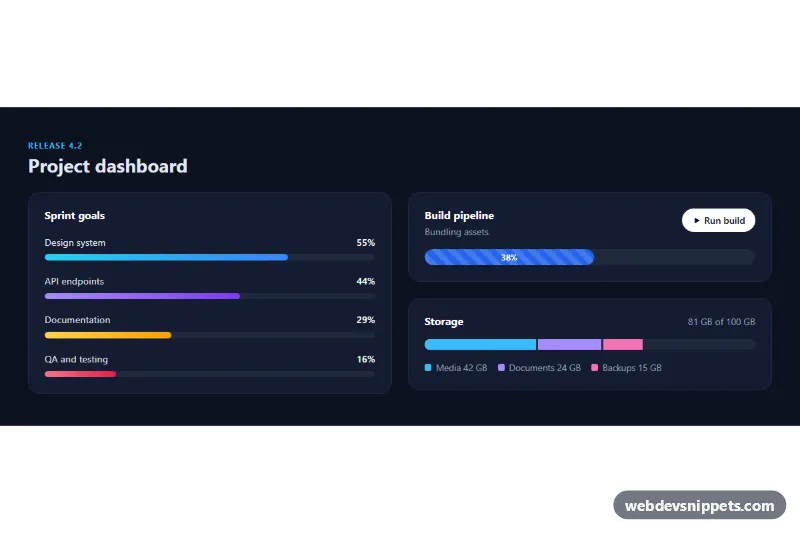
A dark upload manager built with Tailwind CSS that lists files with their own progress bars, transfer speed, time left and status: uploaded, uploading, paused, failed or waiting in the queue. Use it in file managers, media libraries, CMS editors or any form that sends large attachments.
How it works
The root is .tup-uploads. The header shows a summary (data-tup-summary), an "Add files" label that wraps a visually hidden <input type="file" multiple>, and a total progress bar (data-tup-total). Each file is an li.tup-item with a colored extension badge, the file name (data-tup-name), a percentage, a native <progress class="tup-bar"> and a status line (data-tup-meta).
Everything is driven by three attributes on .tup-item: data-tup-state (done, uploading, paused, error or queued), data-tup-size in bytes, and data-tup-speed in MB per second. style.css colors each bar through the --tup-bar-fill variable per state and shows only the buttons that fit: Pause while uploading, Resume when paused, Retry on errors and a check mark when done. The remove button is always visible.
The script initializes every .tup-uploads on DOMContentLoaded and runs a timer every TICK_MS (250 ms). On each tick it starts queued files while fewer than MAX_PARALLEL (2) are uploading, adds bytes according to each file's speed, updates the bars, percentages, status texts and totals, and switches finished files to done. Choosing files in the picker clones the first row as a template and queues the new files. "Clear completed" (data-tup-clear) removes every finished row. Without JavaScript the list still renders the initial states correctly.
Customization
MAX_PARALLELat the top ofscript.js: allow more simultaneous uploads.--tup-fill,--tup-fill-done,--tup-fill-error,--tup-fill-pausedand--tup-fill-totalon.tup-uploadsinstyle.css: change the bar colors for each state and the gradient of the total bar.data-tup-stateon an.tup-item: set the starting state of a row, e.g.pausedto show the Resume button.data-tup-speedon an.tup-item: make a simulated file upload faster or slower.h-1.5on eachprogress.tup-barandh-2on the total bar: make the bars thicker or thinner.tick()inscript.js: replace the simulation with real uploads.fetch()has no upload progress events, so useXMLHttpRequestwithupload.onprogressand write the sent bytes toitem._tup.loaded.
Accessibility
Bars are native progress elements labelled by their file name with aria-labelledby, so assistive technology reads the current value. Icon buttons carry an aria-label that includes the file name, such as "Pause brand-assets.zip". State changes ("uploaded", "paused", "removed") are announced through the role="status" footer instead of announcing every percentage. After an action focus moves to the next visible button in the row, or to a neighbouring row when a file is removed. The file picker shows a focus outline through has-[input:focus-visible], and the bar transition is disabled under prefers-reduced-motion.
Usage notes
For several lists on one page, give the initial file names unique id values; rows added by the script get generated ids.