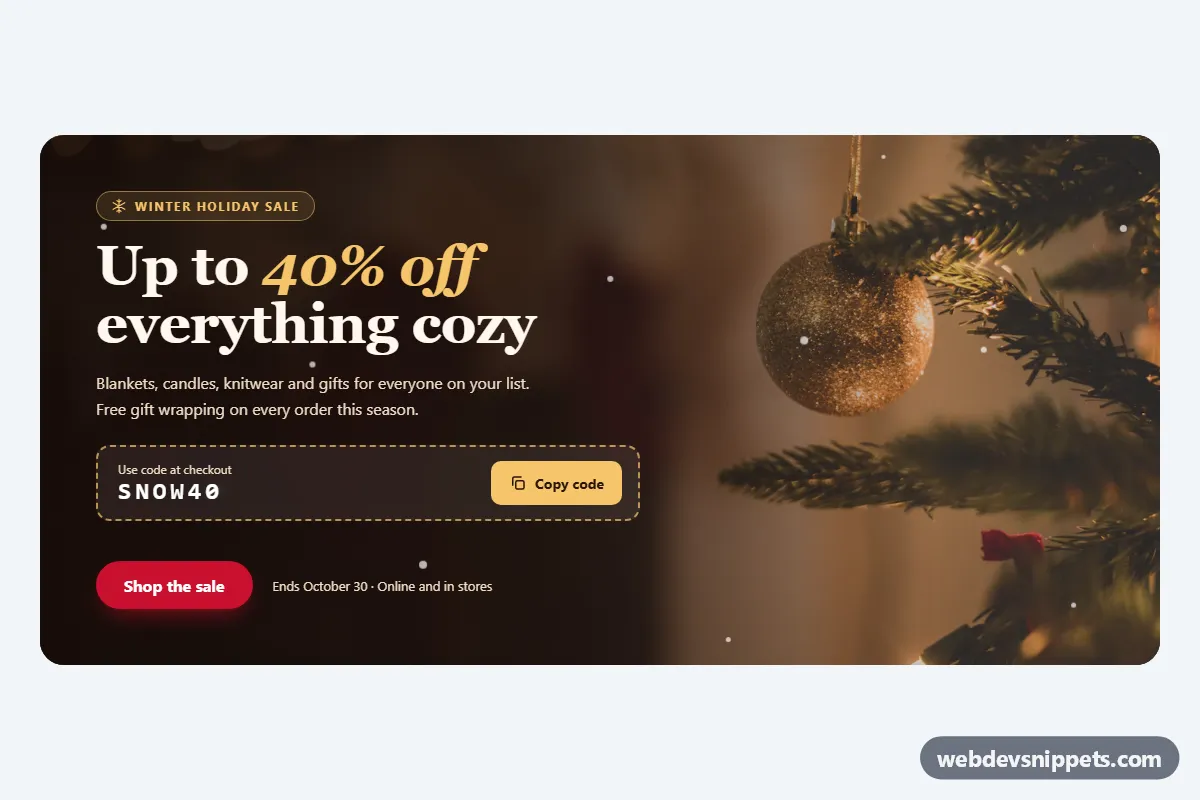
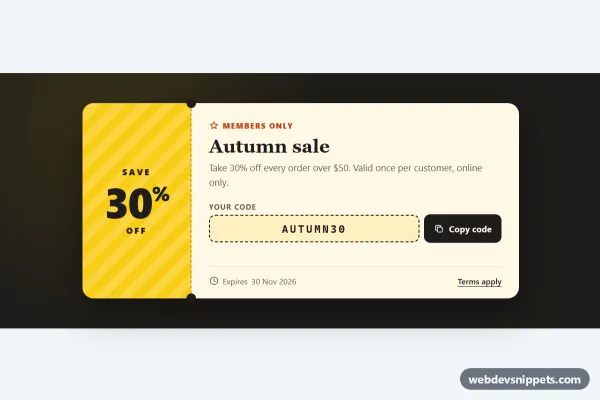
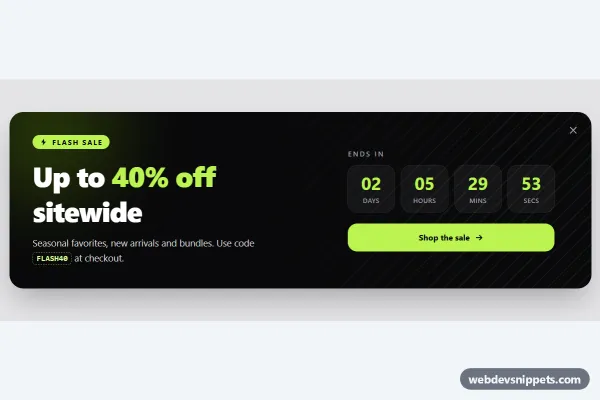
A seasonal promo banner in pure CSS that places a holiday sale message, a copyable coupon code and a call-to-action over a full-bleed background photo with gently falling snow. Drop it on a shop home page, a category page or a landing page for Christmas, winter or any other seasonal campaign.
How it works
The root section.spb-banner is a rounded flex container with isolation: isolate. The photo is an img.spb-bg stretched over the whole banner with object-fit: cover; a ::before overlay darkens it for contrast. On phones the overlay is an even dark wash, and from 768 px it fades from nearly opaque on the left to almost clear on the right, so the text reads well while the ornament stays visible. The .spb-snow layer holds twelve dots that fall with the spb-fall keyframes, each with its own position, size, duration and negative delay so the snow is already spread out on the first frame.
The .spb-content column holds the .spb-eyebrow pill with an inline SVG snowflake, the .spb-title with a gold .spb-highlight, the .spb-text, the dashed ticket-style .spb-coupon and the .spb-actions row. The script listens for click on .spb-copy, copies the value of its data-code attribute with the Clipboard API and falls back to a temporary textarea with execCommand('copy') in sandboxed frames. The button then shows "Copied!" for 2.5 seconds and the .spb-status live region confirms it.
Customization
data-codeon.spb-copyand the text of.spb-code: set your own coupon code; keep both in sync.--spb-overlayon.spb-banner: the overlay color as an RGB triplet, e.g.8, 20, 40for a cold winter blue.--spb-goldand--spb-red: the highlight, coupon border and copy button color, and the call-to-action color.data-spb-dayson.spb-end: how many days from today the sale ends; the script writes that date into the note.object-positionon.spb-bg: moves the focal point of the photo, e.g.85% centerto push the subject further right.- Remove the
.spb-snowelement for non-winter campaigns such as a summer or spring sale. - The background photo comes from Unsplash; replace the
srcof.spb-bgwith your own campaign image.
Use cases
- Online stores: a holiday sale banner over a photo promotes a discount with a clear call to action
- Winter campaigns: falling snow adds a seasonal feel on top of a dark gradient overlay
- Email and landing pages: a copyable coupon code lets shoppers grab the offer in one click
- Seasonal homepages: swap the photo and text to reuse the banner for other events
Accessibility
The banner is a section labelled by its heading. The background photo is decorative, so it has an empty alt and the snow layer is aria-hidden. The copy control is a real button, and the .spb-status paragraph uses role="status" with aria-live="polite" to announce success or a manual-copy hint. Text sits on the dark overlay for strong contrast, and both interactive elements have a white focus outline. With prefers-reduced-motion: reduce the snow stops falling and the hover movements are removed.
Usage notes
Several banners can share a page; the script scopes each one to its own .spb-banner. Without JavaScript the note reads "Ends soon". The clipboard API needs a secure context (HTTPS); on plain HTTP the fallback is used.