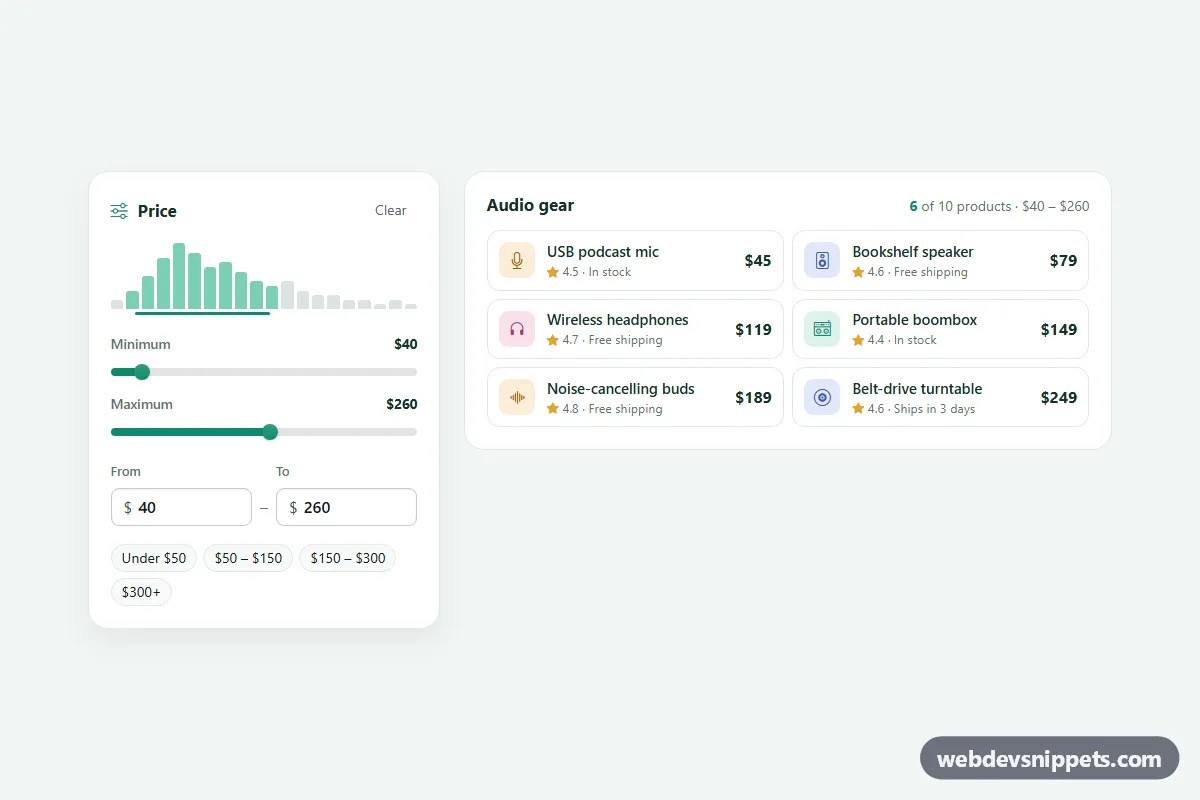
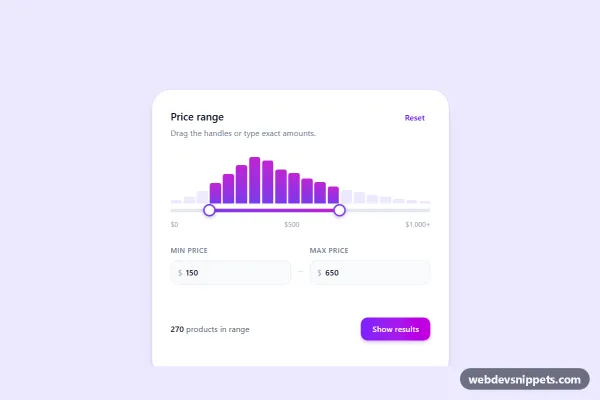
A shop sidebar price filter built with Bootstrap 6. Two Range sliders set the minimum and maximum, two number inputs with a "$" adornment stay in sync with them, and a small histogram shows how products spread across prices. Quick-range chips set common budgets in one click, and the product list next to the filter updates as you drag.
How it works
The filter is a form.prf-filter whose data-prf-min, data-prf-max and data-prf-gap define the price scale and the smallest allowed distance between the two handles. The sliders are Bootstrap 6 .form-range wrappers with theme-success. style.css brands that role teal by overriding --bs-success-base on .prf-root.
Everything goes through one apply(min, max) function. It writes both sliders and both .form-ghost number inputs, calls Range.getOrCreateInstance(...).update() so the track fill follows a programmatic change, and sets aria-valuetext. It then moves the teal band under the histogram through --prf-from and --prf-to, marks the bars inside the range with .prf-bar--in, shows or hides each .prf-item by its data-prf-price, updates the .prf-count status, and highlights a .prf-preset chip when the range matches it exactly.
When you drag the minimum slider into the maximum, it stops data-prf-gap below it (and the other way round), so the handles never cross. The number inputs are validated on change, not on every keystroke, so typing "150" is never clamped at "1". Values snap to steps of 5 and are clamped to the scale. At the top of the scale the maximum reads "$500+" and includes every price above it. The histogram bars come from the comma-separated counts in data-prf-histogram. "Clear" resets the form to the full range.
Customization
data-prf-min/data-prf-maxon.prf-filter(plus the matchingmin/maxon the inputs): change the price scale.data-prf-gapon.prf-filter: the minimum distance between the two handles (10 by default).data-prf-histogramon.prf-histogram: one product count per equal-width bucket. Generate it on the server from your catalogue.data-prf-range="50-150"on each.prf-presetchip: the range it applies. Add or remove chips freely.data-prf-priceon each.prf-item: the price used for filtering. Replace the list loop with afetch()to your search API.--prf-accentand--prf-accent-softon.prf-root: change the teal brand color of the sliders, band, chips and count.
Use cases
- Online shops: minimum and maximum sliders filter products by price with live results
- Marketplaces: a price histogram shows where most products sit in the range
- Category pages: number inputs stay synced with the sliders for exact amounts
- Quick filtering: preset range chips jump to common price brackets
Accessibility
Both sliders and both number inputs have visible labels and accept keyboard input. Sliders announce "$40" or "$500 or more" through aria-valuetext. The chips are toggle buttons with aria-pressed. The result count sits in a role="status" live region, so screen reader users hear "6 of 10 products" after each change. The histogram is decorative (aria-hidden), and its color transition stops under prefers-reduced-motion.
Bootstrap 6 notes
The Bootstrap 6 Range uses a .form-range wrapper around .form-range-input, which makes the filled track possible. The "$" prefix uses the new form-adorn with form-adorn-text and a borderless form-ghost input instead of an input-group-text. The quick ranges are Bootstrap 6 .chip elements with the active state. Built on 6.0.0-alpha.1, so the API can still change.