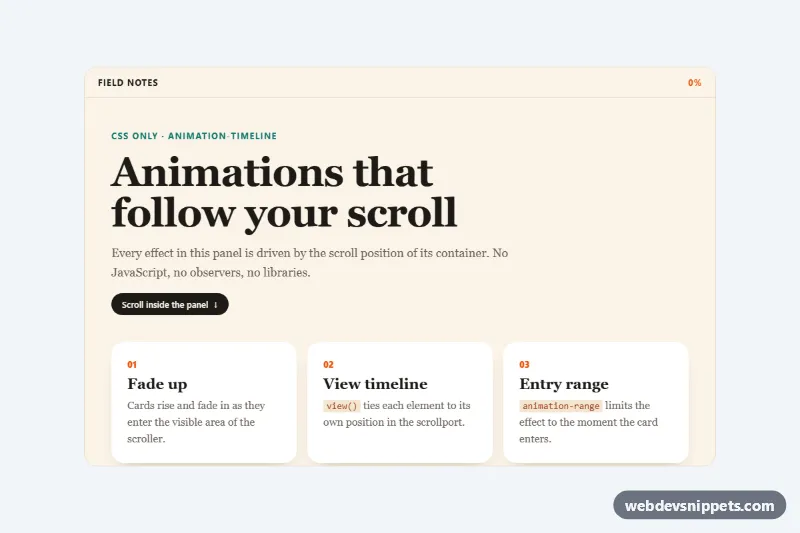
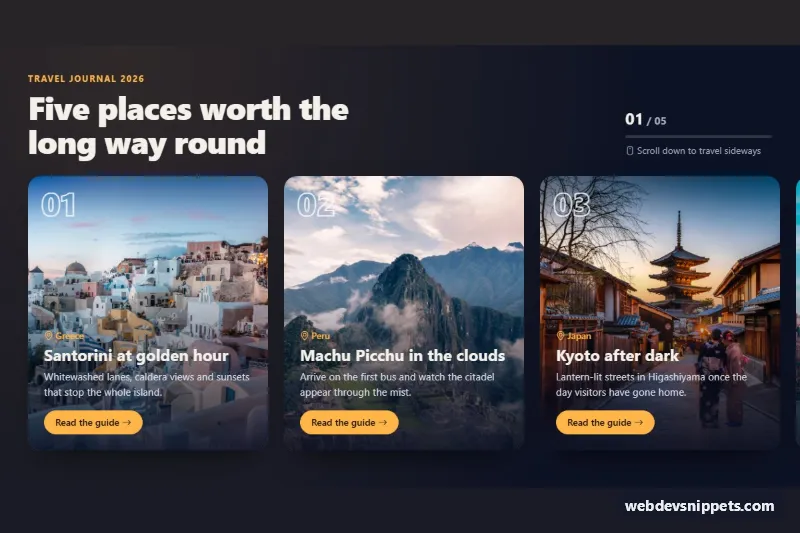
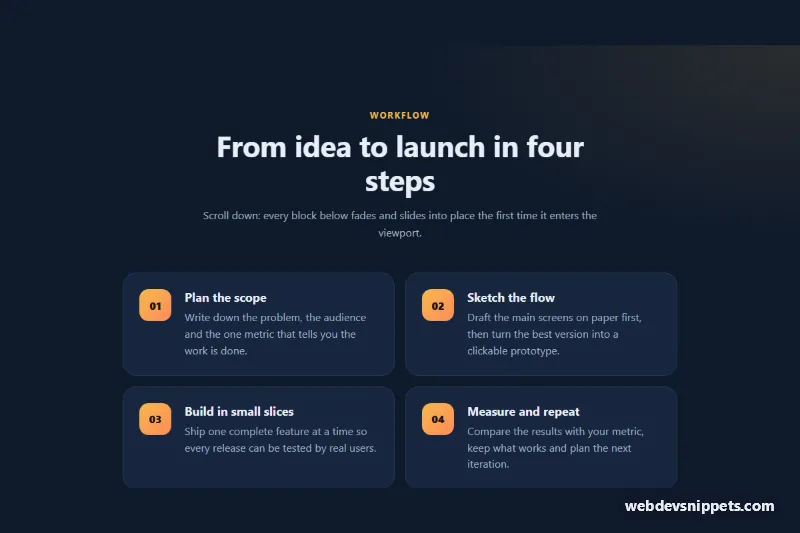
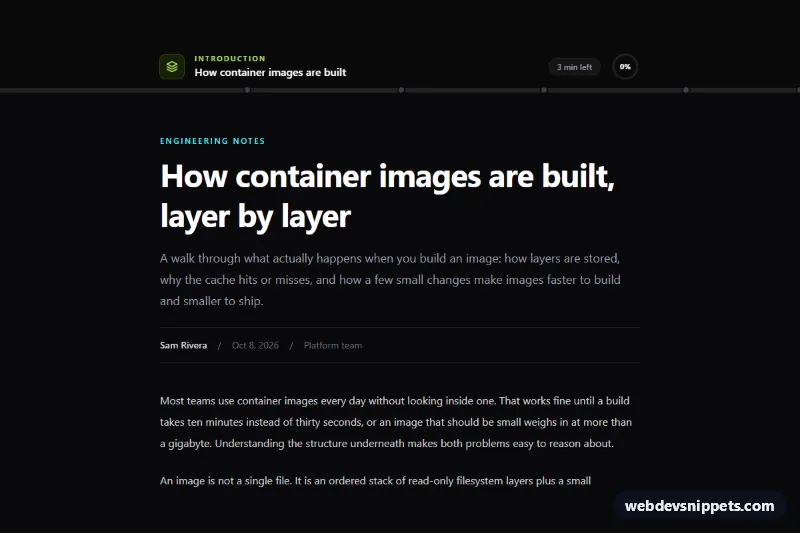
A demo of native CSS scroll-driven animations built without any JavaScript. Inside a scrollable panel, a reading progress bar fills up with a live percentage, cards fade up as they appear, an illustration opens with a clip-path wipe, outlined text slides sideways and steps glide in from both sides. Use the techniques for article pages, product stories and landing pages.
How it works
The root section.sd-demo wraps .sd-scroller, a fixed-height scroll container that declares a named timeline with scroll-timeline: --sd-scroll block. The sticky .sd-bar header inside it holds .sd-bar__progress, which runs the sd-grow keyframes on animation-timeline: --sd-scroll, so its scaleX matches the scroll position. .sd-bar__percent animates a registered @property --sd-pct integer from 0 to 100 on the same timeline and prints it with counter().
Every other effect uses animation-timeline: view(), which follows an element's own position in the scrollport. .sd-reveal cards run sd-rise during animation-range: entry 0% entry 90%. .sd-hero fades on exit, .sd-panel__art opens with the sd-wipe clip-path while .sd-sun rises, .sd-marquee__line slides across the full view range and .sd-step--left / .sd-step--right slide in from opposite sides. Keyframes only describe the start state, so without the animations every element simply sits in its final, readable position.
Customization
--sd-heighton.sd-demo: height of the scroll panel.--sd-accentand--sd-accent-2: the orange and teal used by the progress gradient, numbers, step borders and outlined text.--sd-bg,--sd-surfaceand--sd-ink: page, card and text colors.animation-rangeon.sd-reveal: tryentry 20% cover 40%for a later, slower reveal.translateY(60px) scale(0.94)in@keyframes sd-rise: the distance and size cards start from.translateX(-45%)in@keyframes sd-slide: how far the outlined line travels.- To track the whole page instead of the panel, replace
--sd-scrollwithscroll(root)and remove the fixed height from.sd-scroller.
Use cases
- Long articles: a reading progress bar fills with a live percentage as the visitor scrolls
- Product story pages: cards fade up and an illustration opens with a clip-path wipe
- Landing pages: outlined text slides sideways and steps glide in from the left and right
- Front-end learning: a working demo of scroll-timeline and view() with no JavaScript
- Modern browser projects: add scroll effects while older browsers keep a static layout
Accessibility
.sd-scroller has tabindex="0", role="region" and an aria-label, so keyboard users can focus it and scroll with the arrow keys; a visible outline marks the focus. Decorative parts (progress bar, percentage, illustration, marquee, hint) are aria-hidden. Under prefers-reduced-motion: reduce all reveal and slide effects are switched off; only the progress bar and percentage keep tracking the scroll, because they move with the user's own input.
Usage notes
Scroll-driven animations need a recent Chromium-based browser or Safari 26. The @supports (animation-timeline: view()) block keeps other browsers on a static layout and hides the progress elements.