
Scroll Reveal Animations
Elements fade, slide, zoom or flip into view on scroll using IntersectionObserver and data-sr attributes, with stagger delays and reduced-motion support.
Reveal-on-scroll and parallax effects.
2 component(s)
Elements fade, slide, zoom or flip into view on scroll using IntersectionObserver and data-sr attributes, with stagger delays and reduced-motion support.
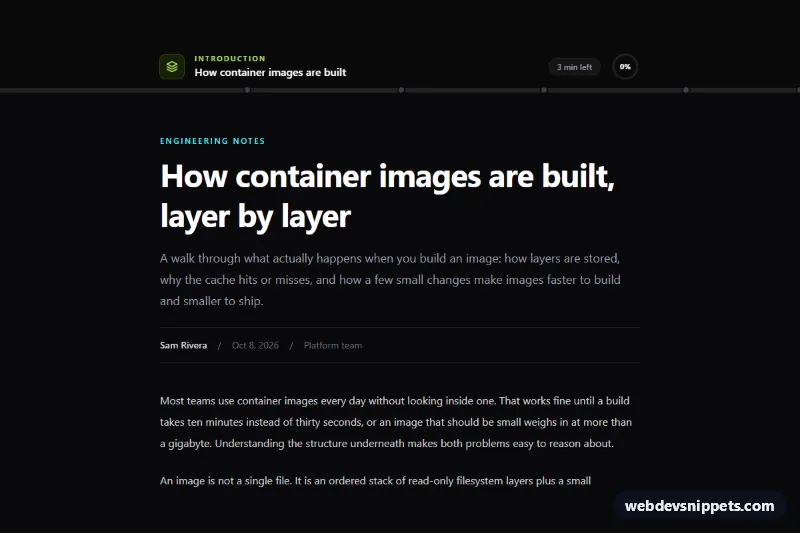
Sticky Tailwind CSS reading progress bar with a gradient fill, clickable chapter markers, current section label, minutes left and a circular back-to-top indicator.
Scroll animations are effects triggered or driven by scrolling: elements that fade or slide in when they enter the viewport, parallax layers that move at different speeds, progress bars that fill as you read, sticky sections that change as you scroll and counters that start when visible. They are common on landing pages, product tours, storytelling pages and portfolios.
Use scroll animations to guide attention through a page or to explain a sequence. A gentle reveal on section headings or feature cards adds rhythm. Avoid animating every element, long delays before content appears, or hijacking the scroll speed, which frustrates users.
Best practices for scroll-triggered animations:
IntersectionObserver to add a class when elements enter the viewport instead of listening to every scroll event.animation-timeline: view() or scroll() avoid JavaScript entirely; provide a sensible fallback.<html>.prefers-reduced-motion by showing elements in their final state and disabling parallax.transform and opacity only, and keep distances small to avoid motion sickness.Each scroll animation has a live preview and code tabs for HTML, CSS and JS. Bootstrap 6 versions use the new alpha ES module build and theme-* colour roles, Bootstrap 5 versions apply the effects to standard sections and cards, Tailwind CSS versions toggle utility classes, and pure CSS versions show what native scroll-driven animations can do. Filter by framework, copy or download the code and attach the classes to your own sections.