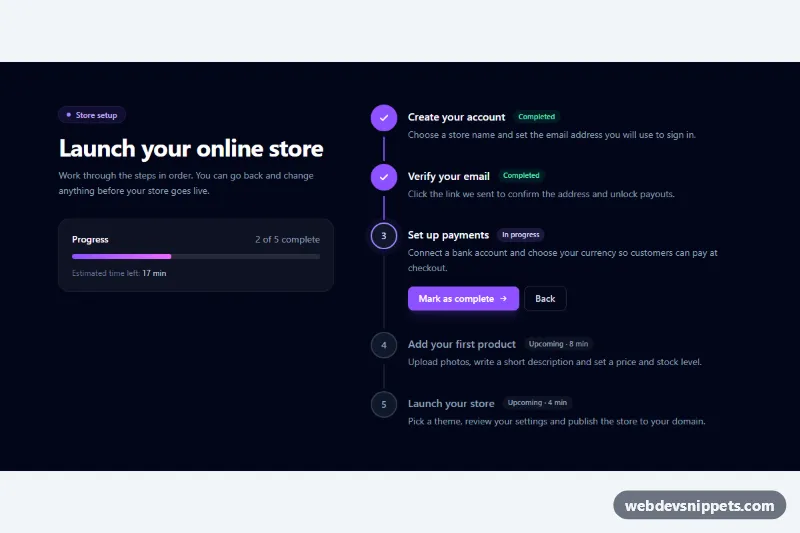
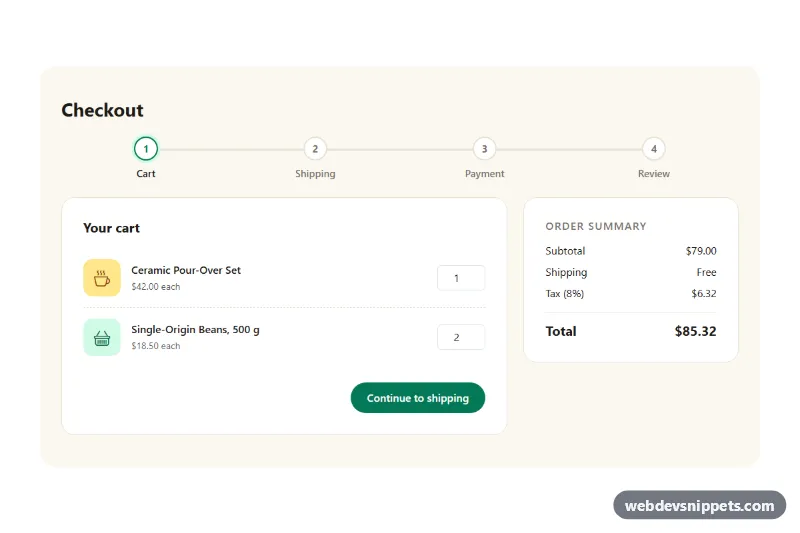
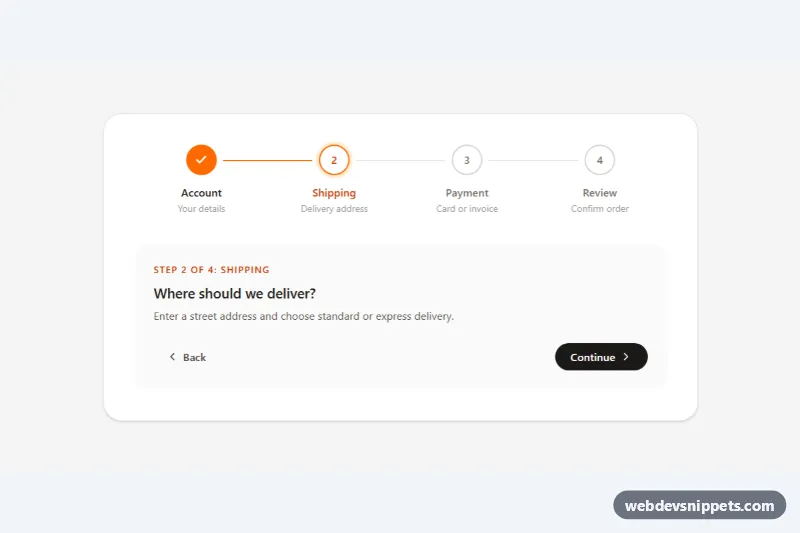
A dark vertical stepper built with Tailwind CSS and a small vanilla JavaScript controller. Each step shows a numbered marker, a title, a status badge and a short description, with clear completed, current and upcoming states. It suits onboarding checklists, setup wizards, order tracking and application progress pages.
How it works
The root is section.vsd-stepper. The left column holds the heading and a progress card with a role="progressbar" track (data-vsd-bar) and an estimated time left. The right column is an ordered list (ol.vsd-list) of li.vsd-step items. Every step contains a round .vsd-dot marker, a .vsd-line connector to the next step, the title, three status badges and an empty .vsd-actions container.
All visual states come from one attribute: data-state on each li is complete, current or upcoming. Because each step has the group class, Tailwind variants such as group-data-[state=complete]:bg-violet-500 restyle the marker, swap the number for a check icon, brighten the title and show the matching badge. style.css adds the parts utilities cannot express: the connector fill that grows with transform: scaleY(), the pulsing halo on the current marker and the animated progress width driven by --vsd-progress.
On DOMContentLoaded the script reads data-vsd-current from the root, sets data-state and aria-current="step", and moves the data-vsd-controls buttons into the current step. "Mark as complete" advances (it reads "Finish setup" on the last step), "Back" returns, and after the last step the data-vsd-done panel appears with a "Start over" button. The counter, progress bar and remaining minutes (summed from each data-vsd-minutes) update on every change. Without JavaScript the states written in the markup still render correctly.
Customization
data-vsd-current="2"on.vsd-stepper: the 0-based index of the step in progress when the page loads.data-vsd-minuteson eachli.vsd-step: the time estimate used for the "Estimated time left" total.violet-500,violet-400andfrom-violet-500 to-fuchsia-400: replace withskyoremeraldto change the accent of markers, buttons and the progress bar.bg-slate-950on the root: usebg-whitewithtext-slate-700for a light version.md:grid-cols-[1fr_1.35fr]on the inner grid: remove it to show only the step list in a narrow sidebar.vsd-pulseinstyle.css: lengthen the2.4sduration or remove the animation for a calmer current step.- Add or remove
li.vsd-stepitems freely; the script counts them, so "2 of 5 complete" adapts automatically.
Accessibility
The steps form a real ordered list with aria-label="Setup steps", and the current item carries aria-current="step". Status badges are visible text, so screen readers hear "Completed", "In progress" or "Upcoming" with each title; decorative markers and connectors are aria-hidden. A sr-only live region announces the new current step after each click, focus stays on the button that was pressed, and every button has a visible focus outline. Pulse and fill animations stop under prefers-reduced-motion: reduce.
Usage notes
Several steppers can live on one page; each .vsd-stepper is initialized separately.