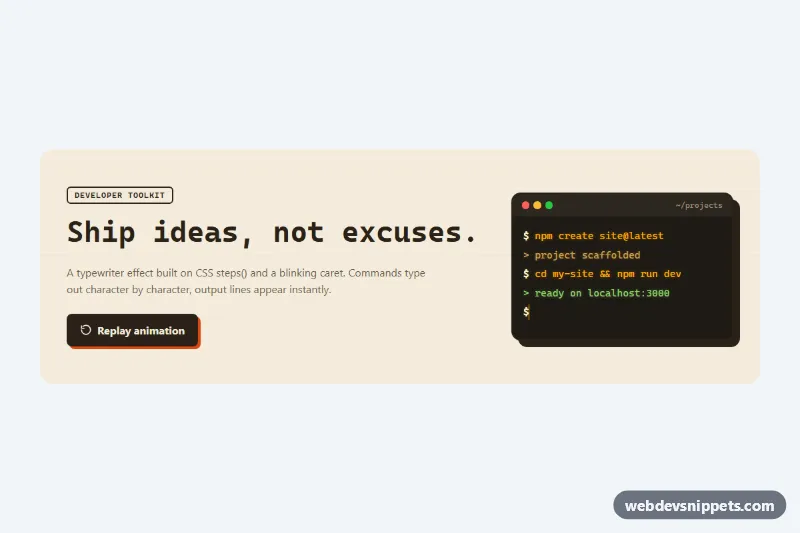
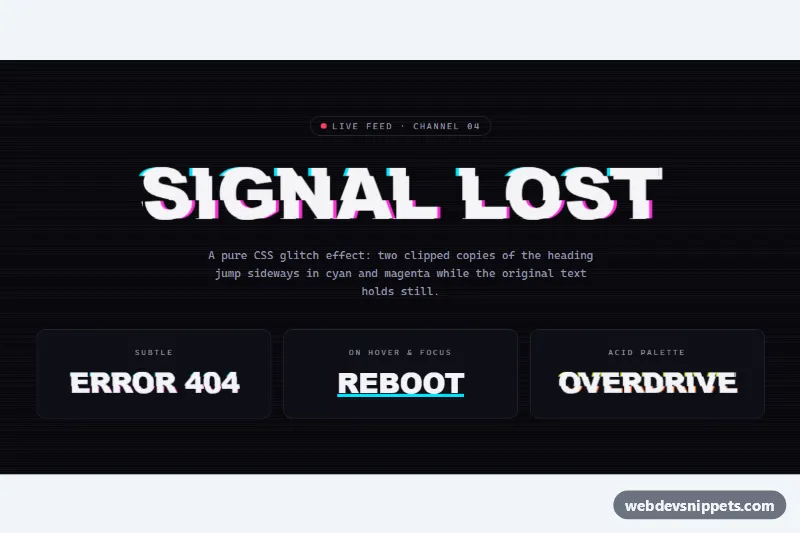
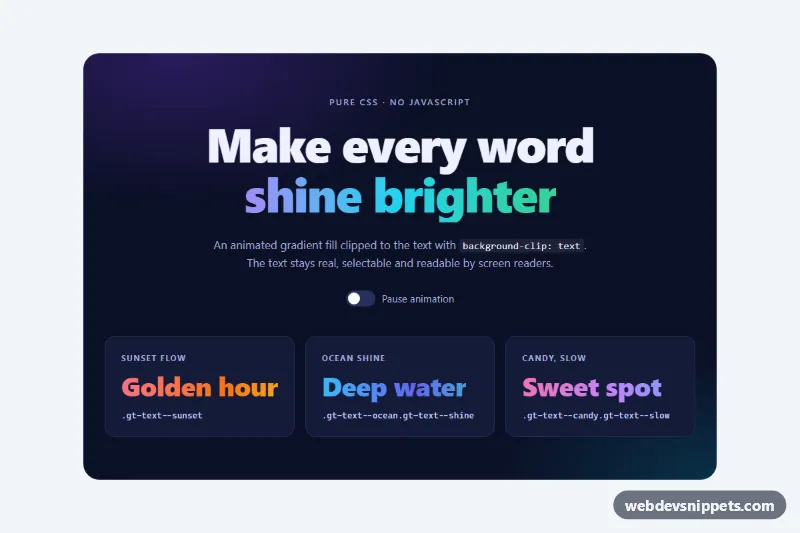
A typewriter text effect in pure CSS with a blinking caret, shown on a monospace headline and a retro terminal window. It works well for developer landing pages, documentation heroes, CLI product pages and portfolio intros.
How it works
The root section.tt-stage holds a .tt-headline, a .tt-replay button and a .tt-terminal with several .tt-row lines. Every piece of text that should type out is wrapped in a .tt-type span. The animation itself is CSS: the span starts at width: 0 with overflow: hidden, and the tt-typing keyframes grow it to calc(var(--tt-chars) * 1ch) using steps(var(--tt-chars)), so exactly one character appears per step. Because the font is monospace, 1ch is the width of one character. The caret is the span's right border, toggled by the tt-blink keyframes and hidden again by tt-caret-off once a line is done. The last line gets .tt-type--last and keeps blinking like a waiting prompt.
The small script measures each span on DOMContentLoaded, sets --tt-chars, --tt-duration and --tt-delay so the lines type one after another, and then adds .tt-ready to the root, which switches the animation on. Spans with data-instant skip the typing and simply appear, like command output. The replay button removes and re-adds .tt-ready to restart everything. Without JavaScript the full text is shown with no animation.
Customization
data-speedon.tt-stage: milliseconds per character, e.g.80for a slower typist.data-pauseon.tt-stage: the pause between lines in milliseconds.data-instanton a.tt-typespan: show that line at once instead of typing it.--tt-blink: the caret blink cycle, and--tt-caret-widthits thickness.--tt-caret: caret color; it defaults tocurrentColor, so it matches each line.--tt-term-text,--tt-term-okand--tt-term-bg: the amber text, green success line and background of the terminal.--tt-font: the monospace font stack; keep a monospace font so1chmatches every character.
Accessibility
The typed text is real text in the DOM from the start, so screen readers read the full lines regardless of the animation. The terminal is a role="group" with an aria-label, and the decorative title bar is aria-hidden. The replay button is a native button with a visible :focus-visible outline. With prefers-reduced-motion: reduce all lines are shown immediately and the last caret stays visible without blinking.
Usage notes
Keep each .tt-type on one line: the effect uses white-space: pre and cannot wrap. Do not add letter-spacing to typed text, because it breaks the ch math. Several stages can share a page; each one is set up independently.