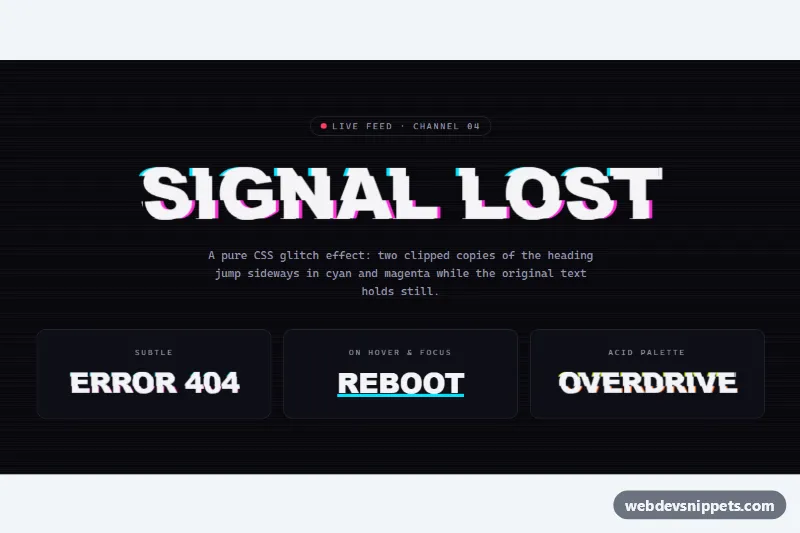
Glitch Text Effect
Pure CSS glitch heading with sliced cyan and magenta copies, CRT scanlines, and subtle, hover-only and acid palette variants.
Typing, glitch, reveal and other text animations.
3 component(s)
Pure CSS glitch heading with sliced cyan and magenta copies, CRT scanlines, and subtle, hover-only and acid palette variants.
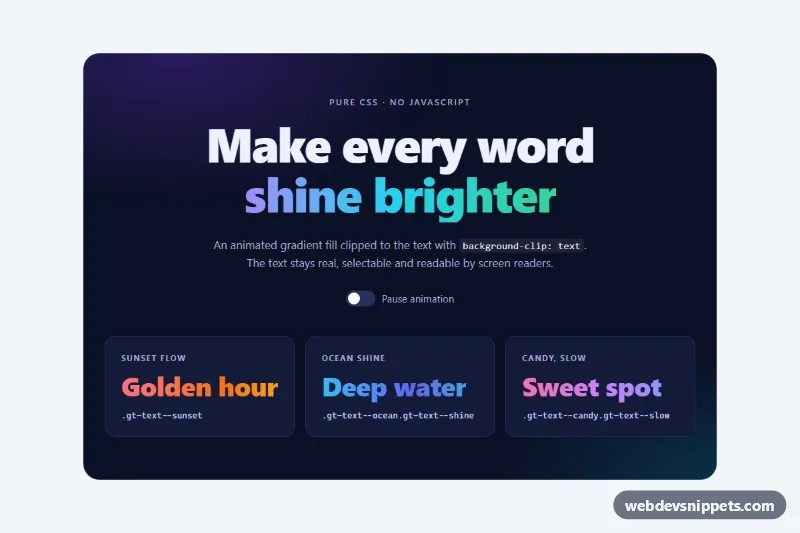
Pure CSS animated gradient text for headings using background-clip, with four palettes, a shine sweep variant, a CSS-only pause switch and a fallback color.
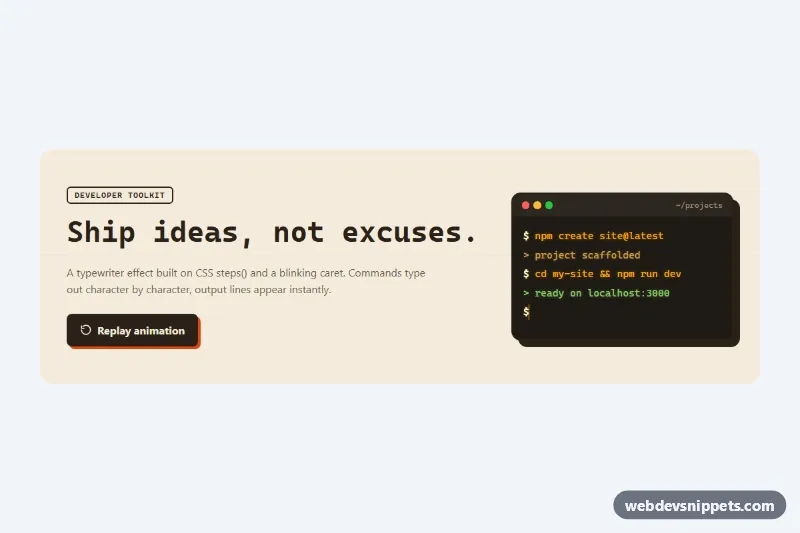
Pure CSS typewriter effect with a blinking caret, using steps() and ch units on a monospace headline and a retro terminal window with replay.
Text effects are animations and styles applied to headings and short phrases: typing and typewriter effects, glitch text, letter-by-letter reveals, gradient and shimmer text, neon glows, rotating words and split-text animations. They are used in hero sections, portfolios, landing pages, loading screens and anywhere a single line of text should draw attention.
Use a text animation for one focal message, not for body copy. A typing effect in a hero or a subtle reveal on a section heading can add personality; animating every heading quickly becomes tiring and hurts readability.
Best practices for CSS and JavaScript text animations:
aria-label with the full text and hide the individual pieces with aria-hidden="true".prefers-reduced-motion and show the final state immediately for users who prefer less motion.transform and opacity instead of layout properties for smooth performance.Each text effect comes with a live preview and code tabs for HTML, CSS and JS where needed. Many effects are pure CSS with @keyframes, so they drop into any project. Bootstrap 6 versions use the new alpha ES module build and theme-* colour roles, Bootstrap 5 versions combine the effect with typography utilities, and Tailwind CSS versions use utilities and arbitrary values. Use the framework filter, copy or download the snippet and replace the sample words with your own.