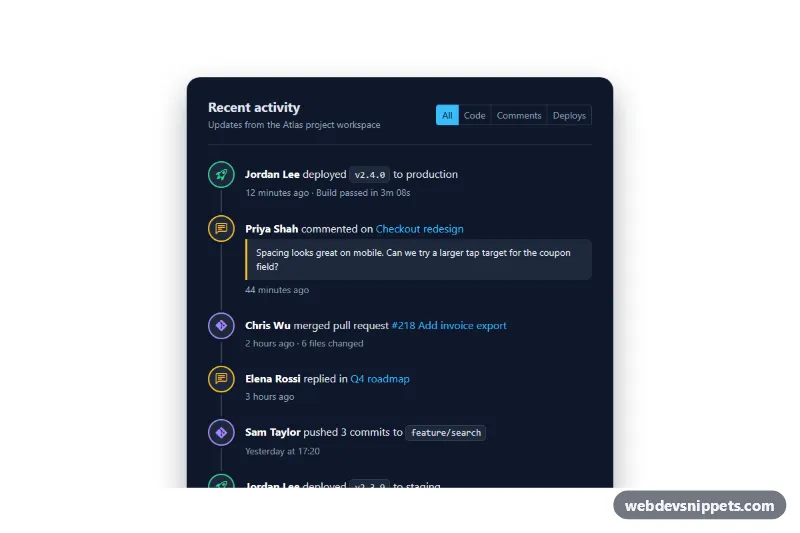
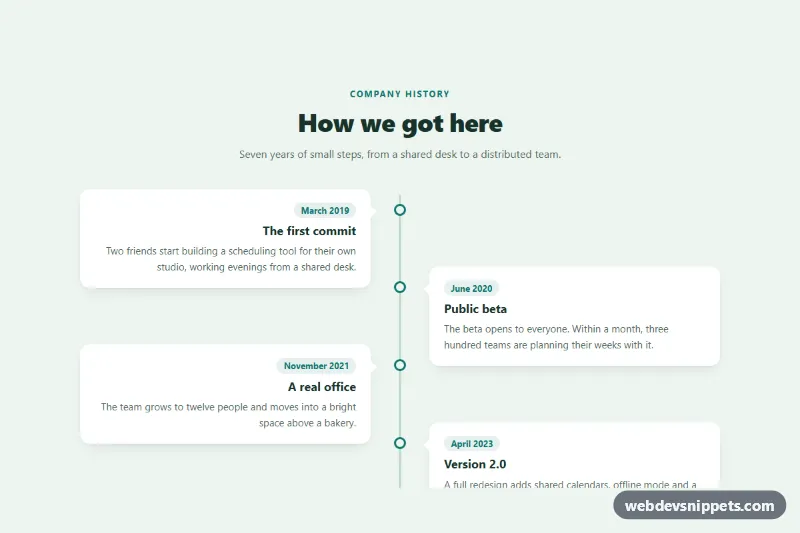
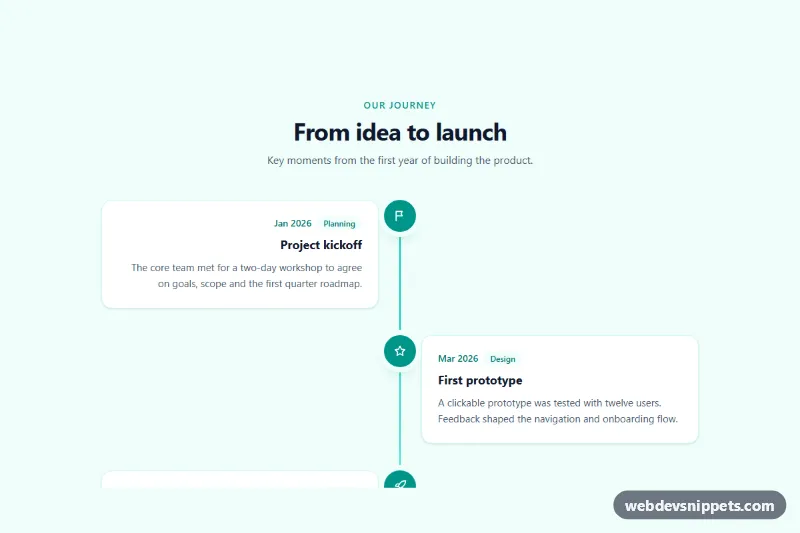
A dark Bootstrap 5 activity feed that shows recent project events on a vertical timeline, with colored icons for code, comments and deploys, relative timestamps and filter chips. Use it in dashboards, project overviews, admin panels or the sidebar of a team workspace.
How it works
The root section.af wraps a rounded .af-card with a header and an ordered list. The header holds the title and .af-filters, a Bootstrap btn-group of btn-check radio buttons styled as .af-chip pills. The list ol.af-list draws the timeline line with a ::before pseudo element, and each li.af-item has a data-type attribute (code, comment or deploy), a round .af-icon with a Bootstrap Icon and an .af-body with the event text. Branch names and versions use .af-tag, quoted comments use .af-quote, and every timestamp is a <time> element with a machine-readable datetime attribute next to the human text.
On DOMContentLoaded the script finds every .af on the page and listens to the change event of each radio in .af-filters. It hides items whose data-type does not match the selected value, replays a short fade-in by toggling .af-item--in, shows .af-empty when nothing matches and writes a summary such as "Comments: 2 items shown" into the hidden .af-status region. Without JavaScript the full list is shown and the chips simply do nothing.
Customization
--af-bg,--af-surfaceand--af-borderon.afinstyle.css: switch the card to another dark tone or a light theme.--af-code,--af-commentand--af-deploy: change the ring and icon color for each event type.--af-accent: sets the active chip, link color and focus outlines.--af-icon-size: makes the icon circles bigger or smaller; the timeline line stays centered because itsleftis calculated from this value.- Add a new event type by giving items a new
data-type, adding a matching radio with thatvalueto.af-filters, and a color class such as.af-icon--alert. - Remove
.af-filtersentirely for a read-only feed; the script then has no radios to bind and the list stays as is.
Accessibility
The feed is an ordered list, so assistive technology reads the number of events and their order. Icons are aria-hidden because the text already describes each event. The filter chips are real radio inputs inside a role="group" labelled "Filter activity", so arrow keys move between them and the focused chip gets a visible outline. .af-status is a role="status" live region that announces how many items match after each change. The fade-in is disabled under prefers-reduced-motion: reduce, and light text on the slate background meets WCAG AA contrast.
Usage notes
Requires Bootstrap 5 (added automatically) and Bootstrap Icons. When you place several feeds on one page, give each one a unique radio name (here af-filter-1) and unique id/for pairs; the script itself scopes everything to its own .af root. Generate the relative time text on the server, or update it from the datetime attribute with Intl.RelativeTimeFormat.