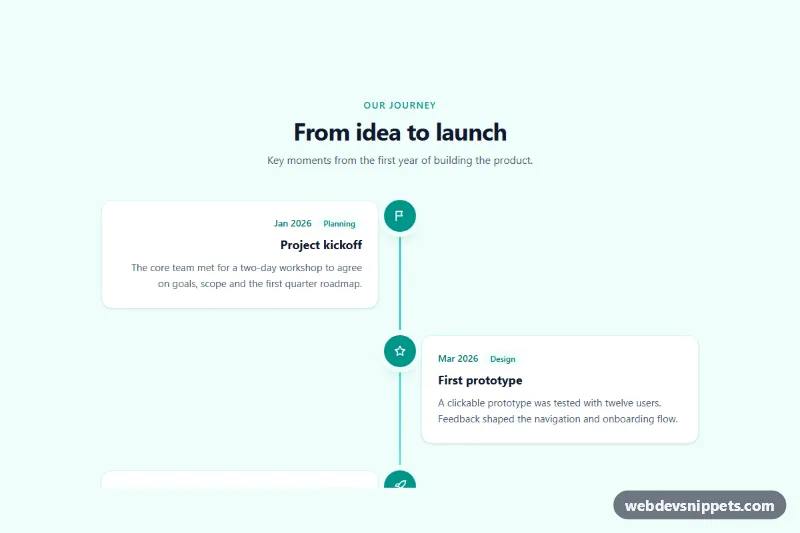
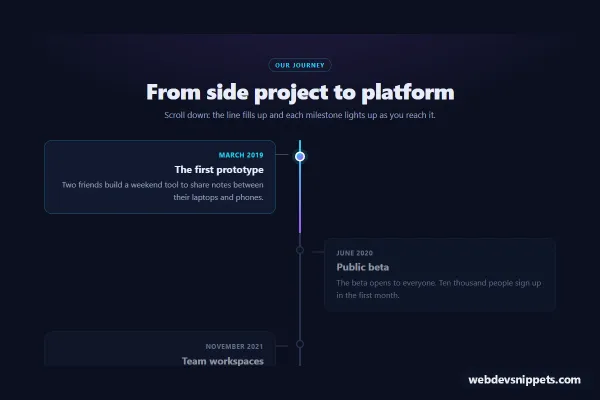
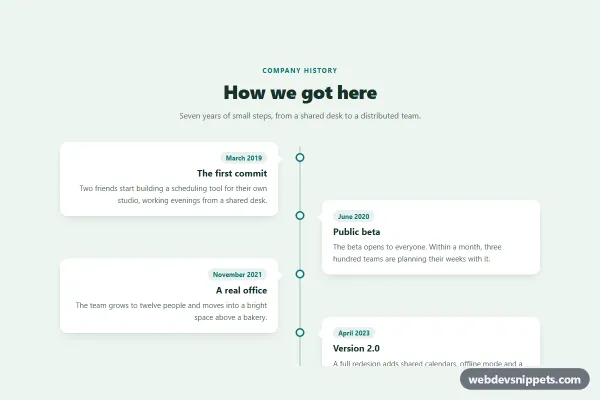
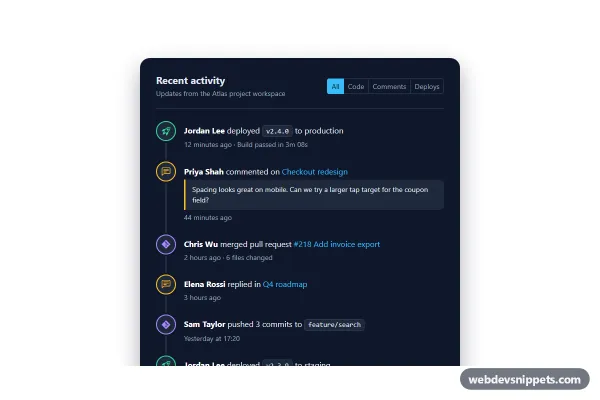
A vertical timeline built only with Tailwind CSS utility classes: round icon markers on a gradient line, date and category labels, a title and a short description for each event. On phones the line runs down the left edge; from the md breakpoint the line moves to the center and the cards alternate left and right. Use it for company history, product roadmaps, changelogs, project milestones or a "how we got here" section on an about page.
How it works
The root is .ttv-timeline, a section labelled by its heading. The events live in an ordered list, .ttv-list, because their order carries meaning. The connecting line is not an extra element: it is the list's ::before pseudo-element, created with before:absolute before:w-0.5 before:content-[''] and a before:bg-gradient-to-b teal fade. It sits at before:left-6 on small screens and md:before:left-1/2 on wider ones.
Each li.ttv-item reserves room on the left with pl-16 and contains an absolutely positioned 48px icon circle, centered on the line with -translate-x-1/2 and separated from it by a ring-8 ring-teal-50 halo that matches the page background. From md up the item becomes a two-column grid (md:grid md:grid-cols-2 md:gap-16): odd cards use md:col-start-1 md:text-right and even cards use md:col-start-2, while the icon moves to md:left-1/2, the exact middle of the gap. Dates use a time element with an ISO datetime. The last item is styled as "Upcoming" with a dashed, white marker to show a future event. No JavaScript or custom CSS is needed.
Customization
md:col-start-1 md:text-right/md:col-start-2on.ttv-card: set every card tomd:col-start-2for a single-sided timeline on desktop too.md:before:left-1/2on.ttv-listandmd:left-1/2on the icons: remove both to keep the line on the left at all sizes.before:from-teal-500 before:via-teal-300 before:to-teal-100: change the line gradient, or usebefore:bg-slate-200for a flat line.bg-teal-600on a marker: give individual events their own color, for examplebg-rose-600for incidents orbg-amber-500for warnings.border-2 border-dashed border-teal-500 bg-whiteon the last marker: reuse it on any planned or not-yet-finished event.ring-8 ring-teal-50on the markers: keep the ring color equal to thebg-teal-50section background so the line looks interrupted around each icon.pb-10on.ttv-item: raise for more breathing room between events, lower for a dense changelog.
Use cases
- About pages: tell the company history with dated events alternating left and right of a center line
- Product roadmaps: mark shipped milestones and show a dashed Upcoming marker for planned work
- Changelogs: list releases with date, category label and short description in chronological order
- Project pages: show phases and milestones that collapse into a left-aligned line on phones
Accessibility
The ordered list gets role="list" so its list semantics survive Tailwind's list-style: none reset in Safari, and screen readers announce the number of events. Each event has an h3 title under the section h2. Icons are decorative and marked aria-hidden, so the date, category label and text carry the meaning on their own. All text meets WCAG AA contrast on white cards, and the only motion, a shadow transition on hover, is turned off with motion-reduce:transition-none.
Usage notes
Add or remove li.ttv-item blocks freely; when you insert an item in the middle, swap the md:col-start-* classes of the following cards to keep the alternation.