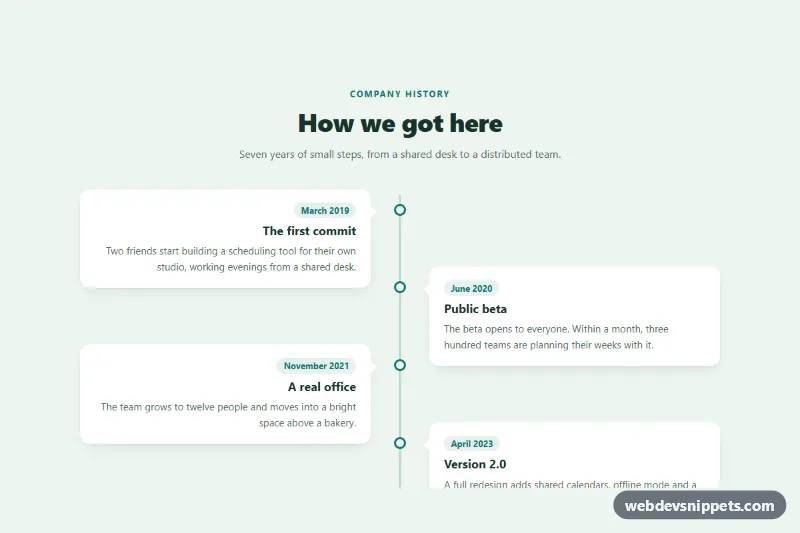
Alternating Timeline
Pure CSS vertical timeline with a center line and entries that alternate left and right, collapsing to a single column on mobile.
Chronological event lists.
3 component(s)
Pure CSS vertical timeline with a center line and entries that alternate left and right, collapsing to a single column on mobile.
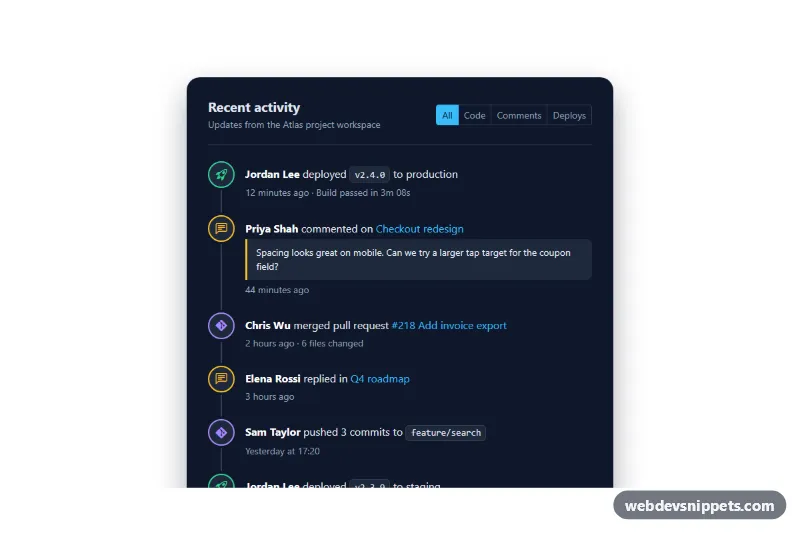
Dark Bootstrap 5 activity feed timeline with colored event icons, timestamps, quoted comments and filter chips for code, comments and deploys.
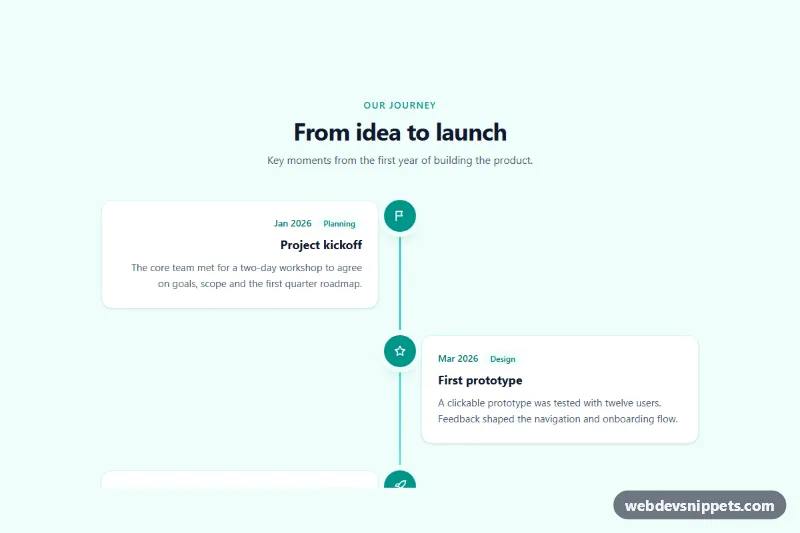
Responsive Tailwind CSS vertical timeline with icon markers, dates, category labels and descriptions that alternate left and right on wider screens.
A timeline displays events in chronological order along a vertical or horizontal line. Each entry usually has a date or time, a title, a short description and a marker such as a dot or icon. Timelines are used for company histories, project roadmaps, order and shipment tracking, activity feeds, changelogs, CVs and event schedules.
Use a timeline when the order and timing of events matter to the reader. For a process the user is currently going through, such as a checkout, a stepper is usually more appropriate; for a simple feed without emphasis on time, a list may be enough.
<ol>) because the sequence carries meaning, and mark dates with <time datetime="...">.prefers-reduced-motion.The timeline examples cover Bootstrap 6, Bootstrap 5, Tailwind CSS and pure CSS. Bootstrap versions combine the grid with border, spacing and badge utilities, and Bootstrap 6 variants use the theme-* colour roles for markers and lines. Tailwind CSS versions are built with utilities, while pure CSS versions draw the line and markers with pseudo-elements and custom properties. Filter by framework, review vertical and horizontal timelines in the live preview, then copy the HTML and CSS from the code tabs or download the snippet. Replace the dates and events with your own data.