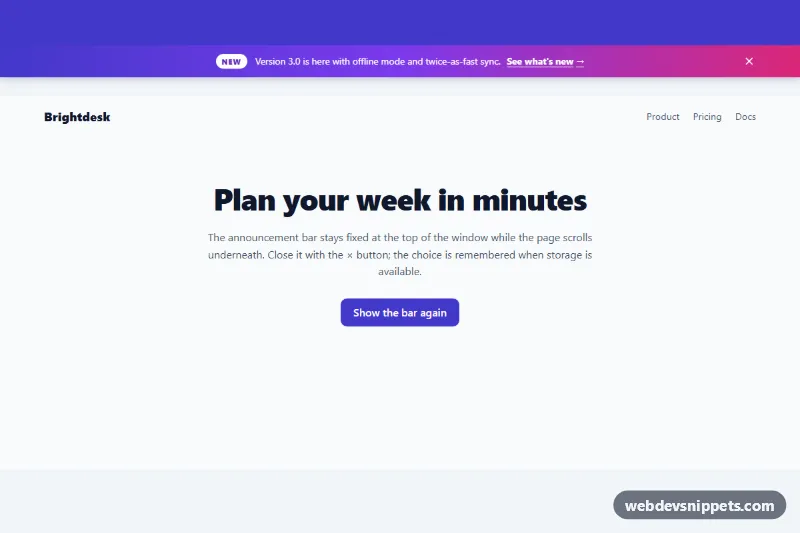
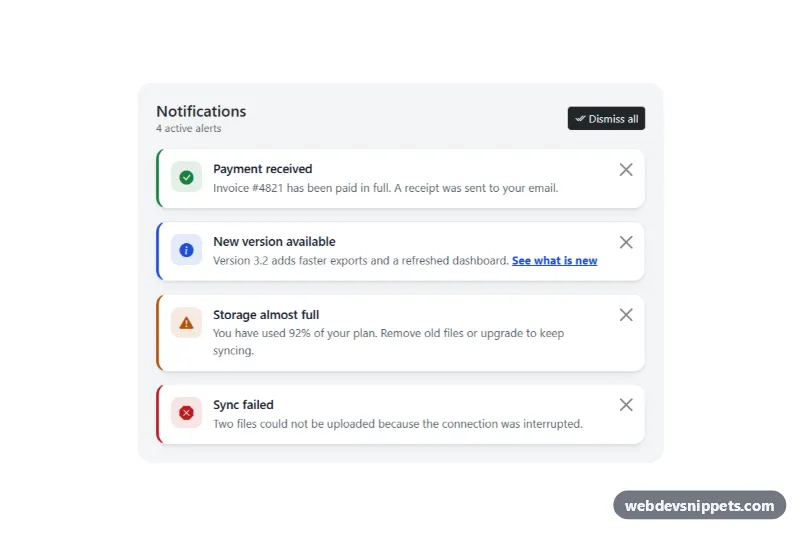
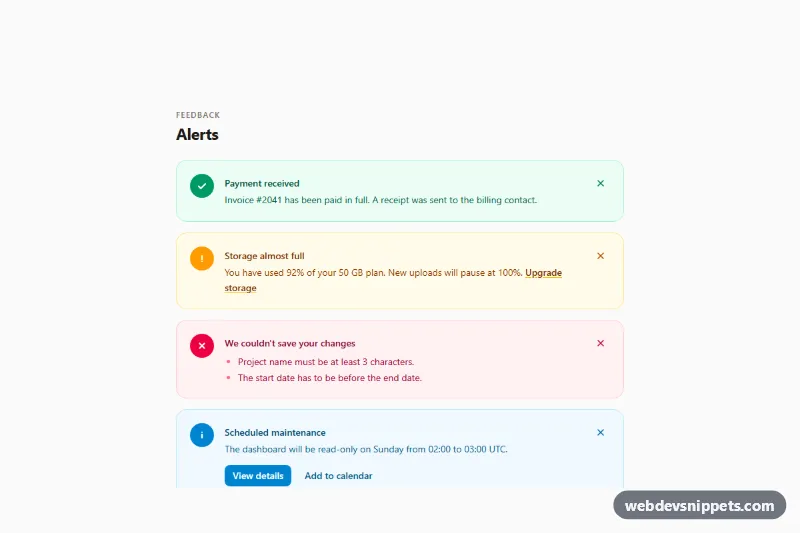
A dismissible announcement bar built with CSS and a small vanilla JavaScript file. The gradient strip is fixed to the top of the window and shows a "New" tag, a short message, a link and a close button. Use it for product launches, sale banners, maintenance notices or general site updates.
How it works
The wrapper .ab-shell contains the bar and your page content. .ab-bar is position: fixed with top: 0, left: 0 and right: 0, so it stays visible while the page scrolls. Inside, .ab-inner is a flex row with the .ab-tag pill, the .ab-text paragraph with an inline .ab-link, and the .ab-close button. From 640px the close button is absolutely positioned and equal side padding keeps the message centered; on phones the text wraps and stays left-aligned.
Because a fixed element is taken out of the flow, .ab-shell reserves space with padding-top: var(--ab-offset, var(--ab-height)). The script measures the real bar height on load and on resize and writes it to --ab-offset, so a two-line bar on a small screen never covers the content.
A click on the button with data-ab-close adds .is-dismissed to the shell. The bar slides up with translateY(-100%), becomes visibility: hidden, and the padding animates back to zero. The choice is saved under ab-dismissed: plus the value of data-ab-id; storage access is wrapped in try/catch, so the bar still works where localStorage is blocked. The .ab-demo block with its "Show the bar again" button (data-ab-reset) is only demo content.
Customization
--ab-bgon.ab-shell: the bar background, any color or gradient, e.g.#0f172afor a dark strip.--ab-tag-bgand--ab-tag-text: colors of the "New" pill; delete the.ab-tagspan for a plain message.--ab-height: the minimum height of the bar and the fallback space reserved before the script runs.--ab-speed: duration of the slide-up and padding transitions.--ab-z: the stacking order; raise it if a sticky site header overlaps the bar.data-ab-idon.ab-shell: change it for each new campaign (for examplesummer-sale) so visitors who closed an old message see the new one.- Remove
writeDismissed(id, true)inscript.jsif the bar should come back on every page load.
Accessibility
The bar is a role="region" landmark labelled "Announcement", so screen reader users can find or skip it. The close button is a real button with aria-label="Dismiss announcement", and pressing Escape while focus is inside the bar also closes it. After closing, focus moves to the element marked data-ab-return instead of being lost. Links and buttons get a yellow :focus-visible outline from --ab-focus, which stands out on the gradient. White text on the darker gradient stops keeps good contrast. With prefers-reduced-motion: reduce all transitions are disabled.
Usage notes
Wrap your whole page (or its top part) in .ab-shell, and use one bar per page since it is fixed to the window. Inside a preview iframe "the window" is the iframe itself.