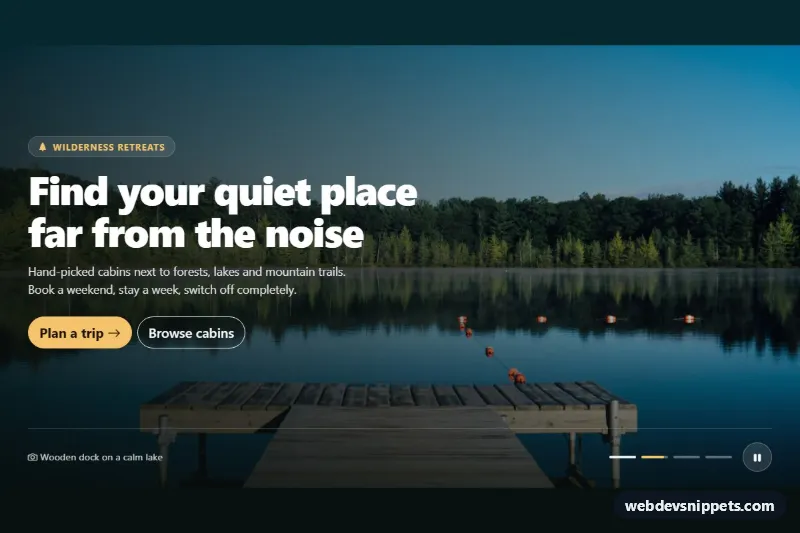
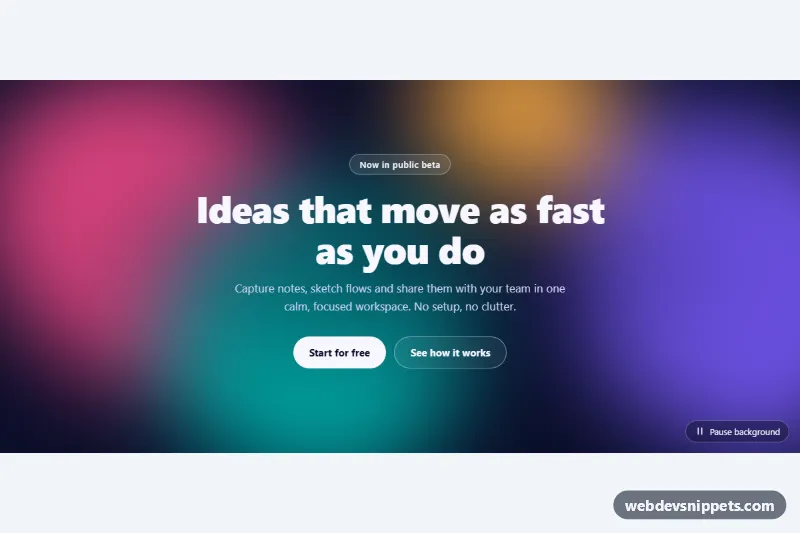
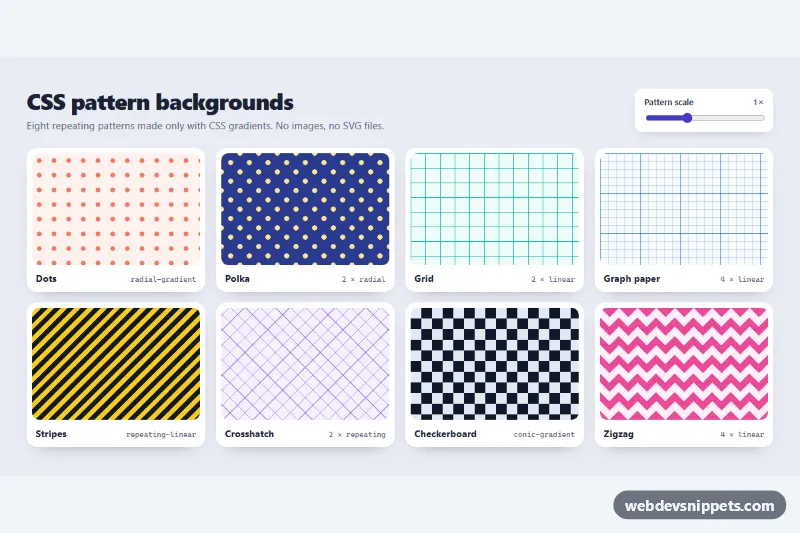
A Bootstrap 5 hero section whose background cycles through full-bleed photos with a soft cross-fade and a slow zoom, while the headline and buttons stay in place. A bottom bar shows the photo caption, progress dots and a pause button. Use it for travel, hospitality, real estate or event landing pages.
How it works
The root is section.bis-hero. The photos are img.bis-slide elements stacked inside the absolutely positioned .bis-slides layer, cropped with object-fit: cover. Only the slide with is-active is visible; it fades in through an opacity transition and runs the bis-zoom keyframes, a slow scale from 1 to --bis-zoom. The ::after pseudo-element of .bis-slides adds the dark gradient from --bis-overlay so the white text stays readable on any photo.
The content sits in .bis-content: the .bis-copy block with eyebrow, title, lead text and two buttons, and the .bis-bar with .bis-caption, the .bis-dot buttons and the .bis-toggle button.
The timing is driven by CSS. The .bis-dot-fill bar of the active dot runs the bis-progress animation for the length of --bis-interval. The script listens for its animationend event and calls go() with the next index. go() moves is-active to the new slide, gives the old one is-leaving so it keeps its zoom while fading out, marks earlier dots with is-done, moves aria-current and updates the caption from the slide's data-caption. Because the timer is an animation, pausing is just animation-play-state: paused: is-paused comes from the pause button, and is-held is set while the pointer or keyboard focus is in the bar or the browser tab is hidden. Without JavaScript the first photo stays visible.
Customization
data-intervalon.bis-hero: time per photo in milliseconds, e.g.5000for a faster slideshow.--bis-fadein.bis-hero: length of the cross-fade between photos.--bis-zoomin.bis-hero: strength of the zoom; set it to1for a static background.--bis-overlayin.bis-hero: change or lighten the gradient over the photos.--bis-accentin.bis-hero: recolor the primary button, eyebrow text and the running progress bar.- Add an
img.bis-slidewith adata-captionand a matching.bis-dotbutton to include another photo. min-heightin.bis-hero: make the section taller or shorter.
Use cases
- Travel agencies: a headline stays fixed while destination photos fade and slowly zoom behind it
- Hotels and hospitality: show rooms and views with a caption and progress dots in the bottom bar
- Real estate sites: cycle through property photos behind a call-to-action
- Event landing pages: a pause button lets visitors stop the moving background
- Resorts and outdoor brands: a dark gradient keeps white text readable on any photo
Accessibility
The photos are decorative (alt=""); their descriptions are in the dot labels such as "Photo 2: Wooden dock on a calm lake". The dots are buttons inside a labelled role="group", with aria-current on the visible photo. The pause button switches its aria-label between "Pause slideshow" and "Play slideshow". Under prefers-reduced-motion: reduce the zoom is disabled, the fade becomes instant and the slideshow starts paused. All controls have a visible focus outline.
Usage notes
Requires Bootstrap 5 and Bootstrap Icons. The photos come from Unsplash; replace them with your own images at roughly 1600 × 1000 pixels. Several sections can be used on one page; each runs its own timer.