
Animated Blob Background
Pure CSS animated background with blurred, morphing color blobs drifting behind a hero headline, with a pause button and reduced-motion support.
Patterns, animated and decorative backgrounds.
3 component(s)
Pure CSS animated background with blurred, morphing color blobs drifting behind a hero headline, with a pause button and reduced-motion support.
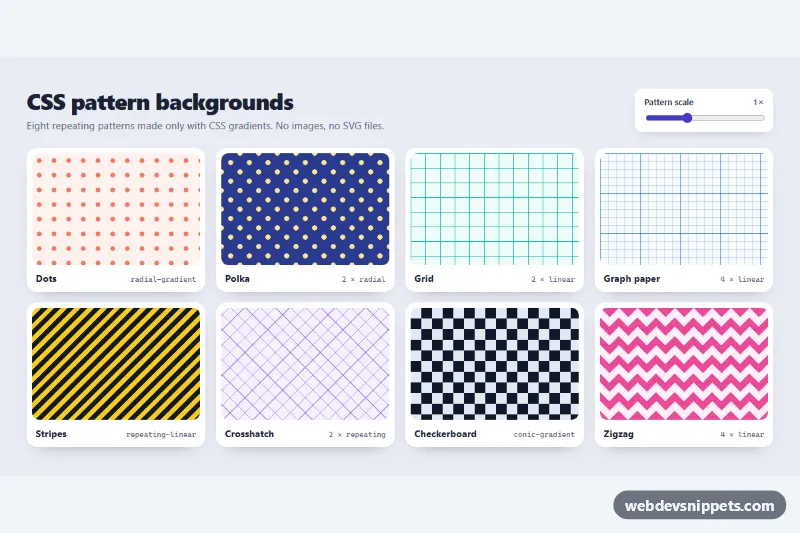
Eight pure CSS gradient background patterns (dots, polka, grid, graph paper, stripes, crosshatch, checkerboard, zigzag) with a live scale slider.
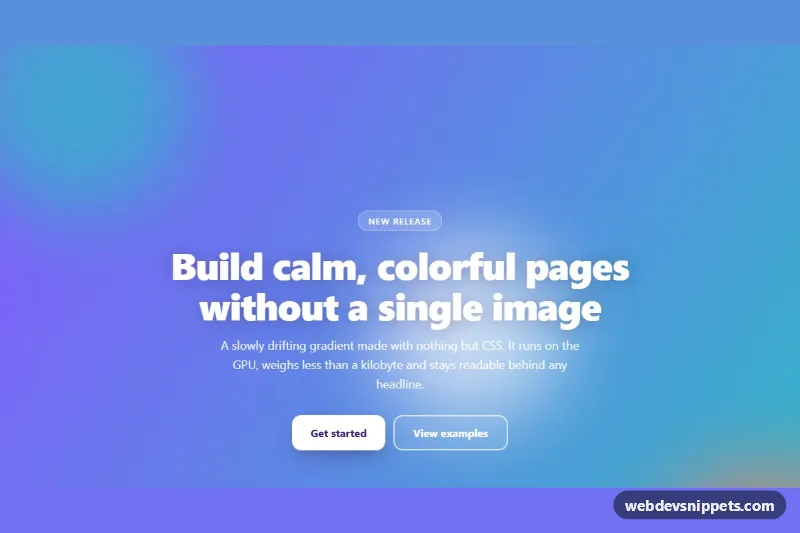
Pure CSS hero section with a slowly shifting multi-color gradient, drifting blurred blobs and a grain overlay, customizable through CSS variables.
This category covers decorative and animated backgrounds for sections and whole pages: CSS patterns such as dots, grids and stripes, gradient meshes, animated gradients, blobs, noise textures, particle and star fields, and SVG-based shapes. They are used behind hero sections, landing pages, login screens, pricing blocks and portfolio headers.
Use a background pattern or animation to give a section identity or separate it from neighbouring content. The background should support the content, never compete with it. A quiet pattern behind text works; a busy animation behind long paragraphs does not.
Best practices for CSS background patterns and animations:
aria-hidden="true" and keep them out of the tab order.transform and opacity, or animate gradient positions slowly; avoid heavy canvas loops on low-end devices.prefers-reduced-motion users.pointer-events: none on decorative layers so they do not block clicks.Every background comes with a live preview and code tabs for HTML, CSS and JS where a script is involved. Most backgrounds are pure CSS, so they work with any framework. Bootstrap 6 versions use the new alpha ES module build and theme-* colour roles so the pattern colours follow the active theme, Bootstrap 5 versions sit inside standard sections, and Tailwind CSS versions use utilities and arbitrary values. Use the framework filter, copy or download the code and tune colours, sizes and speed.