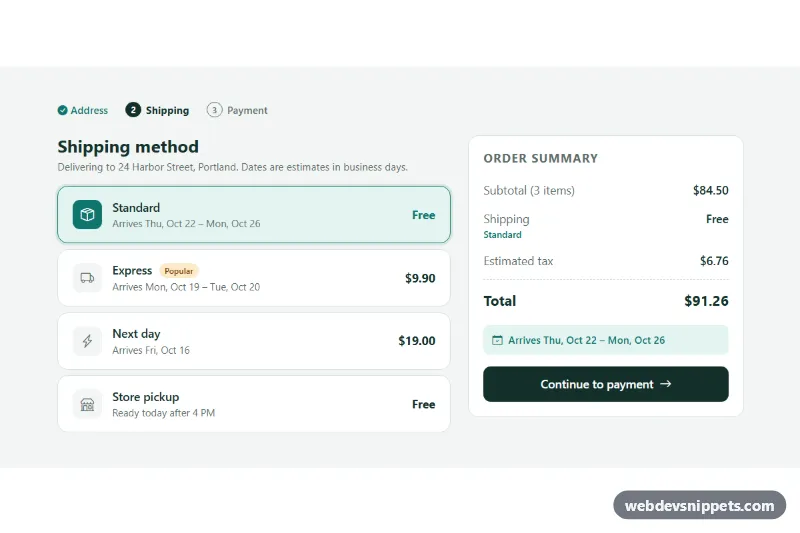
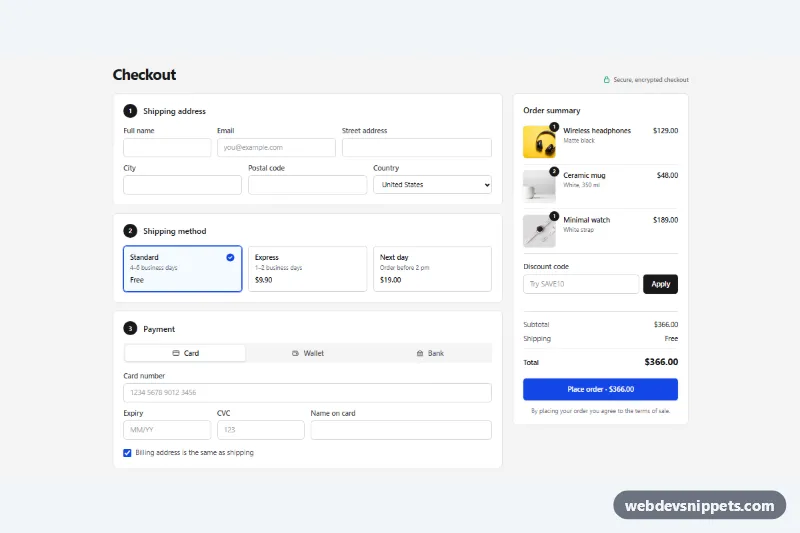
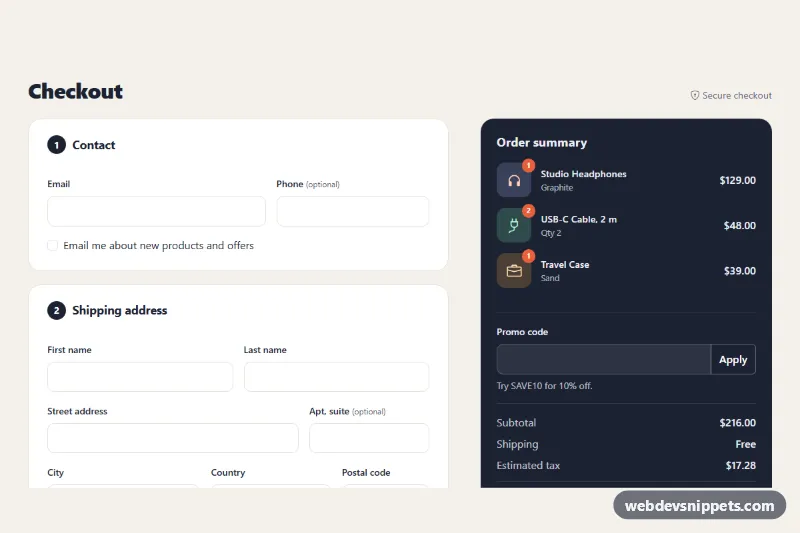
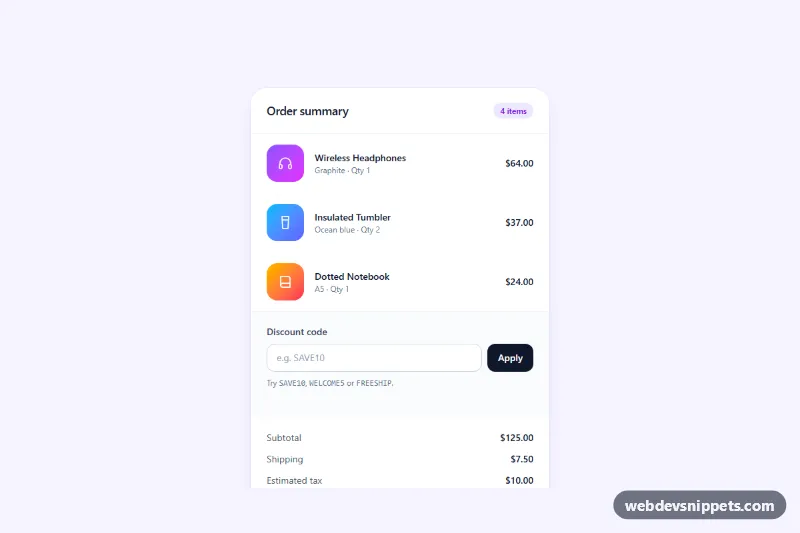
A Bootstrap 5 checkout step where shoppers pick a shipping method from large radio cards showing the price and the expected delivery date, next to an order summary that recalculates the total. Drop it between the address and payment steps of a checkout flow.
How it works
The root section.sm-root contains a small progress list (.sm-steps), a form.sm-form with the options and an aside.sm-summary. Bootstrap's grid puts the two columns side by side from the lg breakpoint and stacks them on smaller screens.
Each option is a .sm-option wrapper with a real radio input (.sm-option__input) followed by its label.sm-option__card. The input is visually hidden but stays focusable, and the CSS sibling selector .sm-option__input:checked + .sm-option__card gives the selected card a teal border, a tinted background and a filled icon. Each radio stores its cost in data-sm-price and its delivery window in data-sm-min and data-sm-max (business days).
On DOMContentLoaded the script replaces the static text in every [data-sm-date] element with real dates, skipping weekends with an addBusinessDays() helper and formatting them with Intl.DateTimeFormat, for example "Arrives Mon, Oct 19 - Tue, Oct 20". Options with data-sm-max="0", like store pickup, keep their own text. Without JavaScript the static ranges stay visible. A change listener on the radios calls update(), which writes the shipping cost, the method name, the tax, the total and the delivery estimate into .sm-shipping, .sm-summary__method, .sm-tax, .sm-total and .sm-eta. The .sm-continue button simulates saving and shows a confirmation in .sm-status.
Customization
data-sm-subtotalanddata-sm-tax-rateon.sm-root: set the cart subtotal and the tax rate used for the total (0.08 is 8 percent).data-sm-priceon a radio: change the shipping cost; also update the visible.sm-option__pricetext.data-sm-minanddata-sm-maxon a radio: change the delivery window; equal values show a single date.--sm-accentand--sm-accent-softon.sm-rootinstyle.css: recolor the selected card, prices and the delivery banner.--sm-radiuson.sm-root: make the cards and summary rounder or square.- The
.sm-tagbadge inside a card name: move it to highlight another option, or remove it. - The
setTimeoutin the.sm-continueclick handler ofscript.js: replace it with afetch()call that saves the choice and moves to payment.
Use cases
- Online stores: shoppers pick standard, express or store pickup between the address and payment steps
- Checkout flows: each option shows its price and a delivery date that skips weekends
- Order summaries: shipping cost, tax and total update the moment a method is selected
- Multi-step checkouts: a progress list marks the current step
- International shops: delivery dates use the visitor's local date in their own format
Accessibility
The options are a native radio group inside a fieldset with a legend, so Tab enters the group and arrow keys change the selection. The selected card gets a clear :focus-visible outline. Icons are hidden with aria-hidden. The progress list marks the active step with aria-current="step". The total is an aria-live region and .sm-status has role="status", so changes are announced. The card transitions are disabled under prefers-reduced-motion.
Usage notes
Requires Bootstrap 5 (loaded automatically) and Bootstrap Icons. For more than one instance on a page, give each radio group its own name and unique id values. Delivery dates use the visitor's local date, so confirm cut-off times on your server.