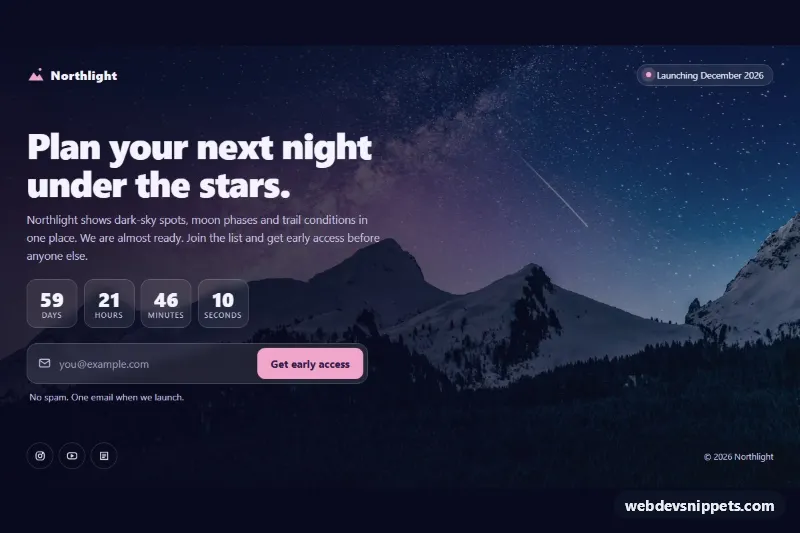
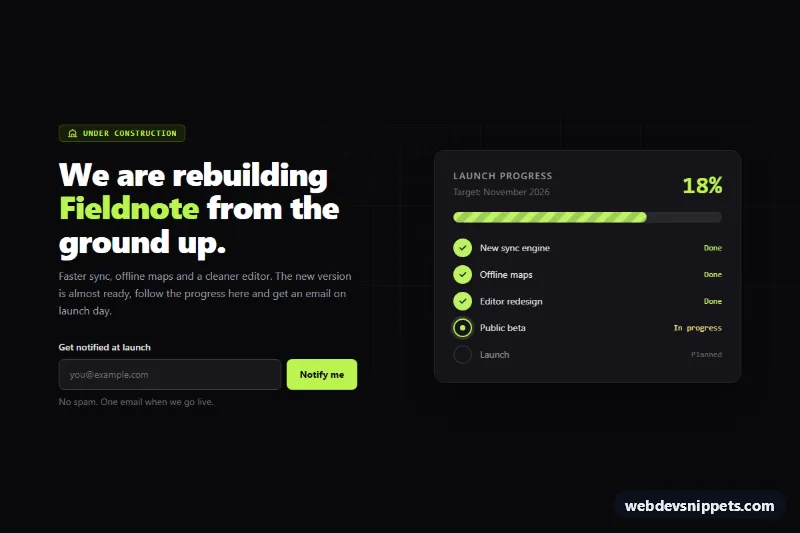
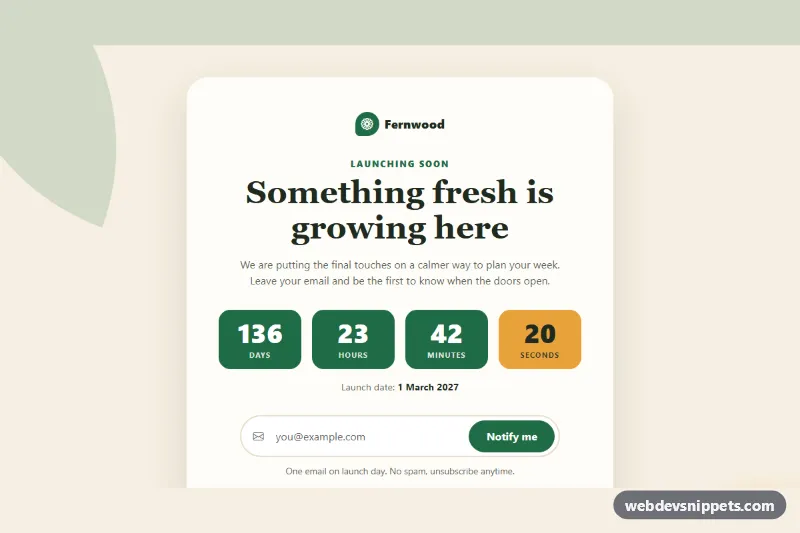
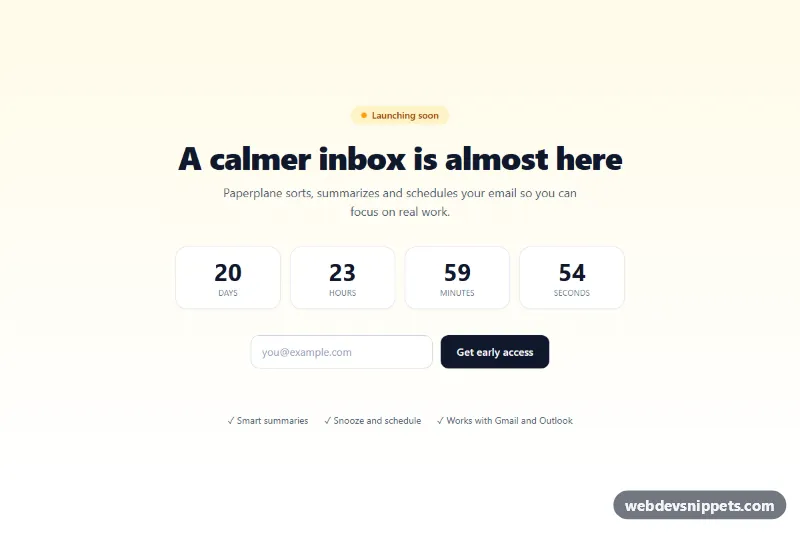
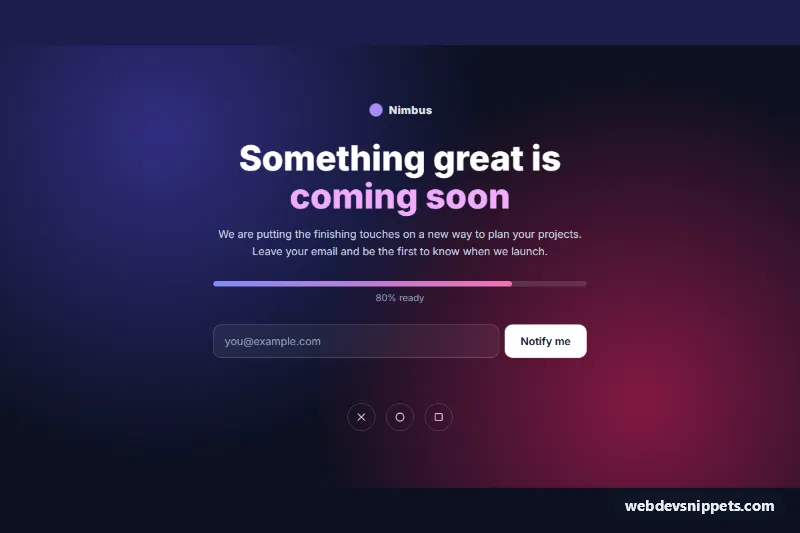
A full-screen coming soon page set over a night-sky mountain photo, with a live countdown, an email signup form and social links. It is built with plain CSS and a small vanilla JavaScript file and works as a launch teaser, a waitlist page or a placeholder while a product is in development.
How it works
The root main.csb-page is a flex column with a minimum height of 100vh. Its background stacks two layers: the --csb-overlay gradient, which darkens the left side where the text sits, and the --csb-photo image. Inside are three parts: .csb-top with the brand and the .csb-pill launch badge, the .csb-hero section with the title, text, .csb-countdown and .csb-form, and .csb-foot with the .csb-social links.
The script reads the launch date from data-csb-launch on the root. When the attribute is empty or the date has already passed, getLaunch() falls back to DEFAULT_DAYS (60) days from today at 09:00, so the timer never shows zeros on a fresh page. It writes the launch month into the [data-csb-launch-label] badge text, fills the footer year in [data-csb-year], and updates every [data-csb-unit] element (days, hours, minutes, seconds) once per second; it stops at zero. The form listens for submit, calls preventDefault(), checks the address with a simple pattern and shows an error or success text in .csb-message. The request is simulated with a short timeout; replace it with fetch() to your mailing list endpoint at the marked comment in initForm.
Customization
--csb-photoon.csb-page: swap the background image URL for your own photo.--csb-overlay: the gradient over the photo; raise the alpha values if your image is brighter, so the text stays readable.data-csb-launchon.csb-page: the target date in ISO 8601, for example2027-03-01T09:00:00Z. Leave it empty to count down to a rolling date, or changeDEFAULT_DAYSinscript.jsto move that date.--csb-accentand--csb-accent-dark: the button color and its text color, also used for the logo and the pulsing.csb-dot.--csb-glassand--csb-border: the translucent fill and border of the countdown boxes, the form field and the badge.- Remove the
.csb-countdownblock if you do not want a timer; the script skips it when no units exist. - Edit the
Launchingprefix ininitCountdownor theLaunching soonfallback inside[data-csb-launch-label]to change the badge wording.
Use cases
- Product launches: a night-sky photo with a live countdown builds anticipation before release
- Waitlist pages: collect email addresses with validation and a success message
- New websites: a placeholder page while the real site is in development
- Startups: show the launch month in a pill badge with social links in the footer
- Events and campaigns: count down days, hours, minutes and seconds to a set date
Accessibility
The email input has a visually hidden label, autocomplete="email" and aria-describedby pointing to the .csb-message live region, which announces errors and success. Invalid input sets aria-invalid and returns focus to the field. The countdown uses role="timer" with an aria-label, and decorative icons are aria-hidden. Social links have aria-label text and buttons and links show a white focus outline. The pulse animation stops under prefers-reduced-motion.
Usage notes
The photo comes from Unsplash; replace it with your own image before going live. The page is designed as a full-screen template, so place it directly inside body.