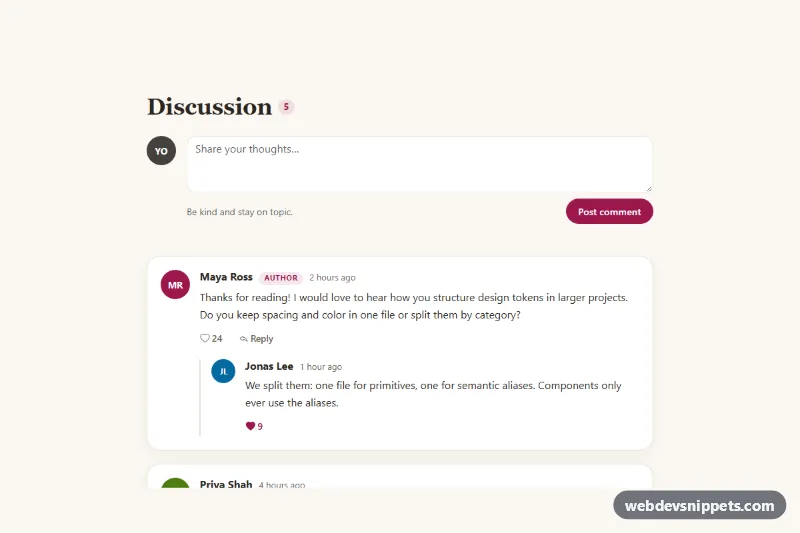
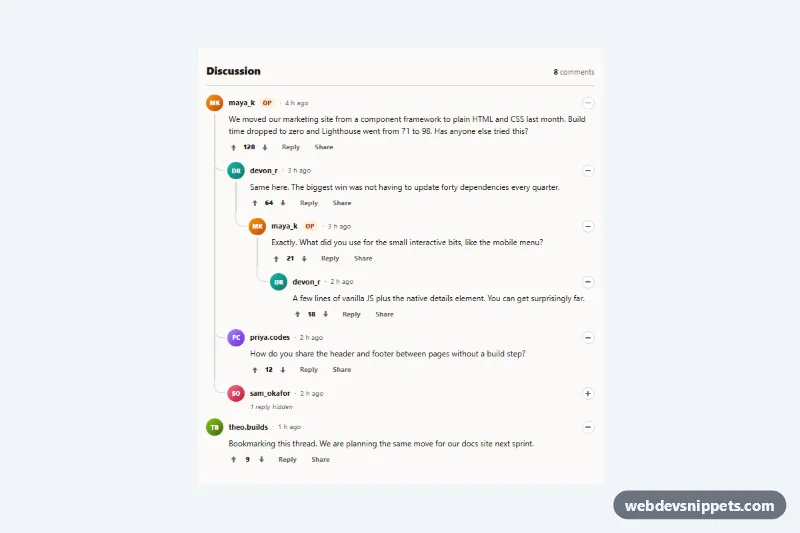
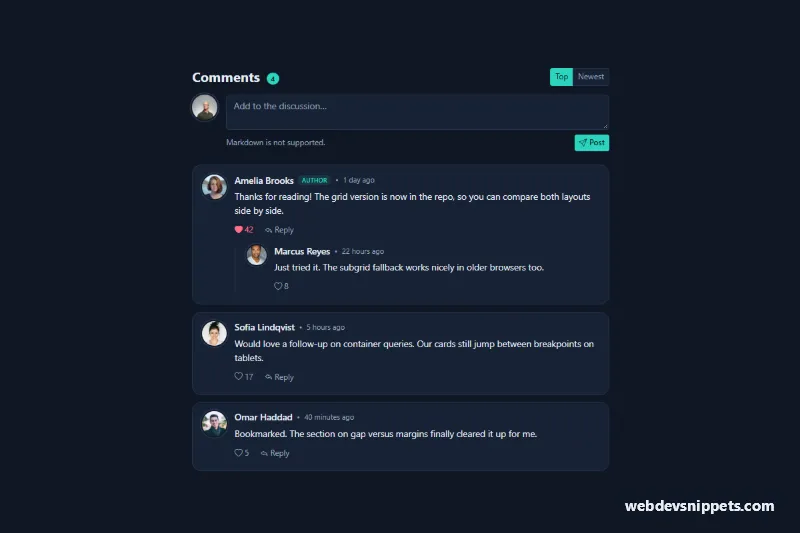
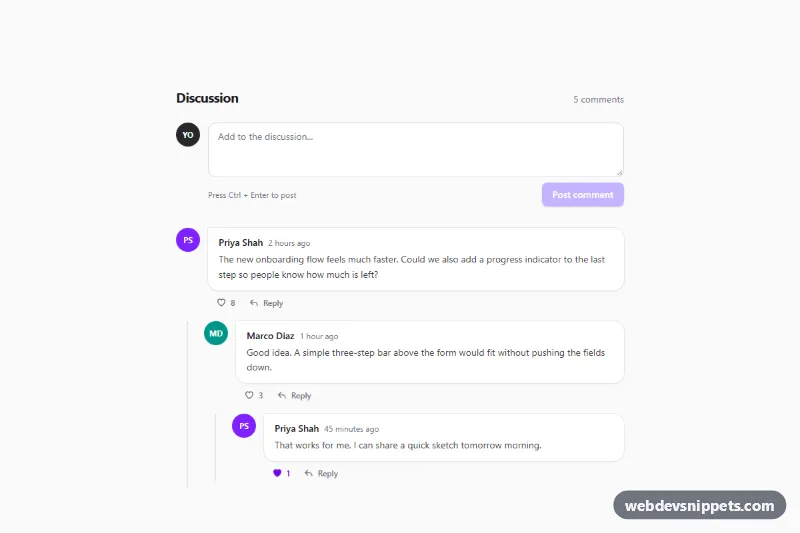
A Bootstrap 5 comment section with threaded replies, like buttons, collapsible reply boxes and a form for new comments. Use it under blog posts, documentation pages, changelogs or any article that invites discussion.
How it works
The root is section.cm-comments, centered in a .cm-wrap that is 760px wide at most. At the top, .cm-new-form holds the "Post comment" textarea next to the current user's avatar. Below it, ol.cm-list contains one li.cm-item per thread. Each article.cm-comment has an initials avatar (.cm-avatar), a .cm-meta row with name, optional .cm-tag and a time element, the .cm-text paragraph and a .cm-actions row. Replies live in a nested ol.cm-replies, which draws a thread line on its left edge once it has children.
The Reply button uses Bootstrap's own collapse through data-bs-toggle="collapse" and aria-controls, so it opens the matching .collapse panel with a .cm-reply-form. The script listens for shown.bs.collapse to focus the textarea, closes the panel with Cancel or Escape and returns focus to the Reply button. On submit, both form types run checkValidity(); empty or whitespace-only text shows the Bootstrap invalid-feedback message. Valid text is cloned into the template.cm-template markup after a short simulated delay, appended to the thread or to .cm-list, and the .cm-count badge is recounted. A single delegated click listener on the root toggles every .cm-like button, including ones added later.
Customization
--cm-accent,--cm-accent-hoverand--cm-accent-rgbin.cm-comments: change the berry color of buttons, likes, tags and focus rings.--cm-bg,--cm-card,--cm-lineand--cm-mutedin.cm-comments: adjust the cream background, card surface, borders and secondary text.--cm-avatar-sizein.cm-comments: make the avatars larger or smaller; replies use a smaller size set in.cm-replies .cm-avatar..cm-avatar--ato.cm-avatar--d: change the avatar colors, or replace the initials with animgfrom your user data.max-width: 760pxin.cm-wrap: widen the thread for full-width layouts.maxlengthon the textareas: set the maximum comment and reply length.- The
window.setTimeoutcall inhandleForm()inscript.js: replace it with afetch()that saves the comment and returns the real author and time.
Accessibility
Each comment is an article labelled by its author heading, and threads use ordered lists so screen readers announce their size. The Reply button exposes aria-expanded and aria-controls through Bootstrap's collapse. Like buttons are toggle buttons with aria-pressed and hidden "likes" text after the number. Every textarea has a visually hidden label, gets aria-invalid when empty on submit and receives focus. New posts are announced through the .cm-status live region. The like pop, new comment fade and collapse transition are disabled with prefers-reduced-motion: reduce.
Usage notes
Requires Bootstrap 5 with its JavaScript bundle and Bootstrap Icons. Every collapse panel needs a unique id that matches data-bs-target on its button. Always sanitize comments on the server; the script inserts text with textContent, never as HTML.