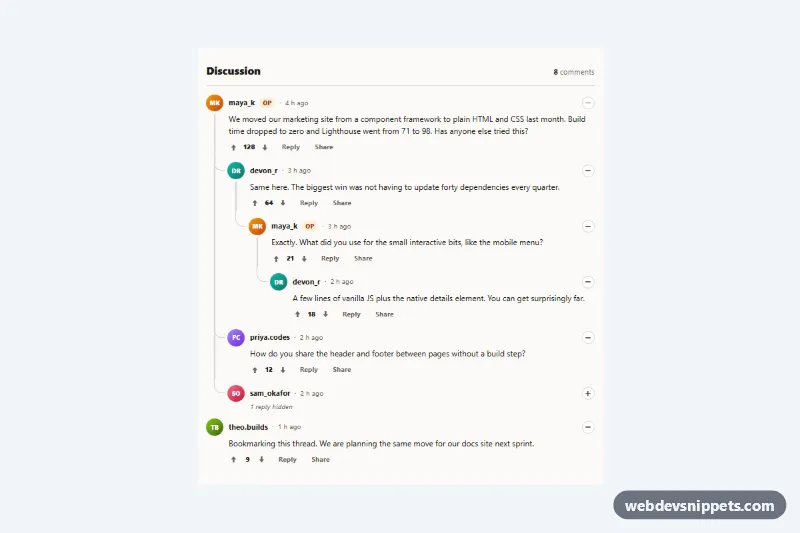
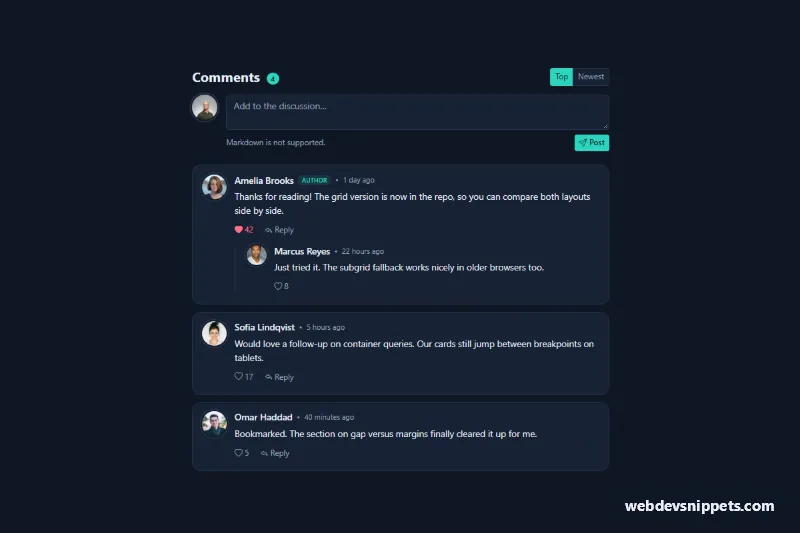
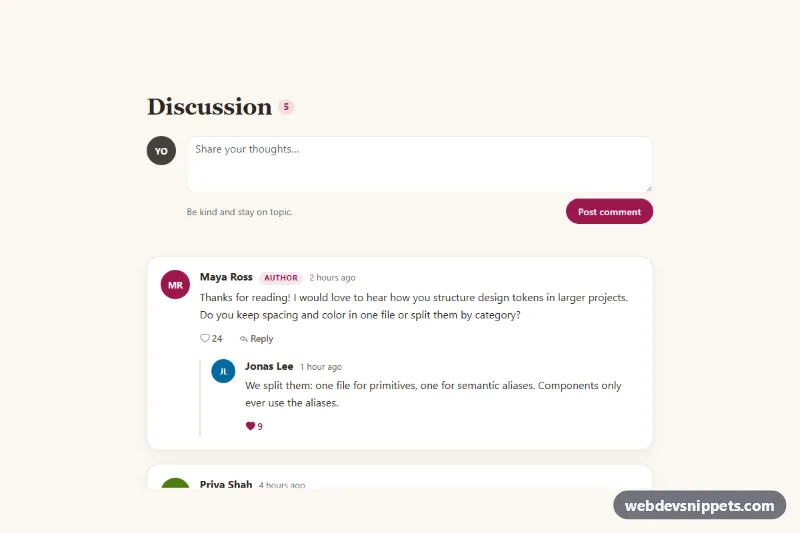
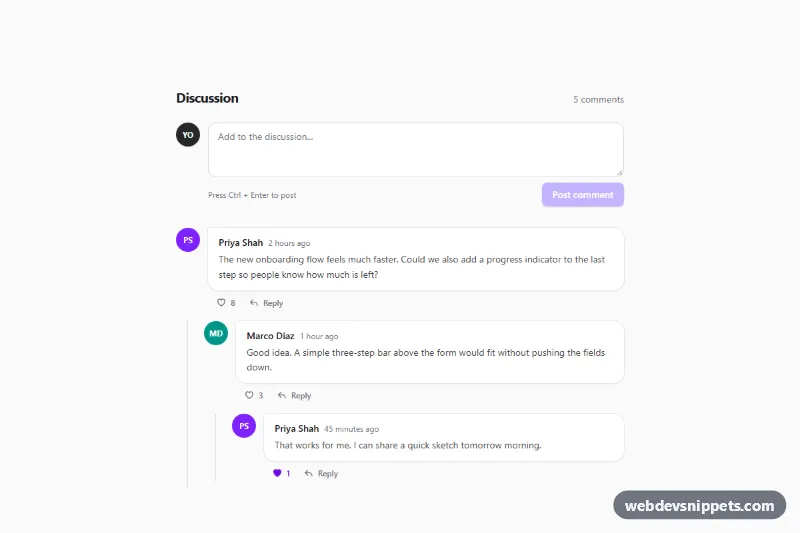
A Reddit-style comment thread with nested replies, built with plain HTML, CSS and a small vanilla JavaScript file. Curved thread lines connect every reply to its parent, and each branch can be collapsed. Use it under blog posts, forum topics, product Q&A pages or changelogs.
How it works
The root section.nr-thread holds a header with the comment count (.nr-count-num) and a ul.nr-list. Every comment is an li.nr-comment containing an article.nr-card and, if it has answers, a nested ul.nr-replies. The card is a two-column grid: .nr-rail with the initials avatar and the .nr-stem line, and .nr-main with the .nr-head, the .nr-body (text and .nr-actions) and a .nr-note that appears when the branch is collapsed.
The lines are pure CSS. .nr-stem grows under the avatar to the bottom of the card. Each reply draws a rounded elbow with ::before (a left and bottom border with border-bottom-left-radius), and every reply except the last draws a straight ::after line so the parent line continues to the next sibling. All positions are calculated from --nr-avatar, --nr-indent and --nr-line-width, so the lines stay aligned at any size. Hovering a line highlights the whole branch through a :has() rule.
The script uses one delegated click listener per .nr-thread, so replies added later work too. It collapses and expands branches (.is-collapsed, the hidden attribute and a "3 replies hidden" note), toggles up and down votes on .nr-vote, opens an inline .nr-form for replies and appends the new comment to the right ul.nr-replies. Posting is simulated; send the text to your API with fetch() in the form's submit handler.
Customization
--nr-indenton.nr-thread: horizontal step per nesting level; the elbows resize automatically.--nr-avatar: avatar size, which also moves the thread lines to the avatar center.--nr-lineand--nr-line-hover: thread line color and the highlight color while a line is hovered.--nr-upand--nr-down: colors of the active upvote and downvote arrows and the score..nr-avatar--amber,.nr-avatar--tealand the other avatar modifiers set--nr-avatar-bg; add your own or replace the initials with an image.- Add
is-collapsedto anli.nr-comment(withhiddenon its.nr-bodyand.nr-replies) to render a branch collapsed, as on thesam_okaforcomment. .nr-badgemarks the original poster; remove it or reuse it for moderator labels.
Use cases
- Blog post comments: readers reply to each other and collapse long branches with curved thread lines
- Forum topics: nested replies, voting and inline reply forms keep discussions organized
- Product Q&A pages: customers and staff answer questions in clearly connected threads
- Changelogs and docs: users discuss updates under an entry, with the original poster badged
Accessibility
Each article is labelled by its author name. The .nr-toggle button uses aria-expanded and an aria-label such as "Collapse comment by maya_k", and the vote buttons use aria-pressed inside a labelled role="group", with the score in an aria-live region. The clickable .nr-stem line is a mouse shortcut only, so it is aria-hidden and out of the tab order. The reply textarea has a visually hidden label, focus moves into the form and onto the new comment after posting, and all buttons show a focus ring. Transitions are disabled with prefers-reduced-motion.
Usage notes
Several threads can live on one page. Below 480px the indent and avatar shrink and the Share button is hidden to keep deep threads readable.