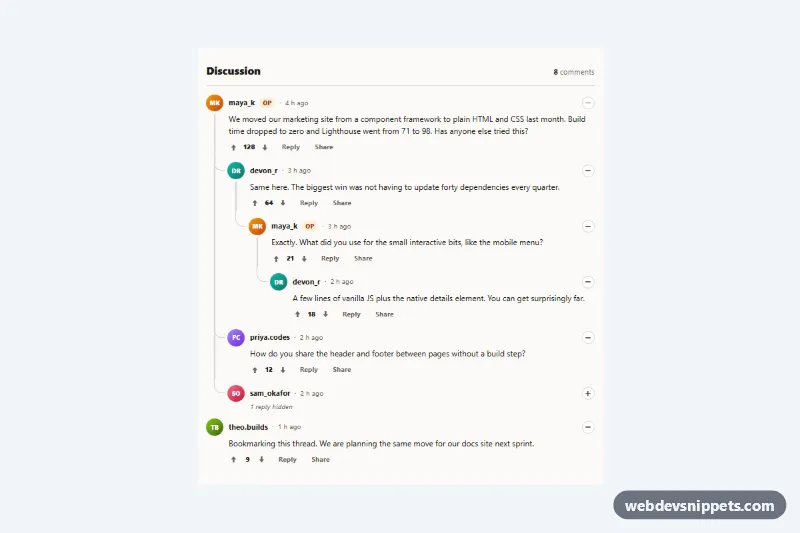
Nested Comment Replies with Thread Lines
Reddit-style nested comment thread with curved CSS thread lines, collapsible branches, voting and inline replies in vanilla JS.
Comment threads and discussion layouts.
4 component(s)
Reddit-style nested comment thread with curved CSS thread lines, collapsible branches, voting and inline replies in vanilla JS.

Dark Bootstrap 5 comment section with user photos, timestamps, like buttons, inline reply forms, nested replies and Top/Newest sorting.
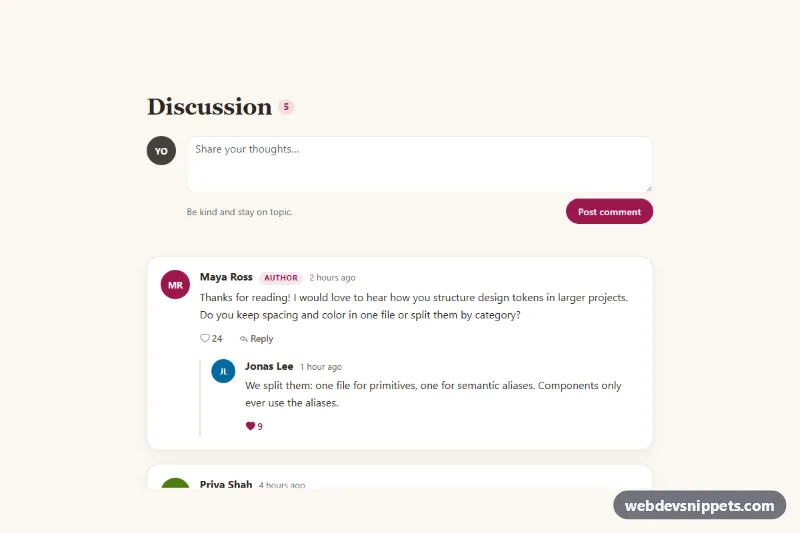
Bootstrap 5 comment section with threaded replies, collapsible reply forms, like buttons, a new comment form and live comment count.
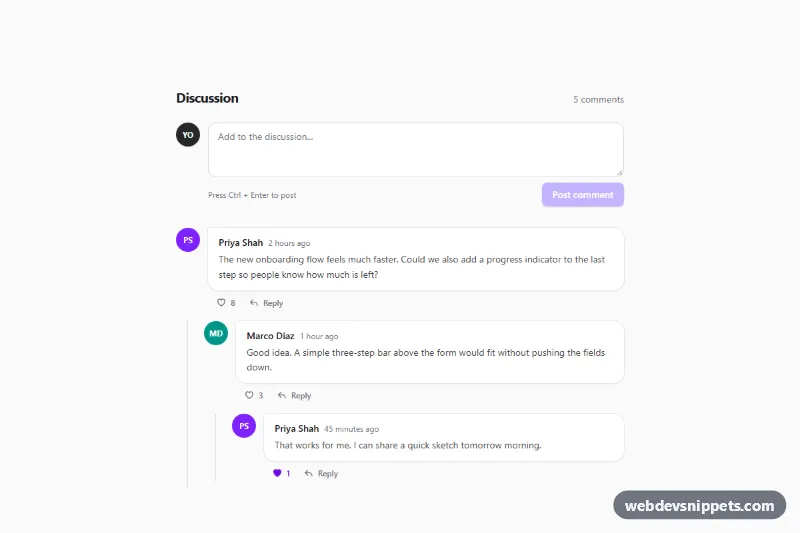
Nested Tailwind CSS comment thread with threaded replies, like toggles, inline reply forms and a new comment form, built with accessible vanilla JavaScript.
A comment section shows a discussion attached to a piece of content: blog post comments, product questions, code review notes or forum replies. A typical comment includes the author's avatar and name, a timestamp, the message, and actions such as reply, like or report. Threaded layouts indent replies under their parent so conversations stay readable.
<article> with the author and a <time datetime="..."> element, which helps both accessibility and search engines.aria-label like "Like comment" and aria-pressed for its state.The comment thread examples on this page include flat lists, nested replies, comment forms and discussion layouts with reactions. Bootstrap 6 versions use theme-* colour roles for highlights such as the author's own comments and work in dark mode. Bootstrap 5 versions combine flex utilities, avatars and form controls, Tailwind CSS versions use spacing and border utilities for threads, and pure CSS versions are framework-free. Preview each layout live, copy the HTML and CSS from the code tabs, and wire the form to your own backend.