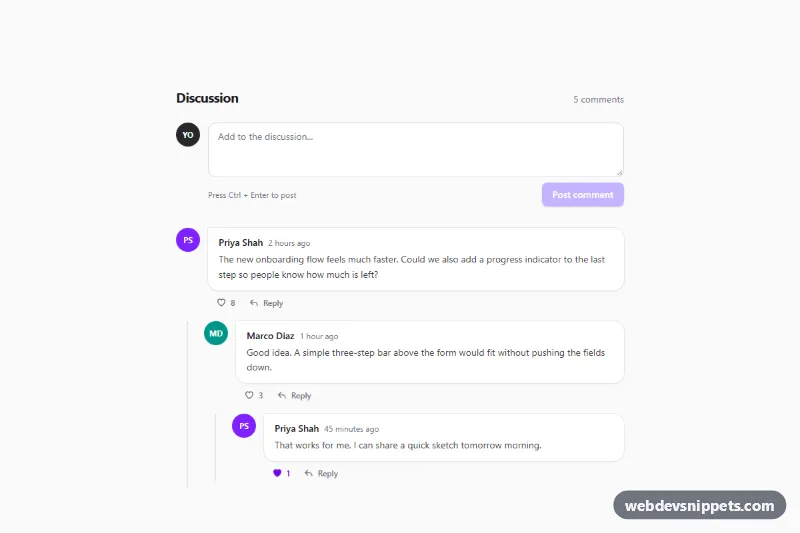
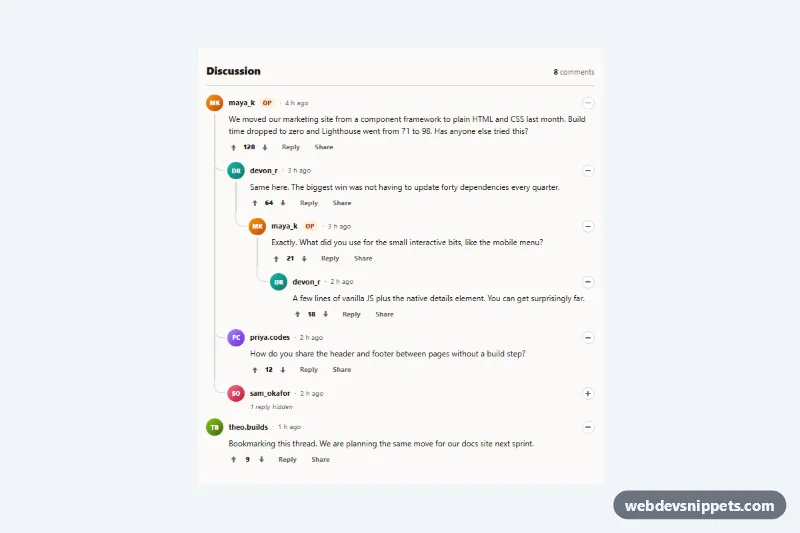
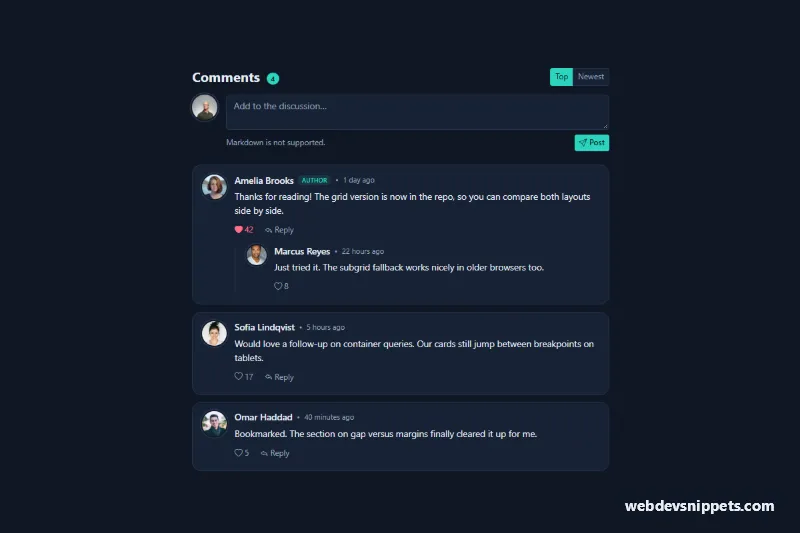
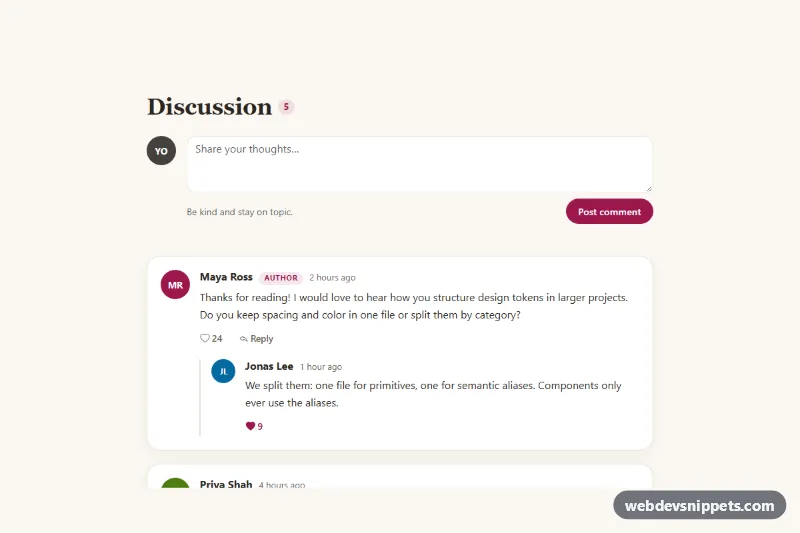
A nested comment thread built with Tailwind CSS and vanilla JavaScript, with chat-style bubbles, threaded replies on a vertical guide line, like toggles with counters and inline reply forms. It fits blog posts, documentation pages, issue trackers and community or product feedback sections.
How it works
The root is section.tct-thread. A form marked data-tct-form at the top posts new comments, and the ol marked data-tct-list holds the thread. Every comment is an li marked data-tct-comment containing an article.tct-body with an initials avatar, a .tct-bubble with the author (data-tct-author) and a time element, and an actions row (data-tct-actions) with a like button (data-tct-like, aria-pressed) and a reply button (data-tct-reply). Replies live in a nested ol.tct-replies (data-tct-replies) with a left border that draws the thread line. Two template elements hold the markup for a new comment and for the reply form.
The script initializes every .tct-thread on DOMContentLoaded and uses delegated click, input, keydown and submit listeners on the root. A like click flips aria-pressed and adds or removes one from data-tct-likes; style.css fills the heart icon when pressed. A reply click clones the reply template under that comment and focuses its textarea. Submit buttons stay disabled until the text is not empty. On submit the new comment is built from the template with textContent (so user input is never parsed as HTML), appended to the right list, focused and announced, and the total in data-tct-total is recounted. Replies to comments that are already at data-tct-max-depth join the parent's list instead of nesting deeper.
Customization
data-tct-max-depthon.tct-thread: set how many reply levels can nest (default3); use2for a flatter thread.bg-violet-600,aria-pressed:text-violet-700andfocus-visible:outline-violet-600: swapvioletfor another Tailwind color to change the accent.REPLIES_CLASSinscript.jsand the classes onol.tct-replies: changeborder-zinc-200orpl-4 sm:pl-6to restyle the thread line and indentation.rounded-2xl rounded-tl-smon.tct-bubble: userounded-lgfor classic boxes instead of speech-bubble corners.- The
data-tct-comment-templatetemplate: replace "You" and "YO" with the signed-in user's name and initials. - The
submithandler inscript.js: send the text to your server withfetch()at the marked comment before rendering it.
Accessibility
The thread uses ordered lists, so screen readers announce nesting and item counts. Like buttons are toggle buttons with aria-pressed, and their hidden label names the author ("Like comment by Priya Shah"); reply buttons get aria-label="Reply to ..." and aria-expanded. Textareas are labelled, Ctrl or Cmd + Enter posts, Escape closes a reply form and returns focus to its button. Posting focuses the new comment and announces it through a role="status" region. All controls have visible focus outlines, and animations stop under prefers-reduced-motion: reduce.