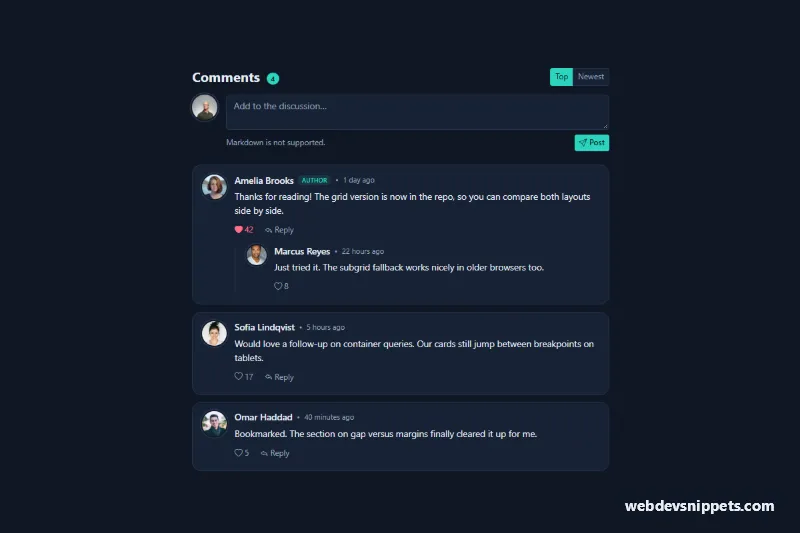
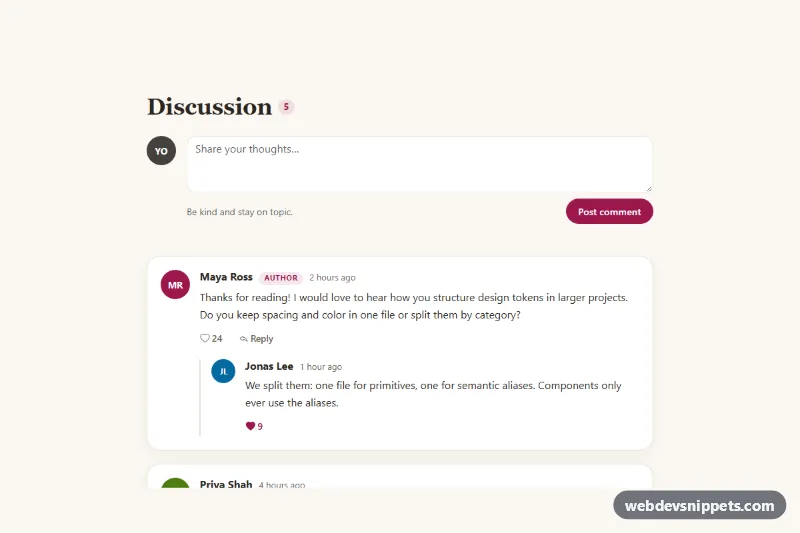
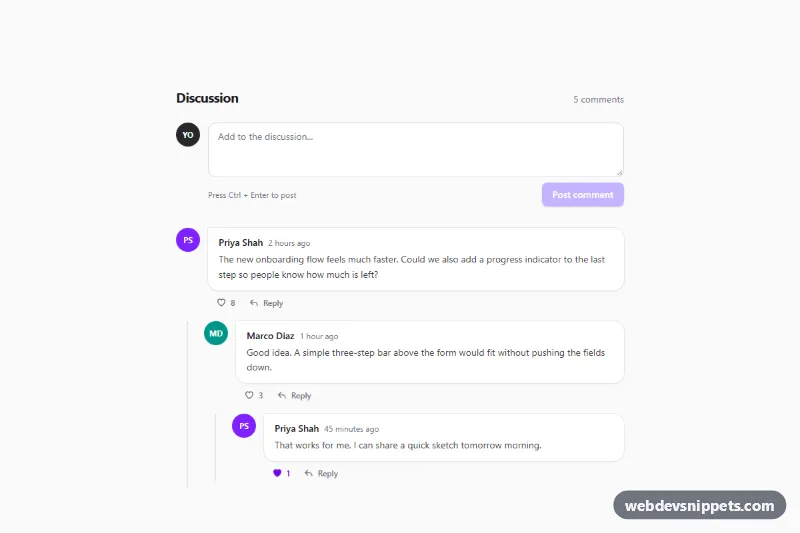
A dark Bootstrap 5 comment section with round user photos, relative timestamps, heart like buttons with counters, inline reply forms and one level of nested replies. It fits blog posts, documentation pages, changelogs and community feeds where readers should react without leaving the page.
How it works
The root section.cl-comments holds a header with the title, a .cl-count badge and a .cl-sort button group, then the .cl-composer form and an ordered .cl-list. Every comment is an li.cl-item with data-likes and data-time attributes and an article.cl-comment that contains the .cl-avatar photo, a .cl-meta row (name, optional .cl-badge, <time>), the .cl-text paragraph and .cl-actions. Top-level comments also carry a hidden .cl-reply-form and a .cl-replies list, which gets a left border only when it is not empty.
The script initialises every .cl-comments on DOMContentLoaded and uses delegated click, submit and input listeners on the root, so comments added later work without extra wiring. A .cl-like click flips aria-pressed, swaps bi-heart and bi-heart-fill, updates data-likes and the .cl-like__count. A .cl-reply-toggle shows the form named in its aria-controls and focuses the textarea; Cancel hides it and returns focus. Submitting the composer or a reply builds a new comment with DOM methods and textContent, using the name and photo from data-cl-user and data-cl-avatar. The sort buttons reorder top-level items by data-likes or data-time.
The photos come from Unsplash; replace them with your users' own profile images.
Customization
--cl-accentin.cl-comments: changes the Post button, active sort button, count badge and focus rings.--cl-likein.cl-comments: sets the color of liked hearts and of empty-field errors.--cl-avatarin.cl-comments: resizes all profile photos; replies use 80% of this size through.cl-avatar--sm.data-cl-useranddata-cl-avataron.cl-comments: the signed-in user's name and photo used for new comments.max-width: 46remin.cl-comments .cl-wrap: makes the thread wider or narrower.aria-pressed="true"on a[data-cl-sort]button: chooses the sort mode that looks active on load.- The
composersubmit handler inscript.js: replace the comment marked with afetch()call to store comments on your server.
Accessibility
The sort buttons sit in a labelled role="group" and use aria-pressed. Like buttons carry an aria-label naming the author and expose their state with aria-pressed. Reply toggles use aria-expanded and aria-controls, and every textarea has a visually hidden label. Empty submissions mark the field with is-invalid and move focus to it. A .cl-status live region announces posted comments, replies and sort changes. Focus is shown with a teal outline, text colors keep strong contrast on the dark surface, and the heart pop and slide-in animations stop under prefers-reduced-motion.
Usage notes
Requires Bootstrap 5 (added automatically) and Bootstrap Icons. Several comment sections can live on one page; reply form IDs created by the script are unique.