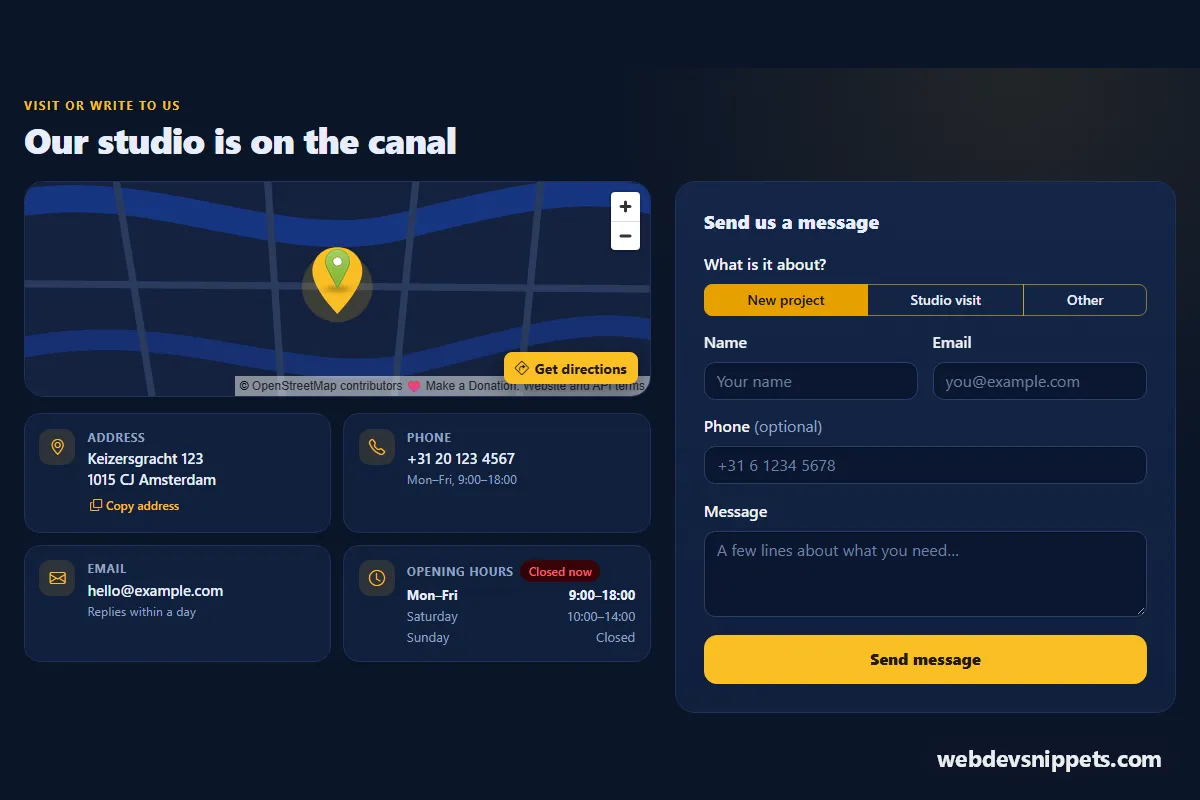
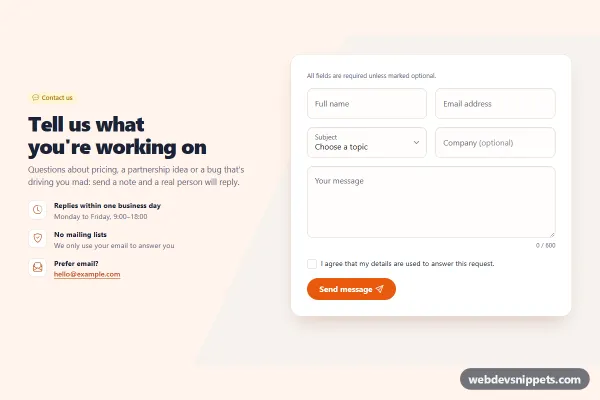
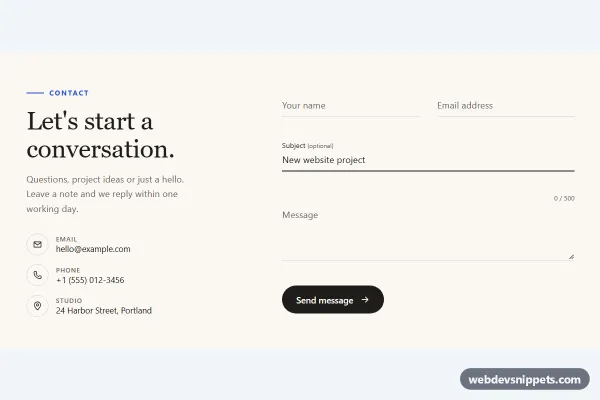
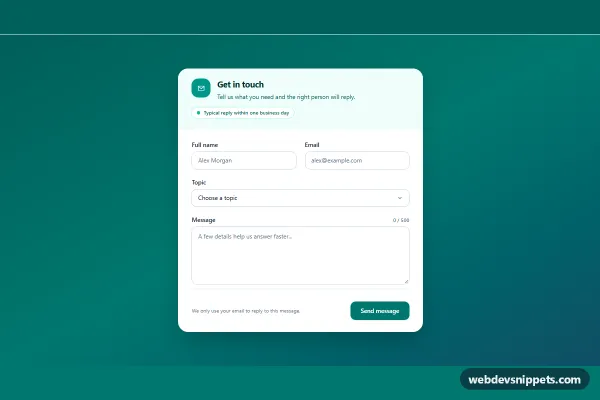
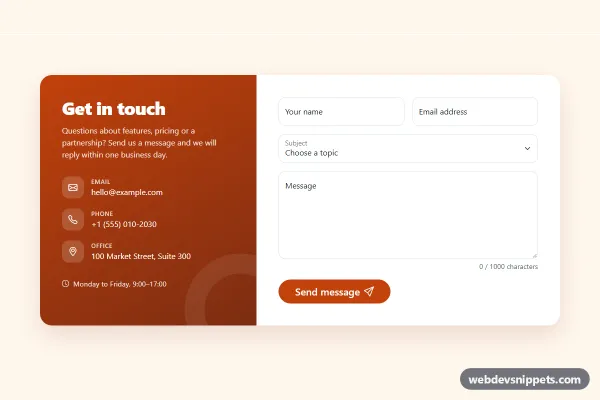
A dark contact section for Bootstrap 6 that puts everything a visitor needs on one screen: a map of the office, the address, phone, email and opening hours on the left, and a short contact form on the right. It is a good fit for studios, agencies, shops and clinics that want people to either visit or write. A Bootstrap 6 Toast confirms the message after sending.
How it works
The root .cmd-root sets data-bs-theme="dark" and two columns from 992px up. The .cmd-map card stacks an OpenStreetMap <iframe class="cmd-map-frame"> on top of an inline SVG drawing (.cmd-map-fallback) with canals, streets and a pin. If the embed is slow, blocked or not rendered, the card still looks like a map. The "Get directions" button links to OpenStreetMap directions for the same coordinates.
The four .cmd-detail cards hold the contact details. The address card has a .cmd-copy button that copies data-cmd-copy with the Clipboard API; when that is blocked (for example in a sandboxed preview) it selects the address text instead. The hours list is a <dl class="cmd-hours"> whose rows carry data-cmd-days, data-cmd-open and data-cmd-close. On load the script marks today's row with .is-today and turns the .cmd-open badge into "Open now" (theme-success) or "Closed now" (theme-danger) based on the visitor's clock, so nothing is hard-coded to a date.
The form uses Bootstrap 6's data-bs-validate, so errors appear through :user-invalid with no validation code. The topic picker is a .btn-group of radio toggle buttons. On submit the script focuses the first invalid field; when everything is valid it shows a spinner, writes a topic-specific message into .cmd-toast-text, resets the form and calls Toast.getOrCreateInstance(...).show().
Customization
--cmd-accentand--cmd-accent-inkon.cmd-root: change the amber accent and the text on accent buttons; the scoped--bs-primary-*tokens follow.--cmd-bg,--cmd-cardand--cmd-lineon.cmd-root: adjust the background, card surfaces and borders.- The
bboxandmarkervalues in the iframesrcand theto=value in.cmd-directions: point the map at your own location. data-cmd-days,data-cmd-openanddata-cmd-closeon each.cmd-hoursrow: set your opening hours (days 0–6, Sunday is 0; hours in 24h).data-cmd-copyon.cmd-copy: the exact text copied to the clipboard.- Replace the
setTimeoutin the submit handler with afetch()POST ofnew FormData(form).
Use cases
- Local businesses: an embedded map, address, phone and email sit next to the form
- Shops and restaurants: live opening hours show whether you are open right now
- Service companies: a validated form with a toast confirmation replaces a separate contact page
- Offices and clinics: visitors find the location and send a message in one section
Accessibility
The map iframe has a descriptive title, the decorative SVG is aria-hidden, and the address uses <address>. Phone and email are real tel: and mailto: links. Topic toggles are native radios inside a labelled group. Invalid fields get aria-invalid, and the Toast is a polite role="status" region. Focus rings use the accent color on the dark background.
Bootstrap 6 notes
Bootstrap 5's btn-check input plus label pair becomes one label.btn-check with the radio inside. Validation moves from .was-validated JavaScript to data-bs-validate, btn-primary is btn-solid theme-primary, badges use badge-subtle theme-*, and spinner-border-sm is spinner-sm. Toasts still need JavaScript to show. Built on Bootstrap 6.0.0-alpha.1, so APIs may still change.