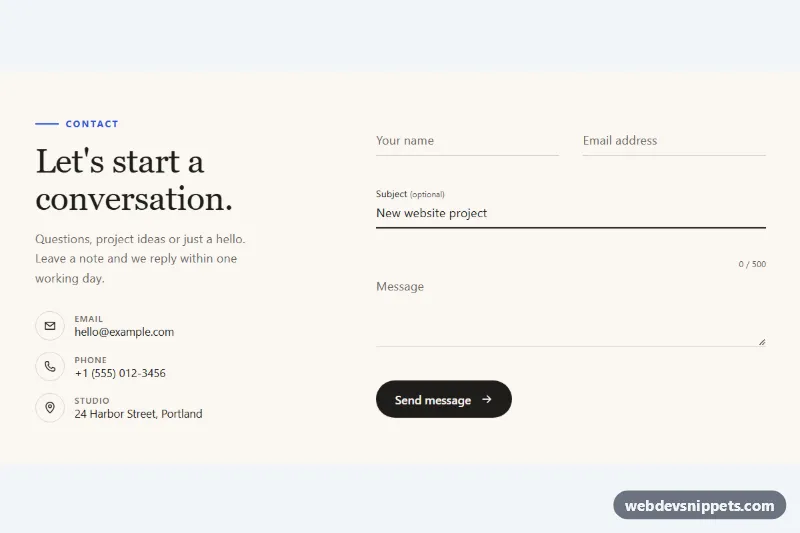
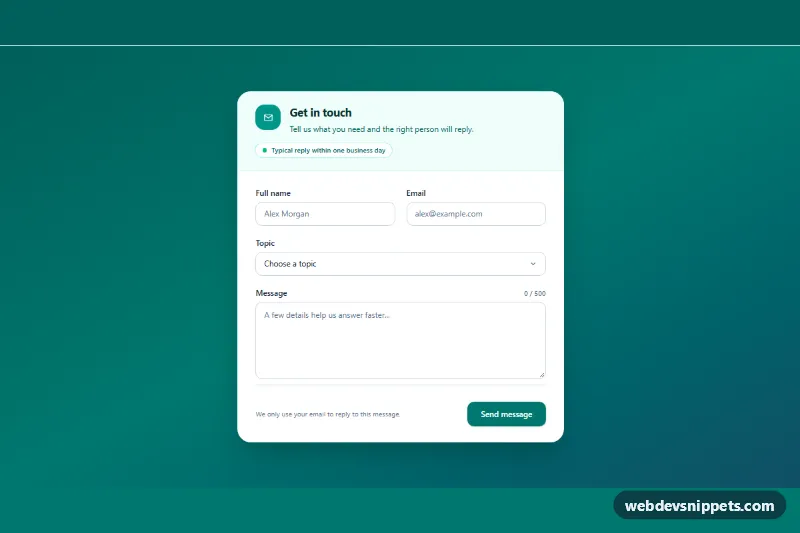
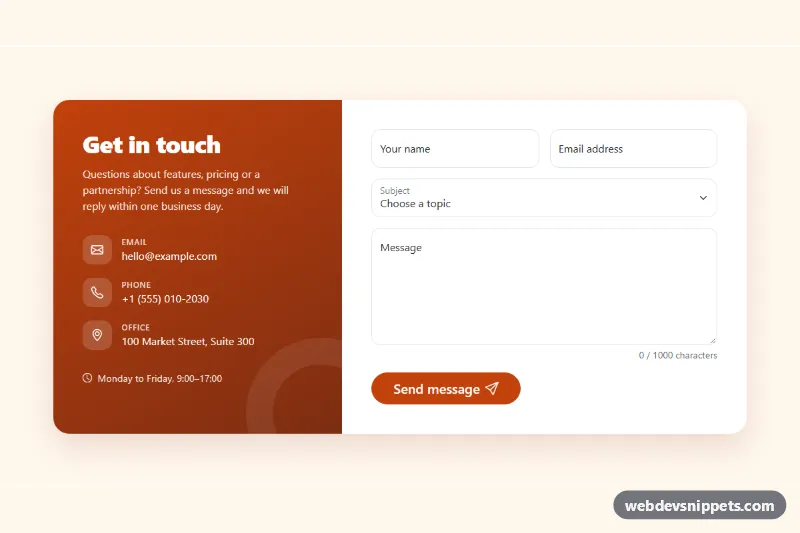
A minimal contact form in pure CSS and vanilla JavaScript: borderless inputs sit on a thin rule, and a colored underline sweeps in from the left when a field gets focus while its label floats up. Use it on portfolio sites, studio pages and clean landing pages where a heavy boxed form would feel out of place.
How it works
The root section.uc-contact is a two-column grid from 900px: the .uc-intro column holds the eyebrow, a serif headline, a lead paragraph and the .uc-info list with inline SVG icons; the .uc-form column holds the fields. Name and email share the .uc-row grid, which becomes two columns from 640px.
Each .uc-field contains an .uc-input (or the .uc-textarea), its .uc-label, an empty .uc-line span and an .uc-error paragraph. Inputs cannot have pseudo-elements, so the underline is the .uc-line sibling: it starts at transform: scaleX(0) with transform-origin: left center and grows to full width through .uc-input:focus ~ .uc-line. The labels use the placeholder=" " trick: :not(:placeholder-shown) keeps a label raised and the line drawn in ink once a field has content, so filled fields stay readable without JavaScript.
The script runs on DOMContentLoaded for every .uc-contact. It updates the .uc-count-value character counter on input, checks a field on blur and on submit with the browser's own checkValidity(), sets aria-invalid="true" and copies the text from the error's data-message attribute. A .uc-input[aria-invalid="true"] rule turns the line and label red. A valid submit is simulated with a 1.2 second timeout that disables the button, then resets the form and shows a success message.
Customization
--uc-accenton.uc-contact: the color of the focus underline, the floating label and the eyebrow.--uc-line-height: the thickness of the animated underline, e.g.3pxfor a bolder line.--uc-speed: the duration of the underline and label animation.--uc-filled: the line color under fields that already have content; set it totransparentto show the line only on focus.transform-origin: left centerin.uc-line: change it tocenterso the underline grows from the middle out.data-messageon each.uc-error: the validation text shown for that field.maxlength="500"on#uc-message: the limit; update the/ 500text in.uc-countwith it.- The
window.setTimeoutinscript.js: replace it with afetch()call to your form endpoint.
Accessibility
Every input has a real label, and aria-describedby links it to its error message (and the counter for the message field). Invalid fields get aria-invalid, the first one receives focus on submit, and the .uc-status line is a polite live region for the result. The submit button shows aria-busy while sending and has a visible :focus-visible outline. Decorative icons are aria-hidden. With prefers-reduced-motion: reduce the label, underline and button transitions are switched off.
Usage notes
The fields use fixed ids such as uc-name; give them unique ids if you place two forms on one page. The script itself handles every .uc-contact separately.