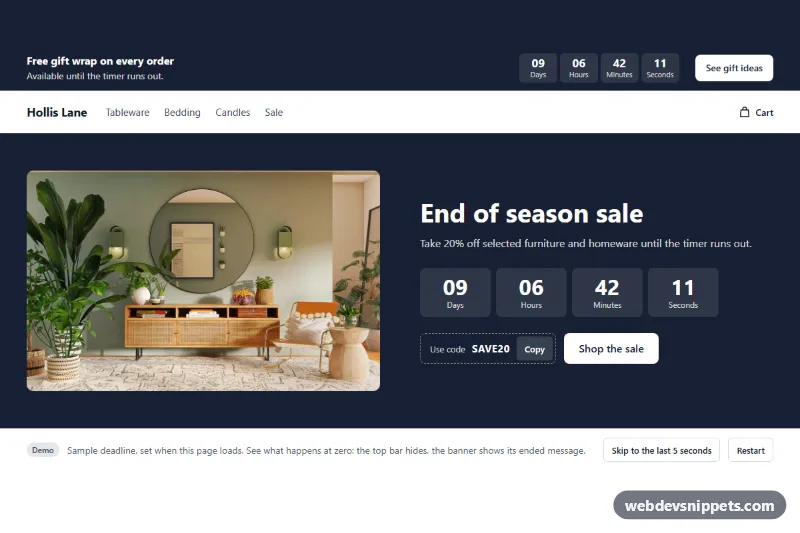
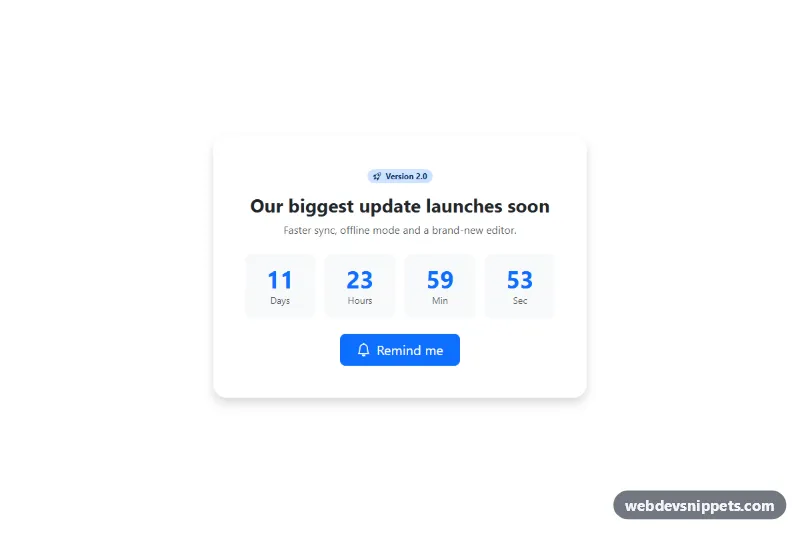
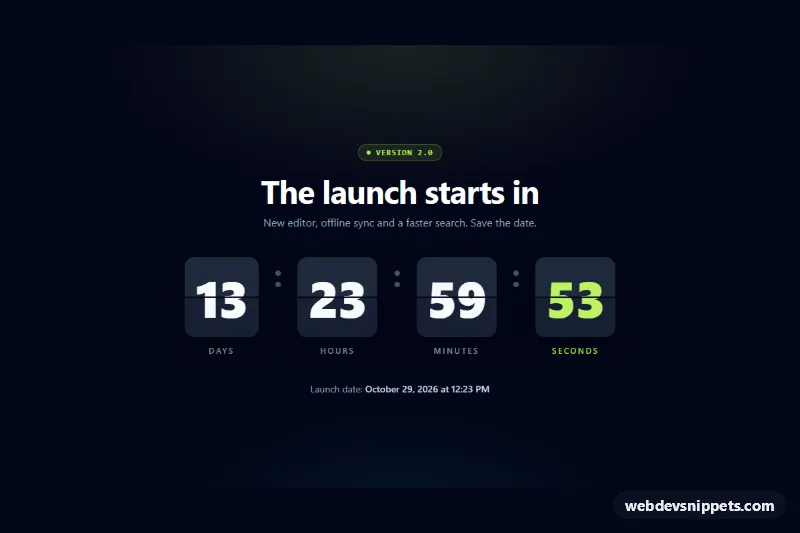
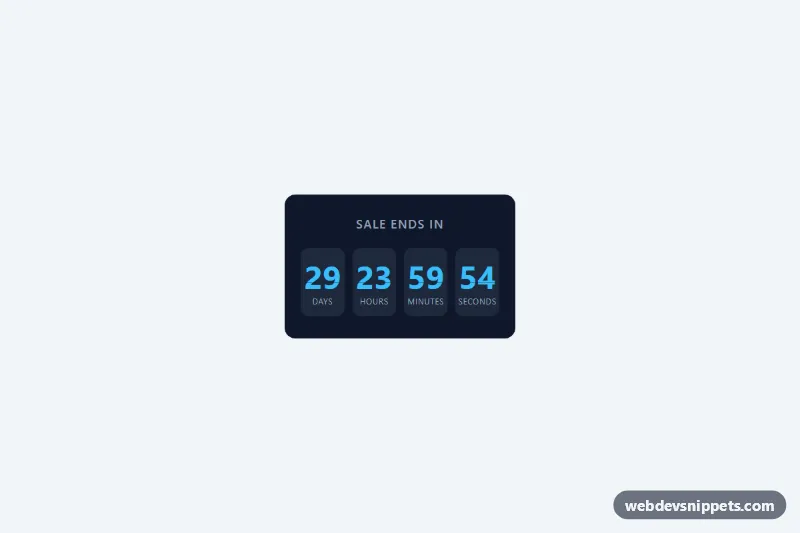
A countdown sale banner for Shopify, delivered as one self-contained section file. It counts down to one fixed end date that you set, and it can show a discount code with a copy button and a link to the sale. It comes as a full banner with an optional image or as a slim bar.
How it works
Liquid validates the date and time, works out the deadline from the UTC offset you choose and prints the remaining time into the page, so the numbers are correct before any script runs. A short script then updates them every second.
The deadline never restarts. It is the same for every visitor and does not reset on a new visit. When it reaches zero, the section follows your choice under After the end date: it either hides, or removes the timer, text, code and button and shows your ended message.
The copy button uses the clipboard API with a fallback. If the browser refuses both, the code is selected for copying by hand, and the button does not claim success.
Customization
All settings are in the theme editor:
- Layout: Full banner or Slim bar.
- End date and End time: the format is
YYYY-MM-DDand 24-hourHH:MM. Shoppers see nothing until both are valid, and the editor explains what to fix. - Time zone (UTC offset): the offset that the end date refers to.
- After the end date and Ended message: hide the section, or show the message.
- Heading, Text and Image: without an image, the full banner shows centered text.
- Discount code, Button label and Button link: leave a field empty to remove that part.
- Background, Text, Accent and Button text: the colors. Timer labels and spacing are settings too.
Use cases
- Seasonal sales: count down to one fixed end date as a full banner with an optional image
- Stores with promo codes: show a discount code with a copy button and a link to the sale
- Announcement areas: use the slim bar version at the top of a page
- Time-limited offers: show a clean ended state once the deadline passes
Accessibility
The countdown uses role="timer" with live announcements turned off, so a screen reader does not read every second. Its name comes from the Accessible timer label setting. The copied confirmation and the ended message are announced through a polite live region. Buttons and links have a visible focus outline, and nothing in the section is animated.
Usage notes
The section requires an Online Store 2.0 theme. It does not create or end a discount. Create the same code under Discounts and give it the same end date, because a code stays valid after the timer ends unless you end it there too. The time zone is a fixed offset, so it does not follow daylight saving changes.
The countdown uses the shopper's device clock when that is ahead of the time the page was rendered, so a clock set far ahead can end the timer early on that device.
The preview uses sample data: the store and the sale are invented, the deadline is set relative to the moment the page loads, and the demo buttons below the banner exist only in the preview. The photo in the preview is from Unsplash; section.liquid contains none.