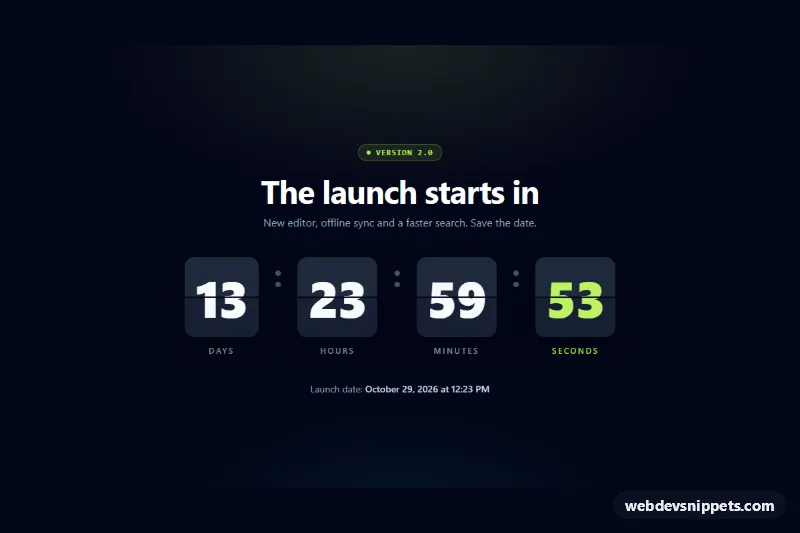
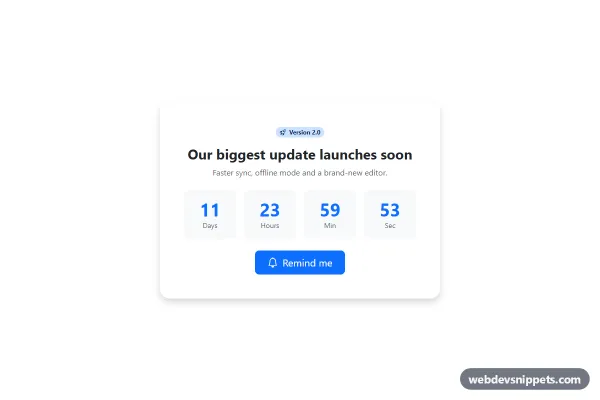
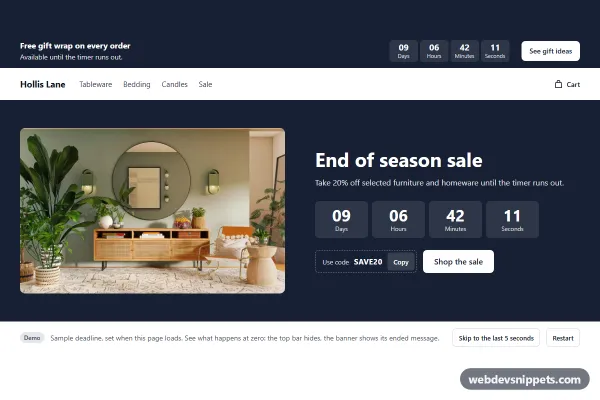
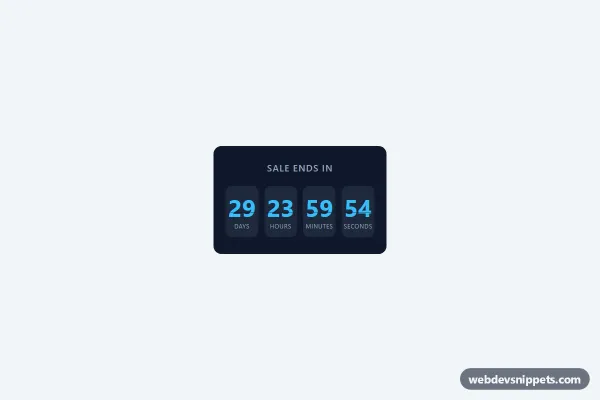
A flip-clock countdown timer built with Tailwind CSS, a small stylesheet for the 3D card mechanics and vanilla JavaScript. Days, hours, minutes and seconds sit on dark split-flap cards, and each card folds over like an airport departure board whenever its value changes. It works well for product launches, sales, event pages and "coming soon" banners.
How it works
The root is .tfc-countdown. Each unit is a wrapper with data-tfc-unit (days, hours, minutes, seconds) that contains one .tfc-card and a label. A card holds four layers: the static .tfc-half--top and .tfc-half--bottom, plus two animated leaves, .tfc-leaf--top and .tfc-leaf--bottom. Each half is 50% of the card with overflow: hidden; the digits inside .tfc-num are a full card tall, and the bottom copy is shifted up with a negative margin so the two halves line up into one number. An invisible .tfc-sizer copy gives the card its width, so three-digit day counts still fit.
On every tick the script calculates the remaining time and calls flipTo() for each card. When a value changes, the new number is placed on the top half and the falling bottom leaf, the old number on the top leaf and the bottom half, and the tfc-is-flipping class is added. CSS then runs tfc-fold-top (old top folds down to -90deg) followed by tfc-fold-bottom (new bottom swings from 90deg to flat). On animationend the bottom half is updated and the class removed. Ticks are scheduled with setTimeout just after each whole second of the remaining time, so the cards stay in sync. When the time is up, the data-tfc-done message appears and a bubbling tfc:complete event fires on the root.
Customization
data-tfc-dayson.tfc-countdown: length of the demo countdown in days from page load.- Add
data-tfc-target="2027-03-01T09:00:00Z"to.tfc-countdownto count down to a fixed ISO 8601 date instead. --tfc-hand--tfc-fontinstyle.css: card height and digit size; both have a larger value inside themin-width: 640pxmedia query.--tfc-card-top,--tfc-card-bottomand--tfc-digit: colors of the card halves and the numbers.--tfc-accentwith.tfc-card--accent: the lime highlight on the seconds card; move the class to another card or remove it.--tfc-speed: total flip time, for example0.8sfor a heavier, slower flap.- Listen for completion with
root.addEventListener('tfc:complete', ...)to redirect or reveal a signup form.
Use cases
- Product launches: dark split-flap cards count down days, hours, minutes and seconds to the release date
- Sales and promotions: cards fold over each second like an airport departure board to build urgency
- Event pages: a completion event lets you redirect or reveal a signup form when time is up
- Coming soon pages: use a fixed target date or a demo countdown measured in days from page load
Accessibility
The visual cards are aria-hidden, because announcing four changing numbers every second is noise. Instead, a visually hidden role="timer" element (data-tfc-sr) holds a sentence such as "13 days, 23 hours and 59 minutes remaining", updated once per minute, and the finish message uses role="status". The launch date is rendered in a real time element with a datetime attribute. Under prefers-reduced-motion: reduce the leaves never animate and the digits simply change. Text colors meet WCAG AA contrast on the dark background.
Usage notes
Several countdowns can share a page: each .tfc-countdown reads its own attributes and runs its own timer. The browser's local time zone formats the launch date.