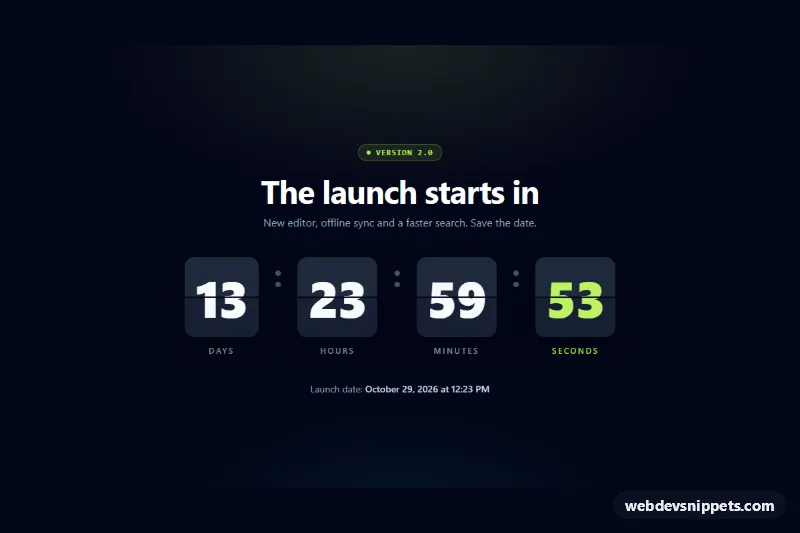
Flip Countdown
Tailwind CSS flip-clock countdown timer with 3D split-flap cards for days, hours, minutes and seconds, reduced-motion support and a completion event.
Countdowns for launches, sales and events.
3 components
Tailwind CSS flip-clock countdown timer with 3D split-flap cards for days, hours, minutes and seconds, reduced-motion support and a completion event.
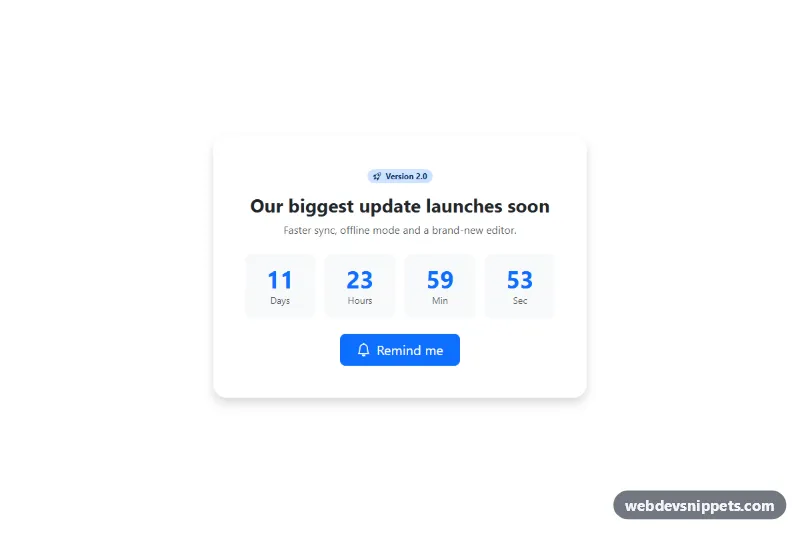
Bootstrap 5 countdown card for product launches with a reminder button.
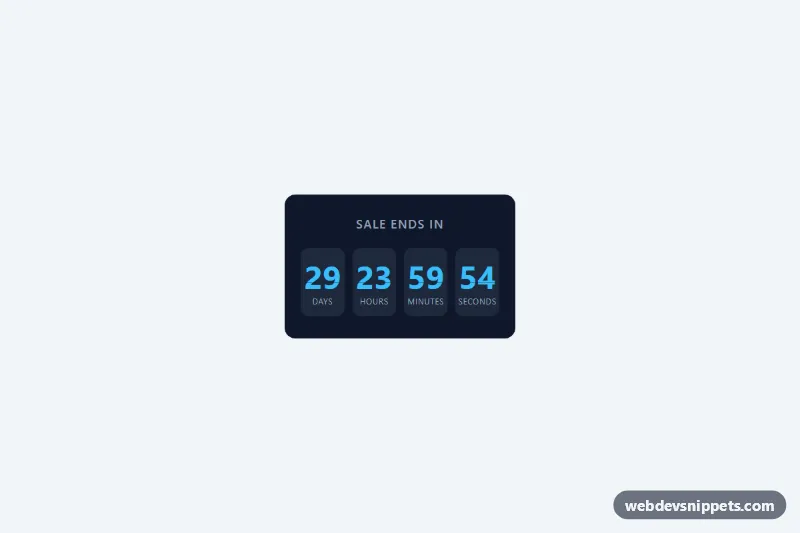
Pure CSS countdown with days, hours, minutes and seconds in flip-style cards.
A countdown timer shows the time remaining until a specific moment: a product launch, the end of a sale, a webinar start or an event date. It usually displays days, hours, minutes and seconds in separate boxes, sometimes with flip, ring or progress animations. Countdowns appear on coming-soon pages, landing pages, checkout banners and event sites.
Use a countdown when the deadline is real and relevant to the visitor. Fake or constantly resetting timers erode trust. For long periods a simple date may be clearer; for the final days and hours a live countdown adds useful urgency.
Best practices for a JavaScript countdown timer:
aria-live region only for meaningful changes.prefers-reduced-motion and tone down flip or pulse animations.font-variant-numeric: tabular-nums so digits do not shift as they change.Each countdown timer has a live preview and code tabs for HTML, CSS and JavaScript. Bootstrap 6 versions use the new alpha ES module build and theme-* colour roles, Bootstrap 5 versions use utility classes and cards, Tailwind CSS versions are styled with utilities, and pure CSS versions keep the styling framework-free with a small vanilla script for the time logic. Use the framework filter, copy the code or download it, then set your own target date and adjust labels and colours.