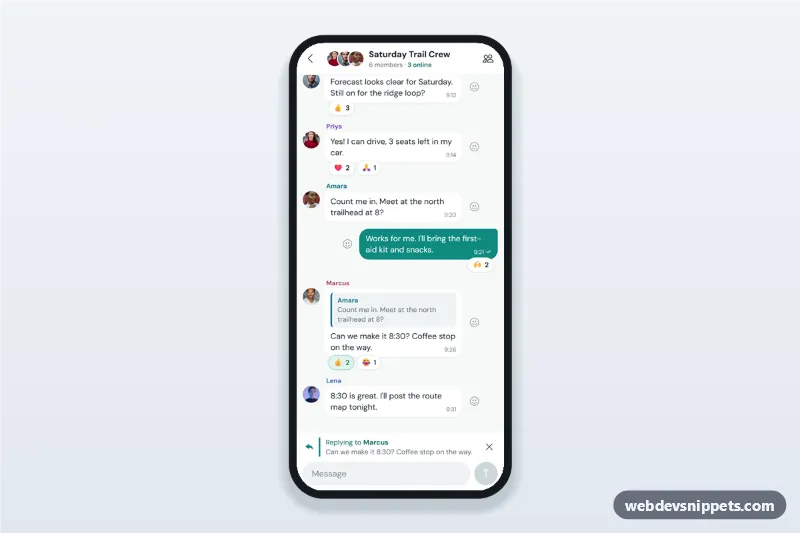
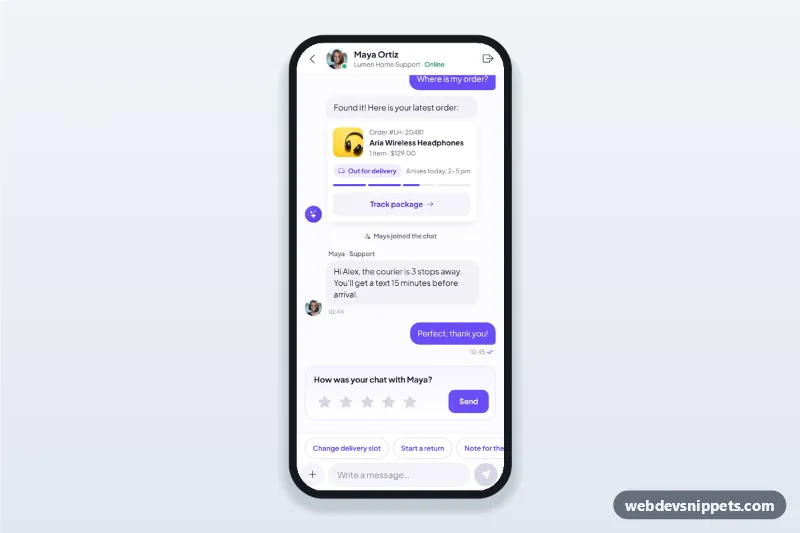
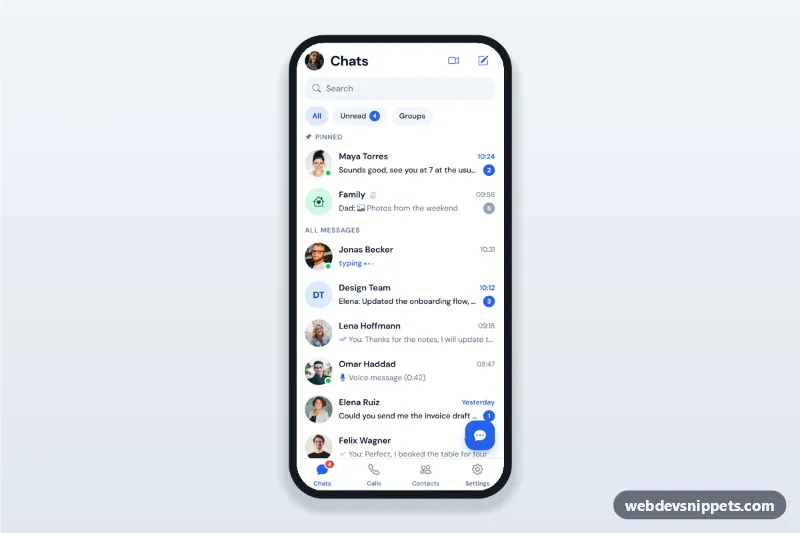
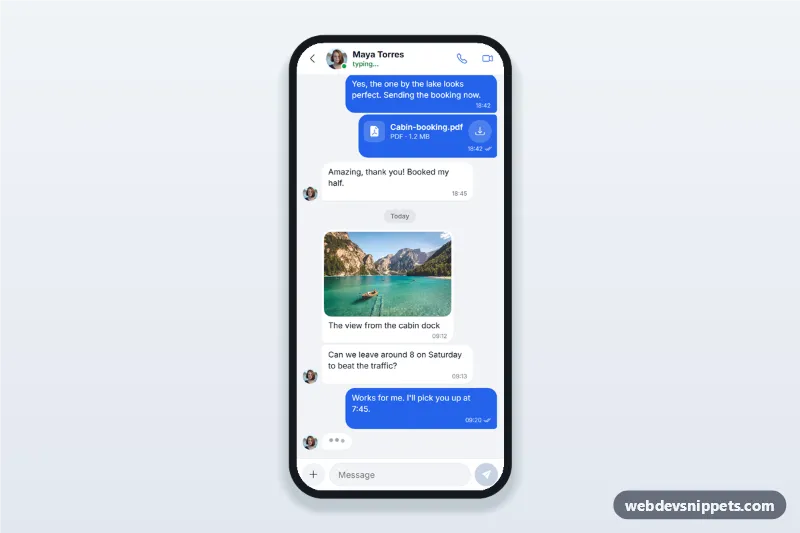
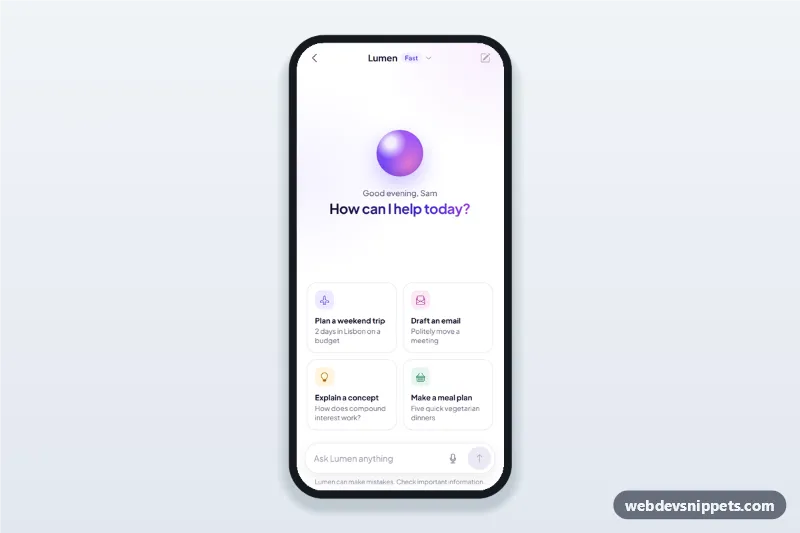
A group chat screen with emoji reactions, built with pure CSS and vanilla JavaScript: a header with stacked member avatars, messages with coloured sender names, reaction pills, a long-press reaction picker, quoted replies and a composer with a reply preview. It is an HTML mobile template for mobile sites and PWAs and can be packaged with Capacitor. Use it as the group messaging UI of a community, team or social app.
How it works
The root .gc-app is a full-height column (max 430px, centred on wide screens): the .gc-top header, the scrollable .gc-log with role="log", and the .gc-foot with the reply preview and the composer. The log scrolls to the newest message on load.
Each message is a [data-gc-msg] element with data-gc-sender. Incoming messages show an avatar and a .gc-name whose colour comes from data-gc-color (1 to 5); your own messages use .gc-msg--out and the teal bubble. A .gc-quote inside a bubble shows the message it replies to.
Reactions are .gc-react buttons with data-gc-emoji, data-gc-count and aria-pressed. Tapping a pill adds or removes your reaction. To react with a new emoji, press and hold a bubble for LONG_PRESS_MS (450 ms), right-click it, or use the smiley .gc-add button next to it. This opens the [data-gc-sheet="actions"] bottom sheet with six emojis, Reply and Copy text.
Reply fills the [data-gc-replying] bar above the composer; sending adds the message with its quote. The people icon opens the member list.
Customization
--gc-accent,--gc-accent-darkand--gc-accent-softon.gc-app: the teal of your bubbles, send button, selected reactions and reply bar.--gc-name-1to--gc-name-5: sender name colours, chosen per message withdata-gc-color.LONG_PRESS_MSinscript.js: how long a bubble must be held before the picker opens.- The
[data-gc-pick]buttons in the actions sheet: swap the six emojis for your own set. data-gc-countandaria-pressedon a.gc-react: preset counts and your own reactions in the markup.- The composer
submithandler: send the text andreplyToto your messaging backend before it is added to the log.
Use cases
- Community and club apps: plan events with a group and react instead of replying.
- Team chat in workplace PWAs: quote a message to keep threads clear.
- Family and friends messengers: quick emoji reactions on shared updates.
- Course and classroom apps: group discussions with sender names and replies.
Accessibility
The log is announced politely as new messages arrive. Every message has a visible .gc-add button, so reactions and replies never depend on long press. Reaction pills are toggle buttons with aria-pressed and labels such as "2 reactions, including yours". Both sheets are modal <dialog> elements: Escape or a tap on the backdrop closes them and focus returns to the button that opened them. The sheet slide-in and press effect are disabled with prefers-reduced-motion.
Usage notes
Avatars are Unsplash portraits; replace them with your own images. Copy uses the Clipboard API, which sandboxed previews may block.