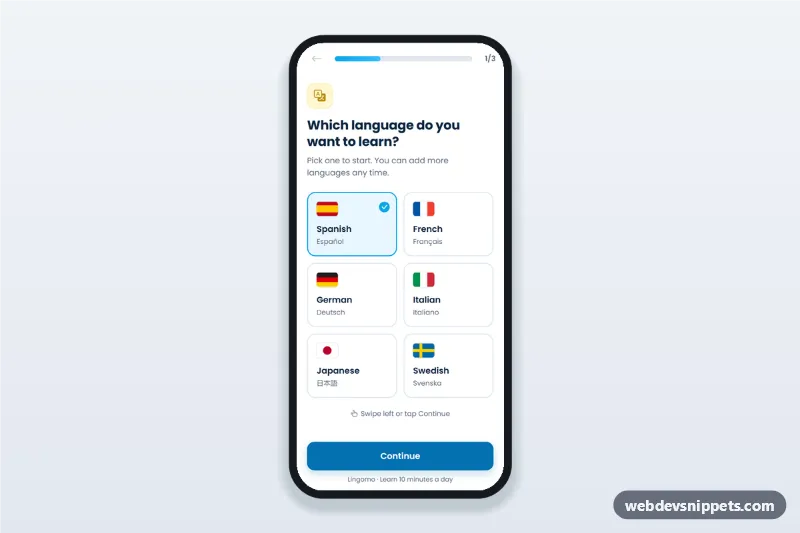
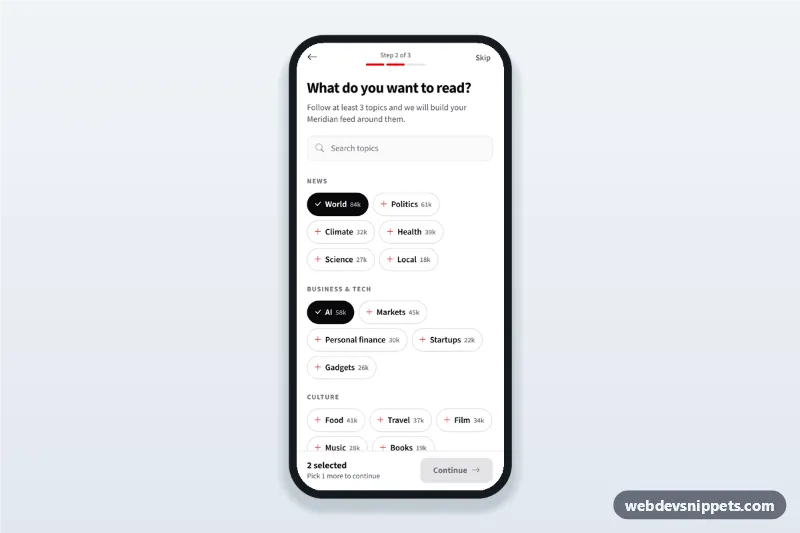
Language learning app onboarding screen with flag language picker, level choice, daily goal and progress bar: a three-step mobile app onboarding flow with swipe support.
Also known as: language app onboarding ui, mobile app onboarding screen html, choose language screen, daily goal picker app, app setup wizard mobile
A language learning app onboarding screen built with Bootstrap 6: an HTML mobile template where new users pick a language from flag cards, choose their level and set a daily goal in minutes. This onboarding flow UI works for mobile websites and PWAs and can be packaged as a native app with Capacitor.
How it works
The root .llo-app is a 430 px app column with a sticky top bar and a sticky bottom action bar. The top bar holds a back button (.llo-back), a Bootstrap 6 .progress bar and a step counter. All steps live in one <form class="llo-form">; each .llo-step section is shown or hidden with the hidden attribute.
Step 1: six language cards (.llo-lang) with inline SVG flags; each card is a <label> around a hidden radio.
Step 2: four level options (.llo-option) with a small signal-bar icon (.llo-level[data-level]). Continuing without a choice shows the .llo-error message and focuses the first option.
Step 3: four daily goal cards (.llo-goal), a live "new words a week" note and a Bootstrap 6 .switch that enables the reminder time input.
Done: a summary list (.llo-summary) filled from the form values and a "Start first lesson" button.
script.js handles Continue (form submit), Back, Enter on a focused card, and touch swipes on .llo-stage: swipe left to continue, right to go back. touch-action: pan-y keeps vertical scrolling intact.
Customization
--llo-sky and --llo-sky-strong on .llo-app: change the accent and button colors; --llo-sun changes the yellow badge and icon tiles.
--bs-primary-bg on .llo-app: recolors the Bootstrap btn-solid theme-primary Continue button.
Add or remove .llo-lang labels to offer other languages; draw the flag in the .llo-flag SVG.
Change the value of the name="goal" radios to offer other minute options; the words note uses goal * 7.
Edit the .llo-pick badge text ("Popular") or move it to another goal card.
Replace the timeout in goNext() with a redirect or fetch() call that saves the user's plan.
Use cases
Tutoring and course platforms: collect a learner profile before the first lesson.
Habit and practice apps: reuse the goal step for minutes per day.
Language learning apps: first-run setup for language, level and daily goal.
Accessibility
Each choice group is a <fieldset> with a visually hidden <legend>, so screen readers announce the question and the selected option. Radios keep native arrow-key navigation and get a visible focus outline on the card. The progress bar has role="progressbar" with aria-valuenow and aria-valuetext, and the step heading receives focus when the step changes. Slide-in animations only run when prefers-reduced-motion allows them.
Bootstrap 6 notes
Built on Bootstrap 6.0.0-alpha.1 (alpha APIs can still change). The Continue button uses btn-solid theme-primary instead of btn btn-primary, the reminder toggle uses the new .switch with a native switch attribute instead of form-check form-switch, and .form-field replaces the old mb-3 wrapper.
Can I use the Language Learning App Onboarding code for free?
Yes. You can copy or download the code and use it in personal and commercial projects, including client work. No sign-up is needed. Reselling it as part of a component library or template collection is not allowed; see the license.
How do I add it to my website?
Load Bootstrap 6 and Bootstrap Icons and fonts.googleapis.com from a CDN (the links are under Requirements).
Paste the HTML where the component should appear, add the CSS to your stylesheet and load the JavaScript before the closing </body> tag.
Download HTML gives you a complete page with everything already linked.
Does it need jQuery or a JavaScript framework?
No. The script is plain vanilla JavaScript, so it works without jQuery, React or Vue. You can still use the markup inside those frameworks.
Can I turn this screen into an iOS or Android app?
Yes. It is plain HTML, CSS and JavaScript, so it works in a mobile website or progressive web app as it is. To ship it as a store app, put it in the web folder of a Capacitor or Cordova project and build it for iOS and Android; replace the sample data with calls to your own API.
How does it look on a desktop screen?
The screen is designed for phones. On wider screens it stays at phone width in the middle of the page, so it still looks like an app. The live demo opens at mobile width; use the Tablet and Desktop buttons to check other sizes.
Requirements
Add these to your page (already included in the download):
Built for Bootstrap 6.0.0-alpha.1. Bootstrap 6 ships as an ES module, so its script and this component's
JavaScript load with type="module". Alpha releases can still change before the stable version.
Language Learning App Onboarding · Bootstrap 6 Onboarding Screens
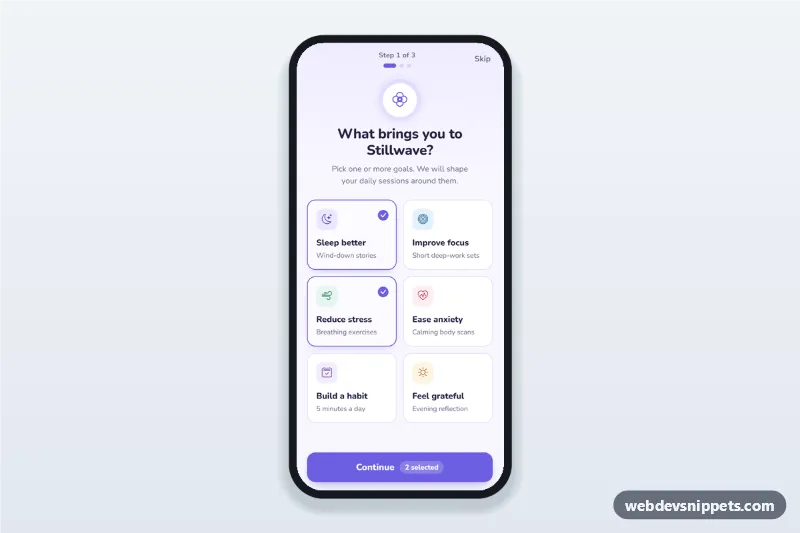
Meditation app onboarding screen where users pick goals as selectable cards, set a daily reminder time and days, then see their plan, with a step counter.
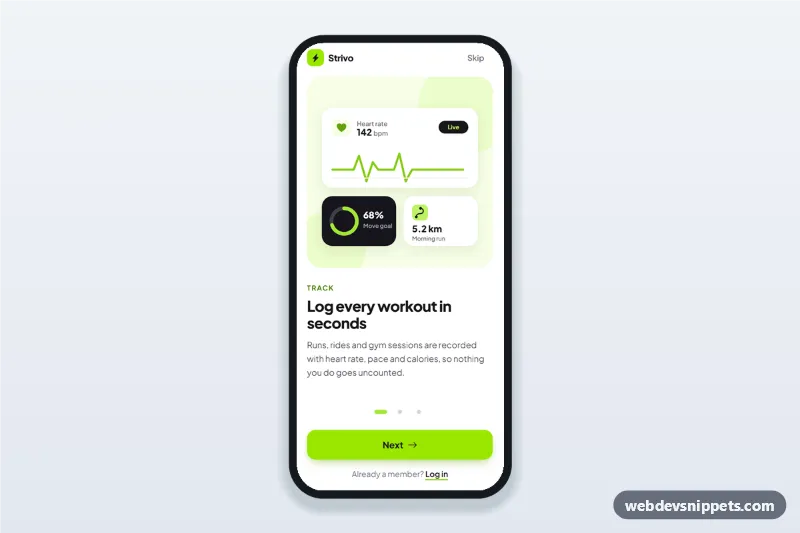
Fitness app onboarding screens with three swipeable steps, SVG illustrations, progress dots, Skip and Get started, built as a mobile app intro walkthrough.