Skip to content

Pet Care App Onboarding with Pet Profile

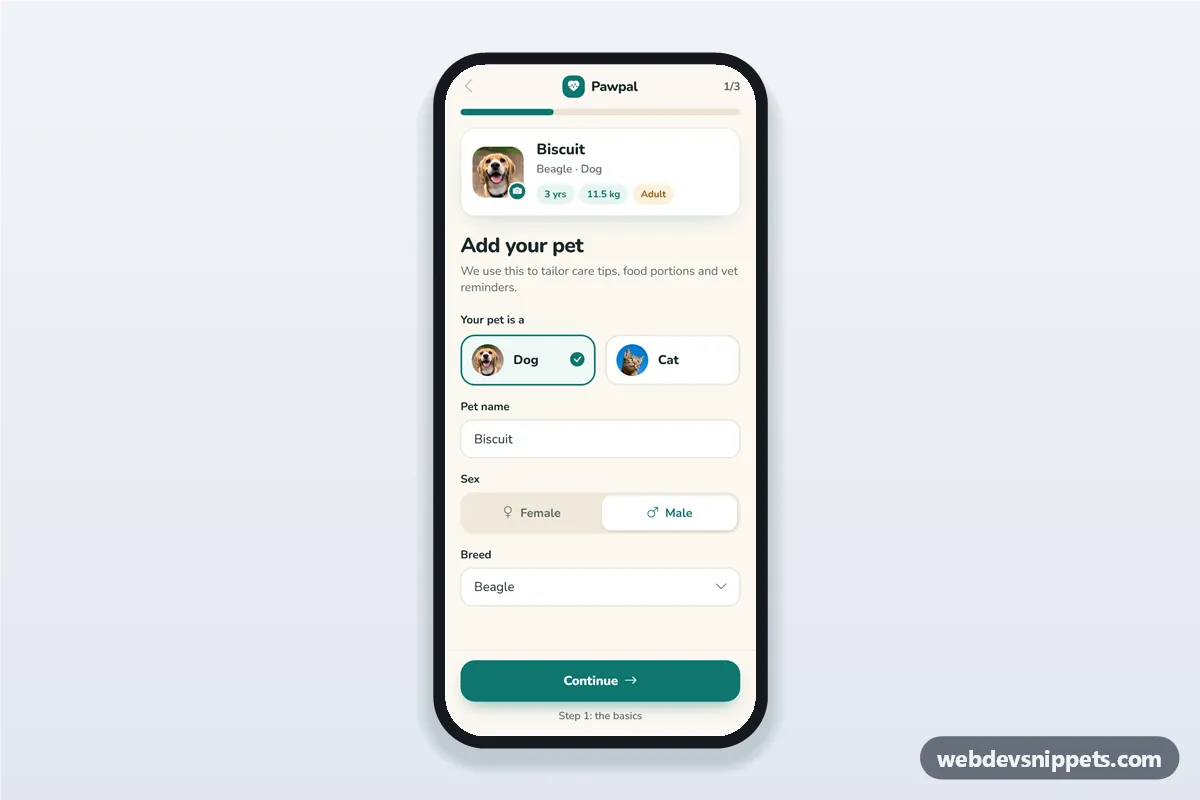
Pet care app onboarding screen: add a dog or cat with name and breed, set age and weight with steppers, opt in to care reminders and watch a live pet profile card update.

Also known as: pet app onboarding ui, add pet profile screen, dog app sign up flow, vet reminder app screen, multi step onboarding form

Pet Care App Onboarding with Pet Profile live demo

Open in new tab

Tailwind CSS code (HTML, CSS, JS)

A pet care app onboarding screen built with Tailwind CSS: owners add a dog or cat, set its age and weight with steppers and opt in to care reminders while a live pet profile card updates above the form. It is an HTML mobile template for mobile sites and PWAs and can be packaged as an app with Capacitor. Use it as the "add your pet" sign-up flow of a vet, pet sitting or pet food app.

How it works

The root .pco-app is a phone-width column with a sticky top app bar, an animated progress bar ([data-pco-progress] with .pco-progress-fill), the profile card [data-pco-profile], three steps in [data-pco-step] sections and a sticky footer with the Continue button. One <form> holds all steps; script.js handles its submit event to move between them.

Step 1 has a Dog/Cat radio toggle ([data-pco-kind]), a name field with validation (at least two letters, shown with aria-invalid and an error line), a Female/Male segmented control and a breed <select>. Switching the species swaps the photo and rebuilds the breed list. Step 2 has age and weight steppers ([data-pco-inc], [data-pco-dec]) that update the life stage (Puppy, Adult, Senior), a size bar and a feeding tip. Step 3 has a master reminder switch and one .pco-switch per reminder; next due dates in [data-pco-due] are computed from today and shown without a year.

Save profile simulates a request for 700 ms and then shows a summary with the pet and every active reminder. The back button returns to the previous step with all values kept.

Customization

  • --pco-accent in style.css: the teal used by switches, steppers and focus rings.
  • KINDS in script.js: breeds, default weight, size limits and life stages for each species; add an entry and a matching radio to support more animals.
  • data-pco-steps on .pco-app: the step count used by the progress bar and the "1/3" counter.
  • data-pco-due="19" on a reminder: days from today until the next reminder date.
  • data-pco-rem on each .pco-switch: the reminder name shown in the final summary.

Use cases

  • Vet clinic apps: new clients register their pet before the first appointment.
  • Pet food subscription apps: age, weight and size drive portion suggestions.
  • Pet health trackers and PWAs: vaccination and flea treatment reminders start from day one.

Accessibility

Species and sex are real radio groups in <fieldset> elements, the breed is a native <select> and every stepper button has an aria-label and is disabled at its limits. The progress bar uses role="progressbar" with aria-valuenow and aria-valuetext. Reminder toggles are buttons with role="switch" and aria-checked. Step changes move focus to the new heading, and a polite live region announces steps, stepper values and the saved state. Touch targets are at least 44 px and animations stop under prefers-reduced-motion.

Usage notes

The photos come from Unsplash; replace them with the user's own upload. To save for real, replace the timeout in the submit handler with a fetch() call to your API.
Pet Care App Onboarding with Pet Profile at a glance

Framework
Tailwind CSS
Code
HTML, CSS, JavaScript
JavaScript
Vanilla JavaScript, no jQuery
Dependencies
Tailwind CSS, fonts.googleapis.com, Bootstrap Icons
Layout
Mobile-first app screen, centred on wider screens
Category
Onboarding Screens
License
Free for personal and commercial use

Questions about this template

Can I use the Pet Care App Onboarding with Pet Profile code for free?

Yes. You can copy or download the code and use it in personal and commercial projects, including client work. No sign-up is needed. Reselling it as part of a component library or template collection is not allowed; see the license.

How do I add it to my website?

Load Tailwind CSS and fonts.googleapis.com and Bootstrap Icons from a CDN (the links are under Requirements). Paste the HTML where the component should appear, add the CSS to your stylesheet and load the JavaScript before the closing </body> tag. Download HTML gives you a complete page with everything already linked.

Does it need jQuery or a JavaScript framework?

No. The script is plain vanilla JavaScript, so it works without jQuery, React or Vue. You can still use the markup inside those frameworks.

Can I turn this screen into an iOS or Android app?

Yes. It is plain HTML, CSS and JavaScript, so it works in a mobile website or progressive web app as it is. To ship it as a store app, put it in the web folder of a Capacitor or Cordova project and build it for iOS and Android; replace the sample data with calls to your own API.

How does it look on a desktop screen?

The screen is designed for phones. On wider screens it stays at phone width in the middle of the page, so it still looks like an app. The live demo opens at mobile width; use the Tablet and Desktop buttons to check other sizes.

Requirements

Add these to your page (already included in the download):

  • <script src="https://cdn.jsdelivr.net/npm/@tailwindcss/browser@4"></script>
  • <link rel="stylesheet" href="https://fonts.googleapis.com/css2?family=Nunito:wght@400;500;600;700;800&display=swap">
  • <link rel="stylesheet" href="https://cdn.jsdelivr.net/npm/bootstrap-icons@1.11.3/font/bootstrap-icons.min.css">

The Tailwind browser build is for prototyping. In production, compile Tailwind with its CLI or your bundler.

Pet Care App Onboarding with Pet Profile – free Tailwind CSS onboarding screen template
Pet Care App Onboarding with Pet Profile · free Tailwind CSS onboarding screen template

More Onboarding Screens

Podcast App Onboarding with Show Picker – free Bootstrap 6 onboarding screen template

Podcast App Onboarding with Show Picker

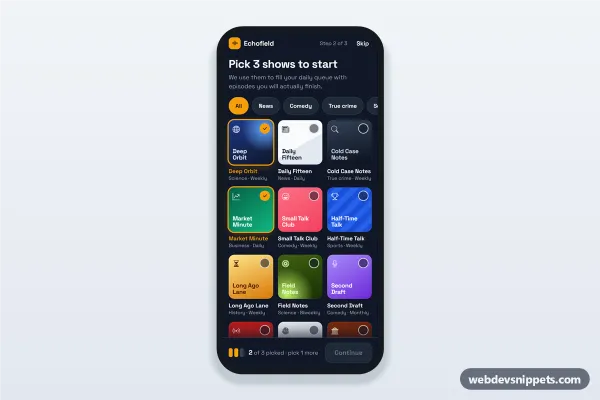
Dark podcast app onboarding screen where users pick at least three shows from a cover grid, with genre filter chips, a live counter and a continue button that unlocks at three.

Budget App Onboarding with Spending Goals – free Bootstrap 6 onboarding screen template

Budget App Onboarding with Spending Goals

Budget app onboarding screen with a welcome step, spending goal chips, a savings target stepper and an optional bank connect sheet: a mobile finance app setup flow.

Sleep Tracker Onboarding with Bedtime Picker – free Pure CSS onboarding screen template

Sleep Tracker Onboarding with Bedtime Picker

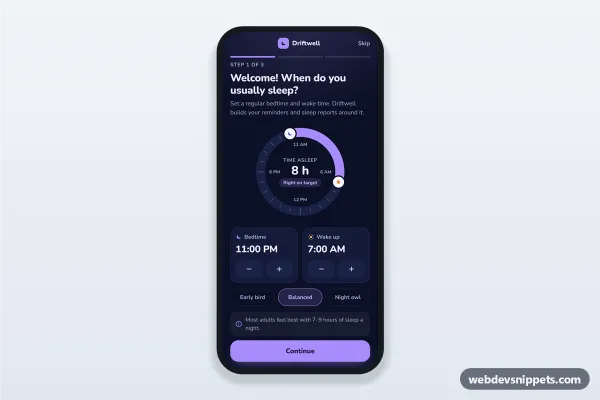
Sleep tracker onboarding screen with a bedtime and wake time picker, a 24-hour sleep dial that computes sleep duration, and a notification opt-in step.

Language Learning App Onboarding – free Bootstrap 6 onboarding screen template

Language Learning App Onboarding

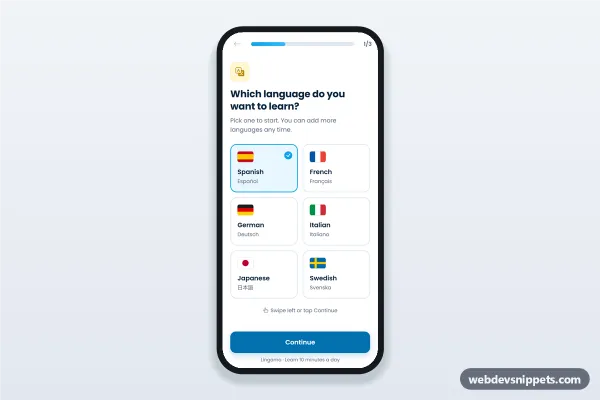
Language learning app onboarding screen with flag language picker, level choice, daily goal and progress bar: a three-step mobile app onboarding flow with swipe support.

News App Topic Picker Onboarding – free Tailwind CSS onboarding screen template

News App Topic Picker Onboarding

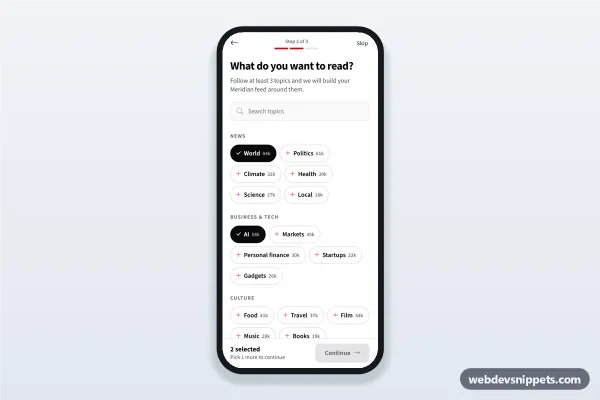
News app topic picker onboarding screen: follow topics as chips with follower counts, search them and continue once three interests are selected.

Meditation App Onboarding with Goals – free Pure CSS onboarding screen template

Meditation App Onboarding with Goals

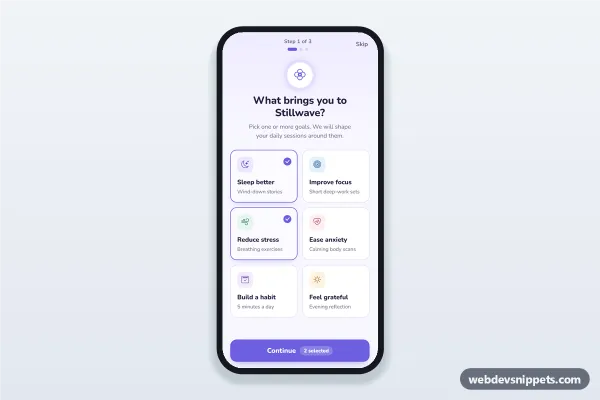
Meditation app onboarding screen where users pick goals as selectable cards, set a daily reminder time and days, then see their plan, with a step counter.