Skip to content

Recipe App Onboarding with Diet Preferences

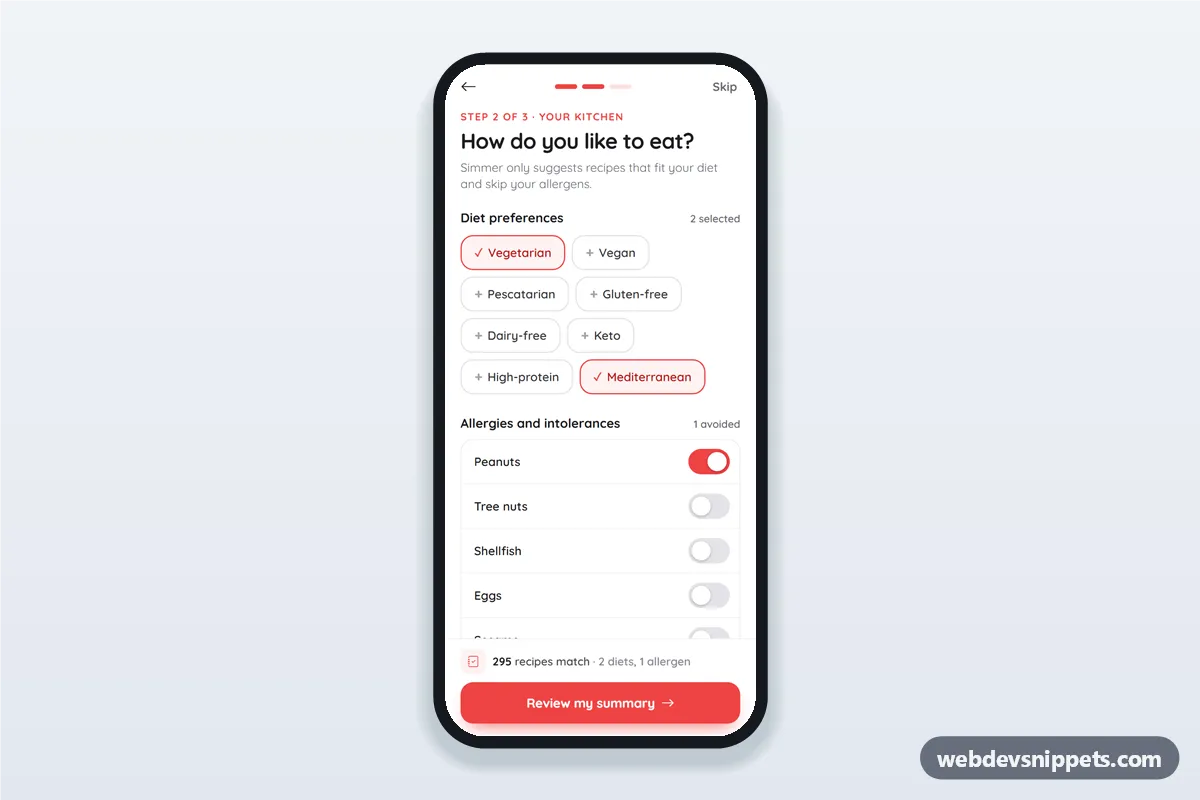
Recipe app onboarding screen with diet preference chips, allergy toggles and a cooking skill slider that update a live recipe count and a personalised summary sheet.

Also known as: diet preferences screen, food app onboarding ui, allergy selection screen, meal planner app setup, dietary restrictions picker

Recipe App Onboarding with Diet Preferences live demo

Open in new tab

Tailwind CSS code (HTML, CSS, JS)

A recipe app onboarding screen built with Tailwind CSS: diet preference chips, an allergy list with toggles and a cooking skill slider update a live recipe count and a personalised summary in a bottom sheet. It is an HTML mobile template for mobile sites and PWAs and can be packaged as an app with Capacitor. Use it as the dietary preferences step of a recipe, meal planning or grocery app.

How it works

The root .rco-app is a phone-width column with a top app bar (back, step dashes, Skip), the preferences in <main> and a sticky footer that shows how many recipes match. Each diet .rco-chip is a <button> with aria-pressed; CSS turns its plus sign into a check when pressed. Each allergy row has a .rco-switch button with role="switch". The cooking skill is a native range input with four levels.

script.js recomputes the match count on every change: it starts from data-rco-base, multiplies by the skill factor, by the data-rco-diet factor of each selected diet and by the data-rco-allergy factor of each avoided allergen.

Review my summary opens a bottom sheet ([data-rco-layer]) with the recipe count, maximum cooking time, weekly new recipes, the chosen diets, allergens and skill, plus a first suggestion. The sheet closes with Escape, the backdrop, the close button or Edit, and keeps focus inside while open. Start cooking simulates a save for 650 ms and shows a success state.

Customization

  • --rco-accent in style.css: the tomato red of chips, switches, the slider and buttons.
  • data-rco-base on .rco-app: the size of the recipe library used for the match count.
  • data-rco-diet on a chip and data-rco-allergy on a switch: the share of recipes that remain when it is selected; add chips or rows with your own values.
  • SKILLS in script.js: level names, maximum minutes, filter factor and the description under the slider.
  • IDEAS in script.js: the first recipe suggestions shown in the summary for each diet.
  • --rco-fill on .rco-app: the filled part of the slider track, set by the script from the slider value.

Use cases

  • Recipe and cooking apps: the feed only shows dishes that fit the user's diet.
  • Meal kit and meal planning apps: weekly plans skip allergens from the first box.
  • Grocery delivery PWAs: shopping suggestions follow dietary restrictions.

Accessibility

Chips use aria-pressed, allergy toggles use role="switch" with aria-checked and the slider has a visible label, an <output> and aria-valuetext. The sheet is role="dialog" with aria-modal, traps Tab, closes with Escape and returns focus to the button that opened it. A polite live region announces each change with the new recipe count. Touch targets are at least 44 px and the sheet animation stops under prefers-reduced-motion.

Usage notes

The recipe numbers are sample data. Replace the timeout in the Start cooking handler with a fetch() call to save preferences to your API.
Recipe App Onboarding with Diet Preferences at a glance

Framework
Tailwind CSS
Code
HTML, CSS, JavaScript
JavaScript
Vanilla JavaScript, no jQuery
Dependencies
Tailwind CSS, fonts.googleapis.com, Bootstrap Icons
Layout
Mobile-first app screen, centred on wider screens
Category
Onboarding Screens
License
Free for personal and commercial use

Questions about this template

Can I use the Recipe App Onboarding with Diet Preferences code for free?

Yes. You can copy or download the code and use it in personal and commercial projects, including client work. No sign-up is needed. Reselling it as part of a component library or template collection is not allowed; see the license.

How do I add it to my website?

Load Tailwind CSS and fonts.googleapis.com and Bootstrap Icons from a CDN (the links are under Requirements). Paste the HTML where the component should appear, add the CSS to your stylesheet and load the JavaScript before the closing </body> tag. Download HTML gives you a complete page with everything already linked.

Does it need jQuery or a JavaScript framework?

No. The script is plain vanilla JavaScript, so it works without jQuery, React or Vue. You can still use the markup inside those frameworks.

Can I turn this screen into an iOS or Android app?

Yes. It is plain HTML, CSS and JavaScript, so it works in a mobile website or progressive web app as it is. To ship it as a store app, put it in the web folder of a Capacitor or Cordova project and build it for iOS and Android; replace the sample data with calls to your own API.

How does it look on a desktop screen?

The screen is designed for phones. On wider screens it stays at phone width in the middle of the page, so it still looks like an app. The live demo opens at mobile width; use the Tablet and Desktop buttons to check other sizes.

Requirements

Add these to your page (already included in the download):

  • <script src="https://cdn.jsdelivr.net/npm/@tailwindcss/browser@4"></script>
  • <link rel="stylesheet" href="https://fonts.googleapis.com/css2?family=Quicksand:wght@400;500;600;700&display=swap">
  • <link rel="stylesheet" href="https://cdn.jsdelivr.net/npm/bootstrap-icons@1.11.3/font/bootstrap-icons.min.css">

The Tailwind browser build is for prototyping. In production, compile Tailwind with its CLI or your bundler.

Recipe App Onboarding with Diet Preferences – free Tailwind CSS onboarding screen template
Recipe App Onboarding with Diet Preferences · free Tailwind CSS onboarding screen template

More Onboarding Screens

Podcast App Onboarding with Show Picker – free Bootstrap 6 onboarding screen template

Podcast App Onboarding with Show Picker

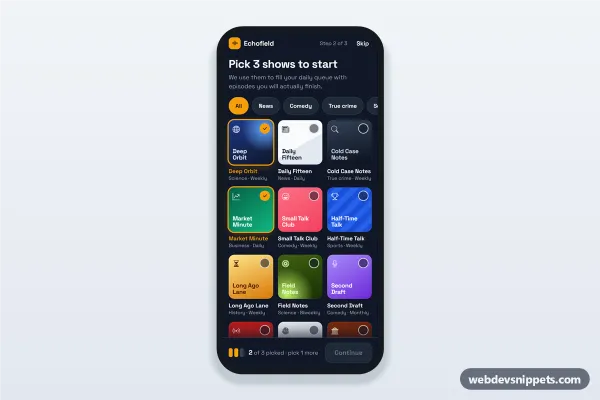
Dark podcast app onboarding screen where users pick at least three shows from a cover grid, with genre filter chips, a live counter and a continue button that unlocks at three.

Travel App Onboarding with Interests – free Bootstrap 5 onboarding screen template

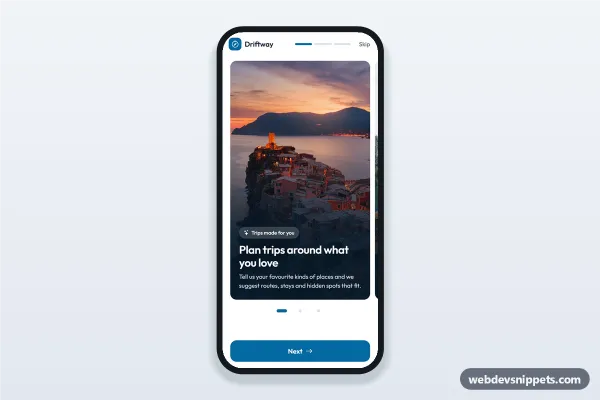
Travel App Onboarding with Interests

Travel app onboarding screen with swipeable photo intro cards, an interests picker grid and a travel style step that ends in a personalised summary.

Pet Care App Onboarding with Pet Profile – free Tailwind CSS onboarding screen template

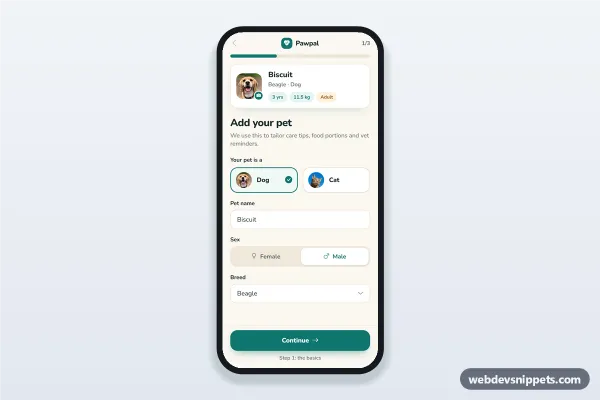
Pet Care App Onboarding with Pet Profile

Pet care app onboarding screen: add a dog or cat with name and breed, set age and weight with steppers, opt in to care reminders and watch a live pet profile card update.

Budget App Onboarding with Spending Goals – free Bootstrap 6 onboarding screen template

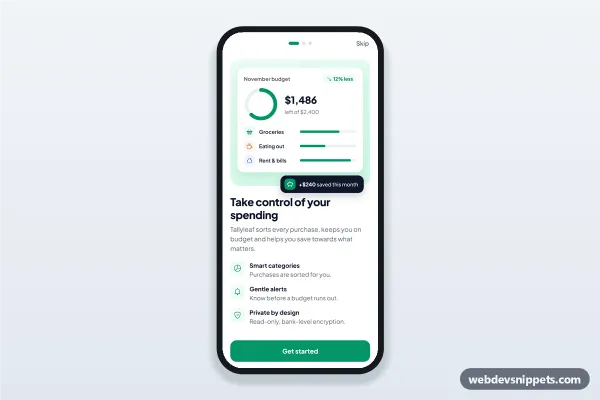
Budget App Onboarding with Spending Goals

Budget app onboarding screen with a welcome step, spending goal chips, a savings target stepper and an optional bank connect sheet: a mobile finance app setup flow.

Sleep Tracker Onboarding with Bedtime Picker – free Pure CSS onboarding screen template

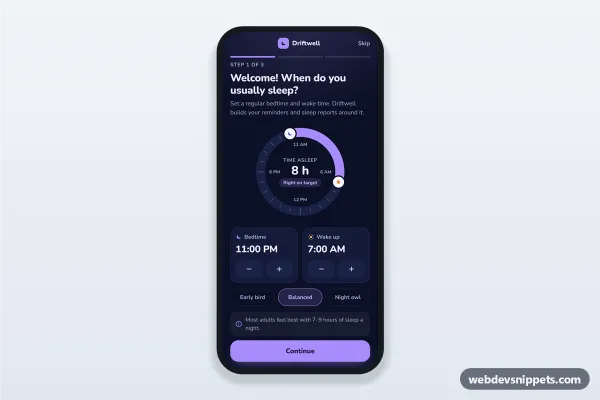
Sleep Tracker Onboarding with Bedtime Picker

Sleep tracker onboarding screen with a bedtime and wake time picker, a 24-hour sleep dial that computes sleep duration, and a notification opt-in step.

Language Learning App Onboarding – free Bootstrap 6 onboarding screen template

Language Learning App Onboarding

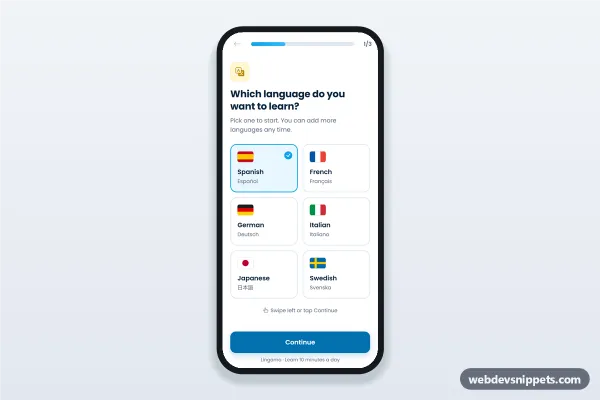
Language learning app onboarding screen with flag language picker, level choice, daily goal and progress bar: a three-step mobile app onboarding flow with swipe support.