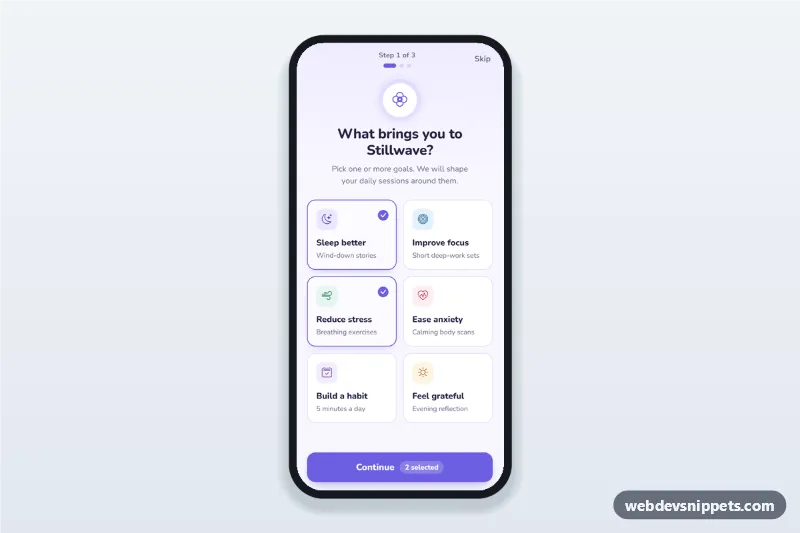
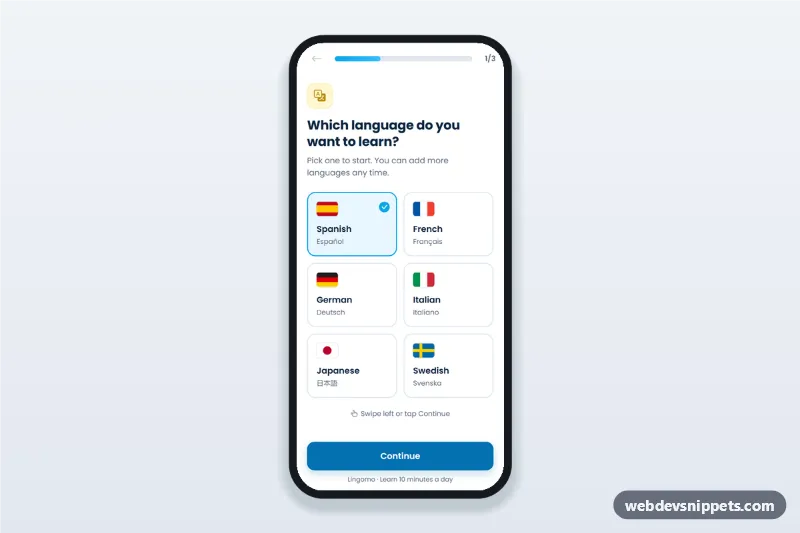
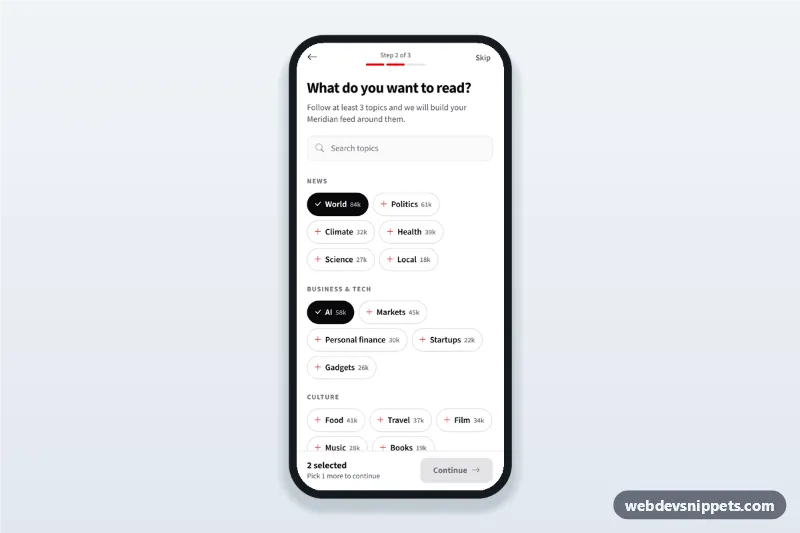
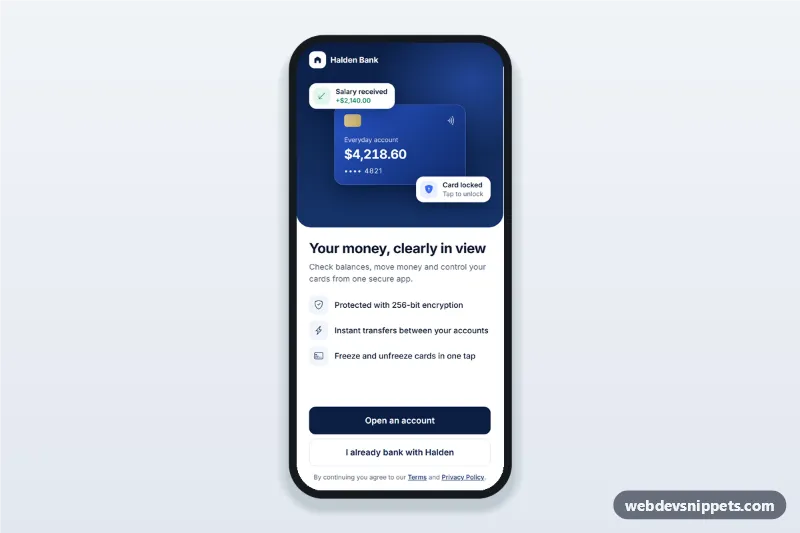
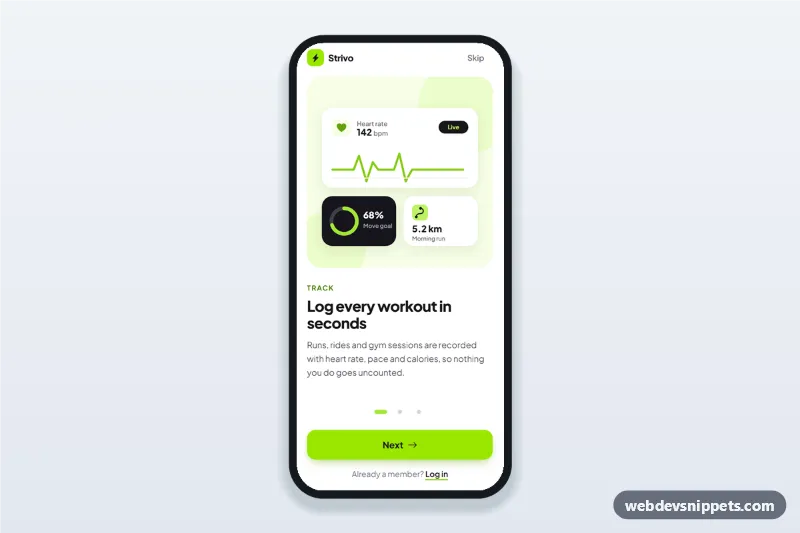
A meditation app onboarding screen in pure CSS and vanilla JavaScript: users pick their goals from selectable cards, choose a daily reminder time and days, and finish on a short plan summary. It is an HTML mobile template for mobile websites and PWAs and can be packaged as a native app with Capacitor. Use it as the welcome flow of a mindfulness or sleep app.
How it works
The root .mog-app is a 430 px app column with a top bar, three [data-mog-panel] steps and a sticky footer button. The top bar shows "Step 1 of 3" in [data-mog-count], three .mog-dot progress dots, a Back button and Skip.
Step 1 is a fieldset of .mog-goal cards. Each card is a label around a real checkbox, so tapping, Space and screen readers all work; the selected look comes from :has(input:checked). The footer badge [data-mog-selected] counts the chosen goals, and Continue shows an error if none is selected.
Step 2 offers three .mog-time presets (radio buttons), an exact type="time" field kept in sync with them, seven .mog-day toggles and a "Gentle sound" switch. At least one day is required.
Step 3 fills the .mog-summary list from the answers and suggests a first session from the FIRST_SESSION map in script.js. goTo() toggles the hidden attribute of the panels, updates the dots and counter, changes the button label and moves focus to the new heading. Skip jumps to the summary with reminders off.
Customization
--mog-primaryand--mog-primary-darkinstyle.css: buttons, selected cards, dots and focus rings.--mog-bg,--mog-lineand--mog-radiusin.mog-app: page tint, card borders and corner rounding.- Add or remove
.mog-goallabels in step 1; the colour of each icon tile comes from modifiers such as.mog-goal__icon--sleep. FIRST_SESSIONinscript.js: the session title suggested for each goal value.- Change the
valueof the.mog-timeradios and their.mog-time__valtext to offer other preset times. - Remove
checkedfrom the goal inputs to start with nothing selected (the demo preselects two goals).
Use cases
- Meditation and mindfulness apps: new users choose sleep, focus or stress goals before their first session.
- Sleep and relaxation apps: set an evening reminder and wind-down days in one step.
- Habit and journaling apps: collect goals and a daily check-in time during sign up.
- Corporate wellbeing portals: personalise content for employees on their first visit.
Accessibility
Goals, times and days are native checkboxes and radios inside fieldset elements with legends, so they are keyboard operable and announced with their state. The switch uses role="switch". Errors use role="alert", the step counter is a polite live region and focus moves to each step heading. All targets are at least 44 px, focus rings are visible and animations are disabled under prefers-reduced-motion.
Usage notes
Add a fetch() call where the comment in the final step of the click handler says so to save the plan. Uses Nunito from Google Fonts and Bootstrap Icons.