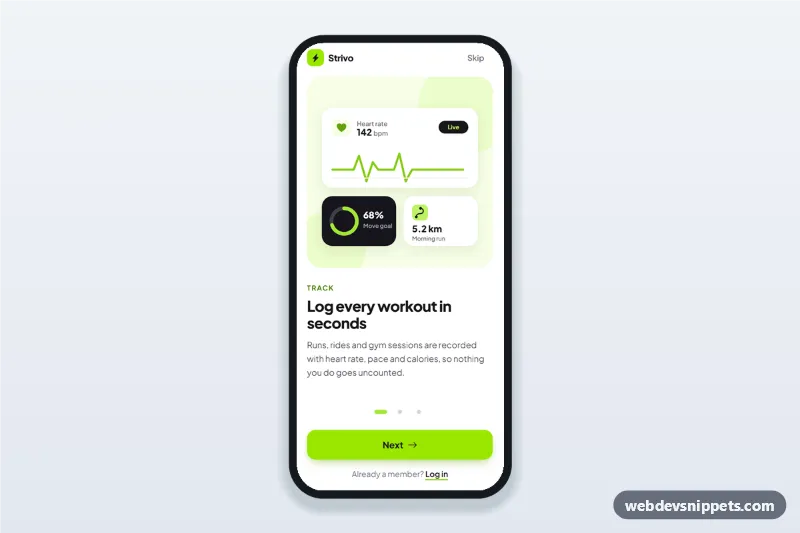
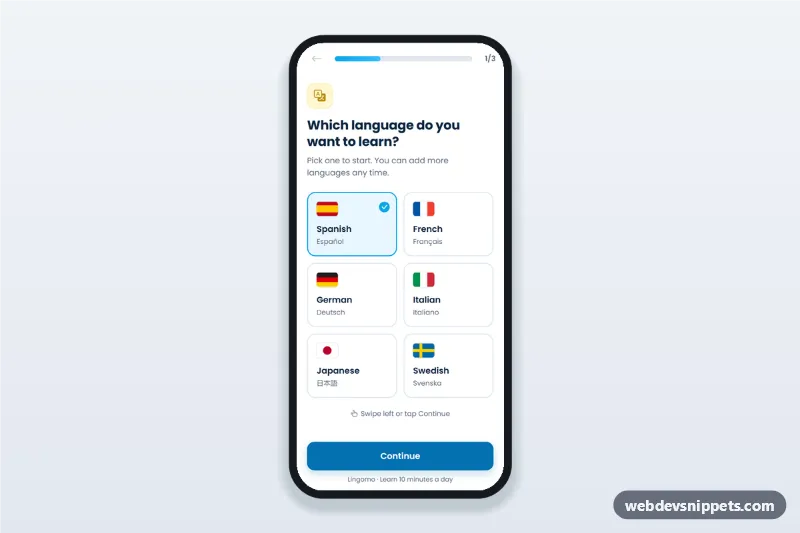
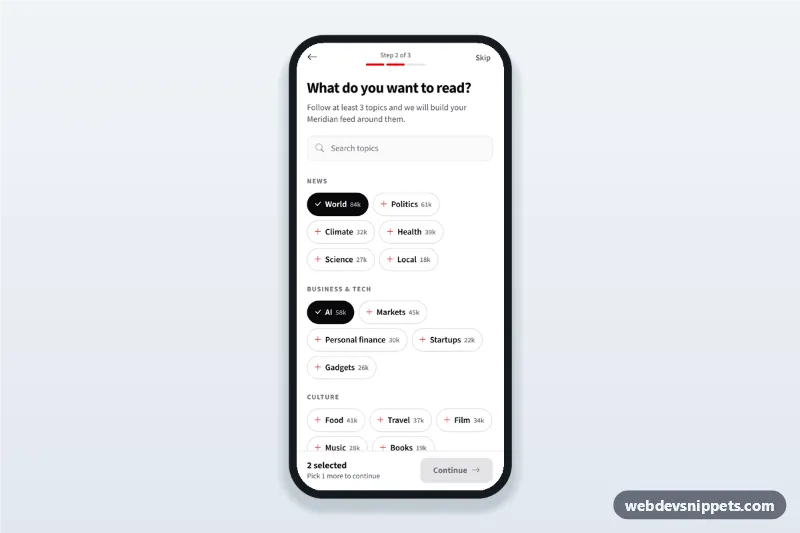
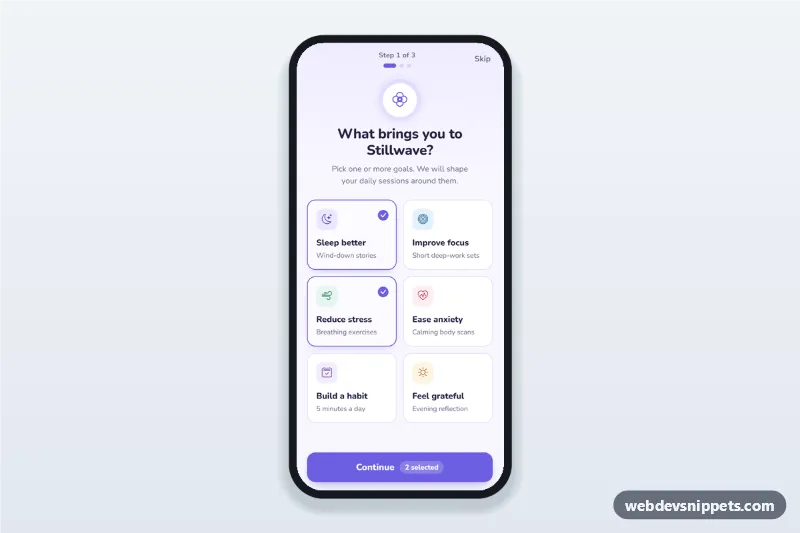
Fitness app onboarding screens built with Tailwind CSS: three swipeable intro steps (track workouts, follow a plan, see progress) with SVG illustrations, progress dots, a Skip button and a Get started action. It is an HTML mobile template for mobile websites and PWAs, and the same markup can be packaged as a native app with Capacitor. Use it as the welcome walkthrough or app intro slides of a workout, running or gym app.
How it works
The root .fob-app is a phone-width column (max-w-[430px], min-h-dvh) centred on a neutral page. The [data-fob-track] element is a horizontal scroll container with Tailwind's snap-x snap-mandatory, so people can swipe between the three .fob-slide sections natively. Each slide holds an inline SVG illustration inside .fob-art, a short label, a heading and one paragraph.
script.js listens to the track's scroll event and works out the active step from scrollLeft. It then sets aria-current="step" on the matching [data-fob-dot] button, marks the other slides aria-hidden, and changes the [data-fob-next-label] text from "Next" to "Get started" on the last step. The Next button, the dots and the arrow keys move the track with scrollTo(). Skip jumps to the last step. Get started hides the track and footer and shows the [data-fob-done] state, where Replay intro starts again.
Customization
--fob-accenton.fob-appinstyle.css: colour of the active progress dot; match it to thebg-lime-400classes on.fob-nextand the logo tile.--fob-art-heightinstyle.css: height of the illustration panel (defaultmin(46dvh, 360px)), so shorter phones keep the button visible.font-familyon.fob-app: swap Plus Jakarta Sans for your brand font and update the Google Fonts URL.- Add a fourth
.fob-slideand a matching[data-fob-dot]button; the script counts the slides, so no other change is needed. - Replace the inline SVGs in
.fob-artwith your own illustrations or screenshots of your app. - In the
finish()function inscript.js, redirect to your sign-up screen instead of showing[data-fob-done].
Use cases
- Workout and running apps: explain tracking, plans and progress before account creation.
- Gym and studio membership PWAs: introduce class booking and progress features on first launch.
- Health coaching apps packaged with Capacitor: a native-feeling welcome walkthrough.
Accessibility
The track is focusable, has an aria-label and responds to Left, Right, Home and End. Slides are groups with aria-roledescription="step" and a "1 of 3" style label, and inactive slides are hidden from screen readers. Each dot is a 44 px tall button with an aria-label, and the current one carries aria-current. A polite live region announces the step after each move, focus moves to the success heading after Get started, and visible focus outlines are kept everywhere. Scrolling is instant and the dot animation is off under prefers-reduced-motion.
Usage notes
The illustrations are inline SVG, so there are no image requests. Bootstrap Icons and Plus Jakarta Sans load from CDNs listed in the snippet settings.