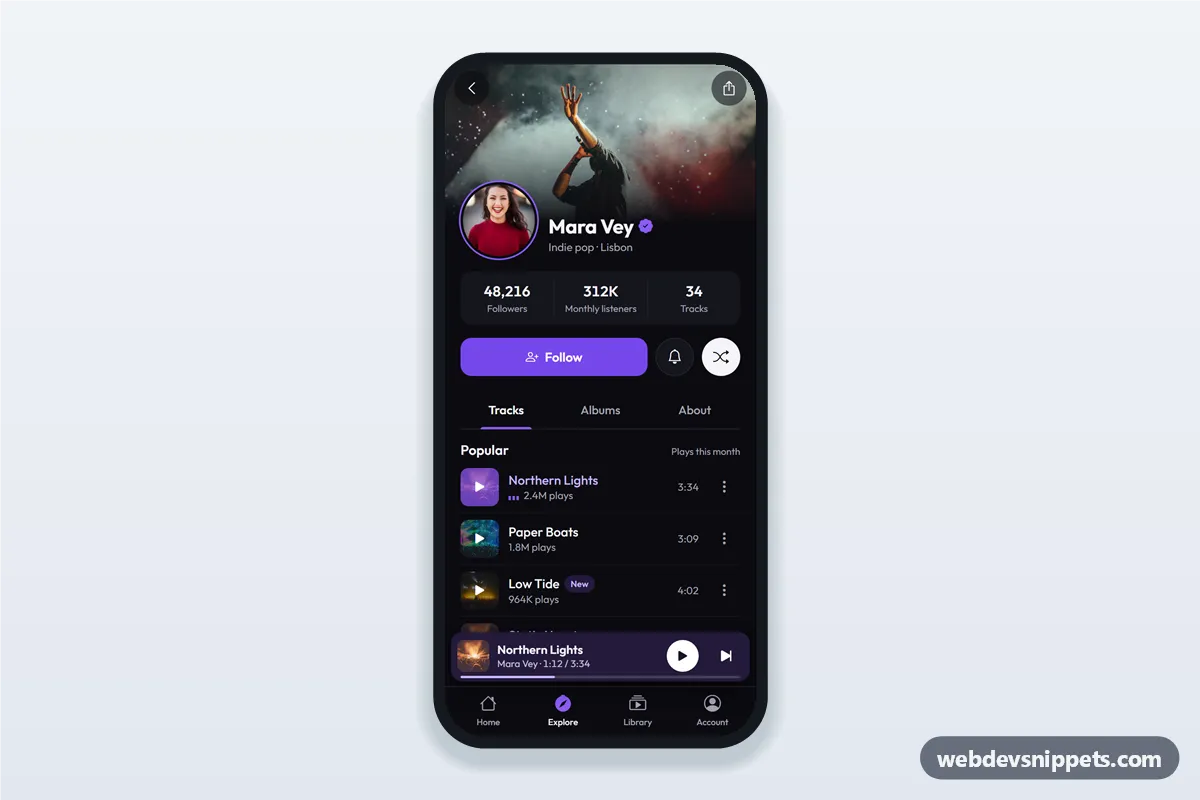
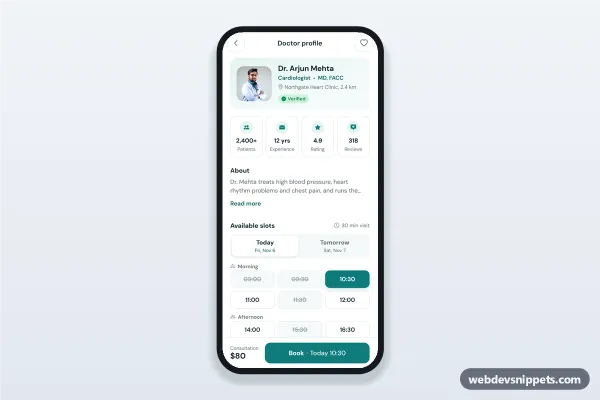
A dark musician profile screen built with Bootstrap 6: an HTML mobile template for mobile sites and PWAs that can be packaged as a native app with Capacitor. This artist profile UI has a cover photo, a follow button with a live follower count, tabs for tracks, albums and tour dates, and a mini player for music streaming and band apps.
How it works
The root .mpf-app is a 430 px app column with data-bs-theme="dark". The top bar .mpf-bar sits over the cover and gets .is-solid once the page scrolls.
Follow: .mpf-follow toggles aria-pressed, shows "Following" and adds or removes one from data-count on .mpf-followers. The bell (.mpf-bell) toggles release alerts.
Tabs: .mpf-tabs uses the Bootstrap 6 Tab plugin (data-bs-toggle="tab") with .tab-pane-instant panes.
Playback: tapping .mpf-play makes a track current; a one-second timer moves .mpf-progress-fill in the mini player (.mpf-mini). Pause, next and shuffle share the same state. Playback is simulated: connect an <audio> element in setPlaying().
Shows: dates in .mpf-show are computed from today and shown without a year.
Options: the three-dot button opens a Bootstrap 6 Drawer (.mpf-sheet) as a bottom sheet with Play next, Add to playlist, Save to Liked songs, Go to album and Copy song link.
Customization
--mpf-violet and --mpf-violet-strong on .mpf-app: the accent of the follow button, tab indicator and avatar ring.
--mpf-bg and --mpf-surface: the page and card colors.
--mpf-radius: the 14 px corner radius of cards and buttons.
data-count on .mpf-followers: the starting follower count.
data-length (seconds) and data-art on .mpf-track: track length and mini player artwork.
data-offset on .mpf-date: days from today until a show.
data-days-ago on .mpf-released: the "Out 3 days ago" label.
Use cases
Music streaming apps: an artist page with popular tracks and a follow button.
Band and label websites: a phone-first profile with albums and tour dates.
Fan club and ticketing PWAs: show reminders next to the music.
Podcast apps: reuse the track list and mini player for episodes.
Accessibility
Follow, bell, play and reminder buttons use aria-pressed or update their labels ("Play" or "Pause" plus the track name). Messages appear in .mpf-toast, a polite live region. The progress bar has role="progressbar" with aria-valuetext. The sheet is a native <dialog> that closes with Escape or the backdrop, and focus moves to its first option. Touch targets are at least 44 px, and the equalizer stops under prefers-reduced-motion.
Usage notes
Uses Bootstrap Icons and the Outfit font. The photos come from Unsplash; replace them with your own images.
Bootstrap 6 notes
The sheet is a Drawer (<dialog class="drawer drawer-bottom">), the replacement for Offcanvas, imported in script.js as an ES module. Buttons use btn-solid theme-primary instead of btn-primary. Built on 6.0.0-alpha.1; alpha APIs can still change.
Musician Profile with Tracks and Follow at a glance
Can I use the Musician Profile with Tracks and Follow code for free?
Yes. You can copy or download the code and use it in personal and commercial projects, including client work. No sign-up is needed. Reselling it as part of a component library or template collection is not allowed; see the license.
How do I add it to my website?
Load Bootstrap 6 and Bootstrap Icons and fonts.googleapis.com from a CDN (the links are under Requirements).
Paste the HTML where the component should appear, add the CSS to your stylesheet and load the JavaScript before the closing </body> tag.
Download HTML gives you a complete page with everything already linked.
Does it need jQuery or a JavaScript framework?
No. The script is plain vanilla JavaScript, so it works without jQuery, React or Vue. You can still use the markup inside those frameworks.
Can I turn this screen into an iOS or Android app?
Yes. It is plain HTML, CSS and JavaScript, so it works in a mobile website or progressive web app as it is. To ship it as a store app, put it in the web folder of a Capacitor or Cordova project and build it for iOS and Android; replace the sample data with calls to your own API.
How does it look on a desktop screen?
The screen is designed for phones. On wider screens it stays at phone width in the middle of the page, so it still looks like an app. The live demo opens at mobile width; use the Tablet and Desktop buttons to check other sizes.
Requirements
Add these to your page (already included in the download):
Built for Bootstrap 6.0.0-alpha.1. Bootstrap 6 ships as an ES module, so its script and this component's
JavaScript load with type="module". Alpha releases can still change before the stable version.
Musician Profile with Tracks and Follow · free Bootstrap 6 mobile profile screen template
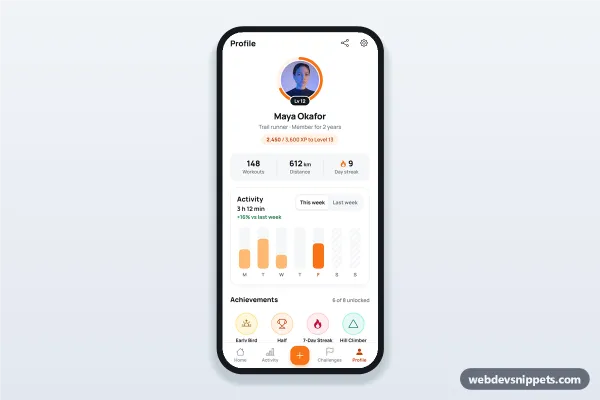
Fitness app profile screen with avatar and level progress ring, weekly activity bars, an achievements badge grid with a details bottom sheet and personal records list.
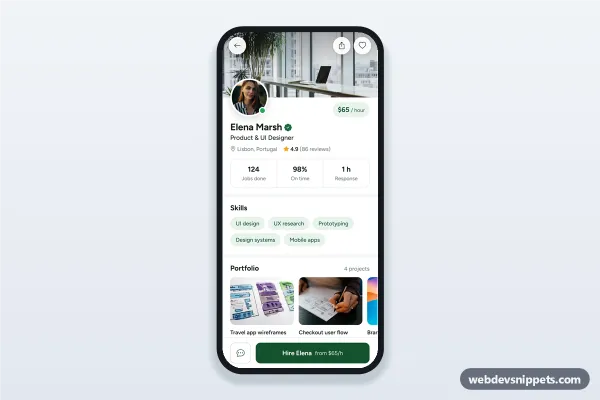
Freelancer profile screen with cover photo, rating, skills chips, portfolio thumbnails, reviews with rating breakdown and a sticky Hire button that opens a hire request form.
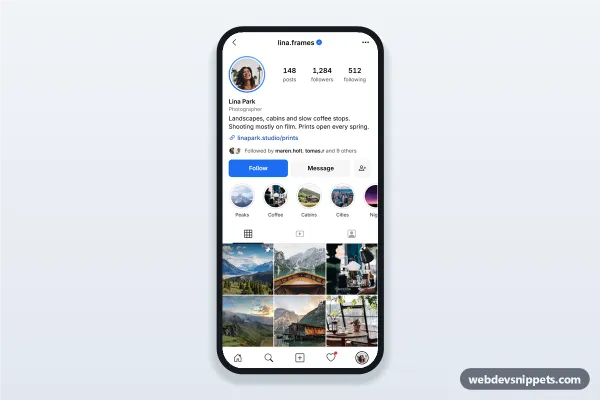
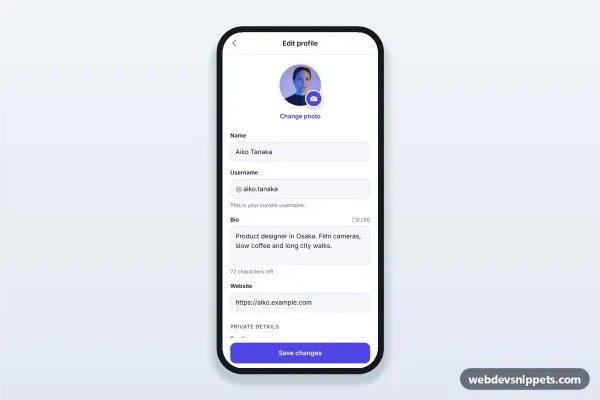
Edit profile screen for mobile apps with an avatar picker bottom sheet, username availability check, bio character counter, validation and a sticky save button.