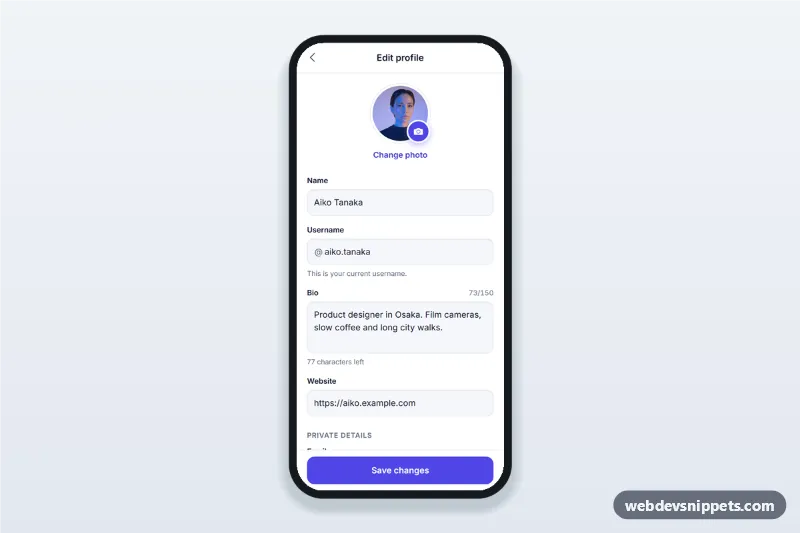
Edit Profile Screen with Avatar Picker
Edit profile screen for mobile apps with an avatar picker bottom sheet, username availability check, bio character counter, validation and a sticky save button.
Mobile user profile screens with avatars, stats, tabs, edit forms and activity lists.
1 component
Edit profile screen for mobile apps with an avatar picker bottom sheet, username availability check, bio character counter, validation and a sticky save button.
A profile screen shows a person or account: photo, name, short bio, key numbers and their content or activity. Many apps also offer an edit profile form and account shortcuts from here.
Use profile screens in social, community, marketplace, learning and fitness apps, and as the account page of any service.
Each screen is available in one of Bootstrap 6, Bootstrap 5, Tailwind CSS or pure CSS. The live preview opens at phone width; switch to tablet or desktop to see how the screen stays centred on larger displays. Copy the HTML, CSS and JavaScript or download the complete page, replace the sample data and connect it to your own API.