Skip to content

Fitness Profile with Achievements

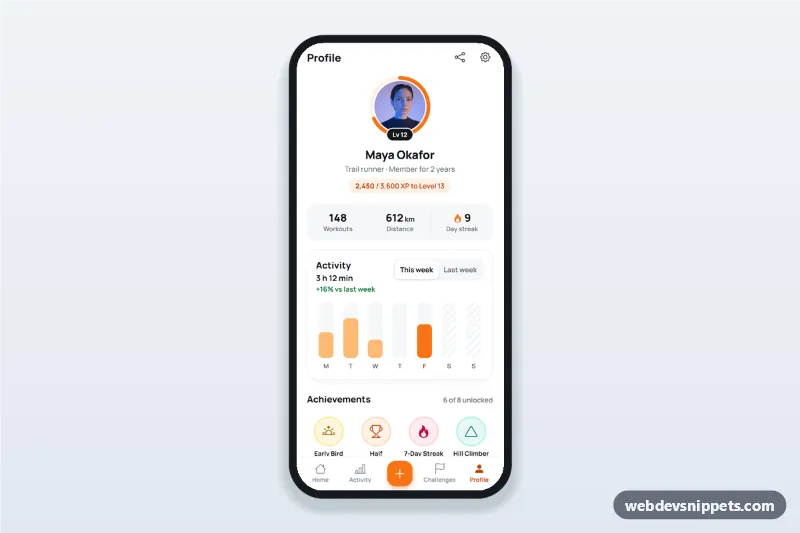
Fitness app profile screen with avatar and level progress ring, weekly activity bars, an achievements badge grid with a details bottom sheet and personal records list.

Also known as: fitness app profile ui, workout app user profile, achievement badges grid, running app stats screen, gamified profile page

Fitness Profile with Achievements live demo

Open in new tab

Pure CSS code (HTML, CSS, JS)

A fitness app profile screen in pure CSS and vanilla JavaScript: an avatar inside a level progress ring, total stats, weekly activity bars, an achievements badge grid with a details bottom sheet and a personal records list. It is an HTML mobile template for mobile websites and PWAs and can be packaged as a native app with Capacitor. Use it for running, cycling or gym apps.

How it works

The root .fpr-app is a 430 px app column with a sticky top bar and a sticky bottom tab bar (Home, Activity, a central Record button, Challenges, Profile).

The .fpr-ring is an SVG with a track circle and a .fpr-ring__value circle. The script reads data-fpr-progress (0–100), measures the circle and sets stroke-dasharray and stroke-dashoffset, so the ring fills to the right point; a "Lv 12" chip sits on its edge.

The Activity card draws seven .fpr-bars__day bars from the WEEKS object in script.js. Each fill height is set through the --fpr-h custom property relative to BAR_MAX. Today's bar is highlighted with .is-today, days that have not happened yet get a hatched .is-future track, and the header shows the total time and the change against the same days last week. The "This week / Last week" segmented buttons use aria-pressed and redraw the chart.

Each achievement is a .fpr-badge button whose details live in data-title, data-text, data-status, data-icon and, for locked ones, data-progress. Tapping a badge opens the native <dialog> .fpr-sheet as a bottom sheet with a large icon, description, status and a progress bar. Escape, the Done and close buttons, and a tap on the backdrop close it, and focus returns to the badge.

The avatar photo comes from Unsplash; replace it with the user's own image.

Customization

  • --fpr-accent, --fpr-accent-dark and --fpr-accent-soft in style.css: ring, bars, record icons and Record button.
  • data-fpr-progress on .fpr-ring: level progress in percent.
  • WEEKS and BAR_MAX in script.js: daily active minutes (Monday first) and the minutes that fill a bar.
  • Badge colours: modifiers such as .fpr-badge--gold or .fpr-badge--teal set --fpr-b-bg, --fpr-b-fg and --fpr-b-ring.
  • Add .is-locked, a lock icon and data-progress to a badge to show it as not yet earned.
  • Add or remove .fpr-record rows for other personal bests (lifts, swims, rides).

Use cases

  • Running and cycling apps: show level, weekly minutes and best times.
  • Gym and workout trackers: a gamified member profile with badges.
  • Corporate step and wellbeing challenges: progress and rewards for each employee.
  • Sports club PWAs: athlete profile pages packaged with Capacitor.

Accessibility

Each bar has hidden text such as "Friday (today): 38 minutes", the ring has a text equivalent ("68 percent of the way to Level 13") and locked badges announce "locked". The bottom sheet is a modal <dialog> labelled by its heading, so focus is trapped while open. The tab bar marks the current page with aria-current, targets are at least 44 px and the sheet animation is disabled under prefers-reduced-motion.
Fitness Profile with Achievements at a glance

Framework
Pure CSS
Code
HTML, CSS, JavaScript
JavaScript
Vanilla JavaScript, no jQuery
Dependencies
fonts.googleapis.com, Bootstrap Icons
Layout
Mobile-first app screen, centred on wider screens
Category
Mobile Profile Screens
License
Free for personal and commercial use

Questions about this template

Can I use the Fitness Profile with Achievements code for free?

Yes. You can copy or download the code and use it in personal and commercial projects, including client work. No sign-up is needed. Reselling it as part of a component library or template collection is not allowed; see the license.

How do I add it to my website?

Load fonts.googleapis.com and Bootstrap Icons from a CDN (the links are under Requirements). Paste the HTML where the component should appear, add the CSS to your stylesheet and load the JavaScript before the closing </body> tag. Download HTML gives you a complete page with everything already linked.

Does it need jQuery or a JavaScript framework?

No. The script is plain vanilla JavaScript, so it works without jQuery, React or Vue. You can still use the markup inside those frameworks.

Can I turn this screen into an iOS or Android app?

Yes. It is plain HTML, CSS and JavaScript, so it works in a mobile website or progressive web app as it is. To ship it as a store app, put it in the web folder of a Capacitor or Cordova project and build it for iOS and Android; replace the sample data with calls to your own API.

How does it look on a desktop screen?

The screen is designed for phones. On wider screens it stays at phone width in the middle of the page, so it still looks like an app. The live demo opens at mobile width; use the Tablet and Desktop buttons to check other sizes.

Requirements

Add these to your page (already included in the download):

  • <link rel="stylesheet" href="https://fonts.googleapis.com/css2?family=Manrope:wght@500;600;700;800&display=swap">
  • <link rel="stylesheet" href="https://cdn.jsdelivr.net/npm/bootstrap-icons@1.11.3/font/bootstrap-icons.min.css">
Fitness Profile with Achievements – Pure CSS mobile profile screens component screenshot
Fitness Profile with Achievements · Pure CSS Mobile Profile Screens

More Mobile Profile Screens

Social Profile Screen with Photo Grid – Tailwind CSS mobile profile screens preview

Social Profile Screen with Photo Grid

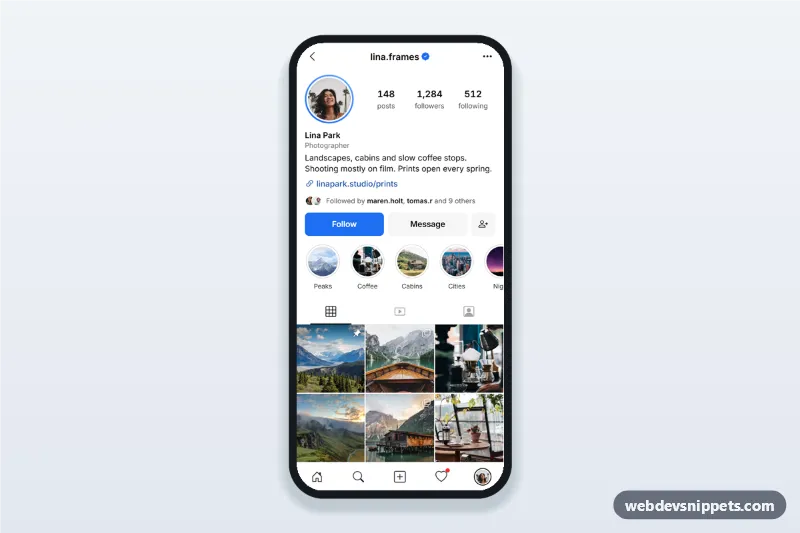
Social media profile screen with avatar, bio, follower stats, Follow and Message buttons, posts, reels and tagged tabs and a three-column photo grid.

Freelancer Profile with Reviews – Bootstrap 5 mobile profile screens preview

Freelancer Profile with Reviews

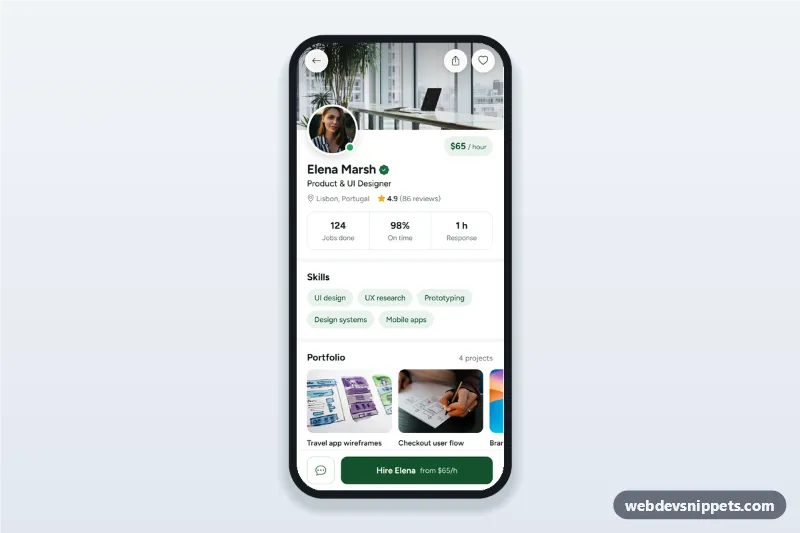
Freelancer profile screen with cover photo, rating, skills chips, portfolio thumbnails, reviews with rating breakdown and a sticky Hire button that opens a hire request form.

Doctor Profile with Booking Slots – Bootstrap 6 mobile profile screens preview

Doctor Profile with Booking Slots

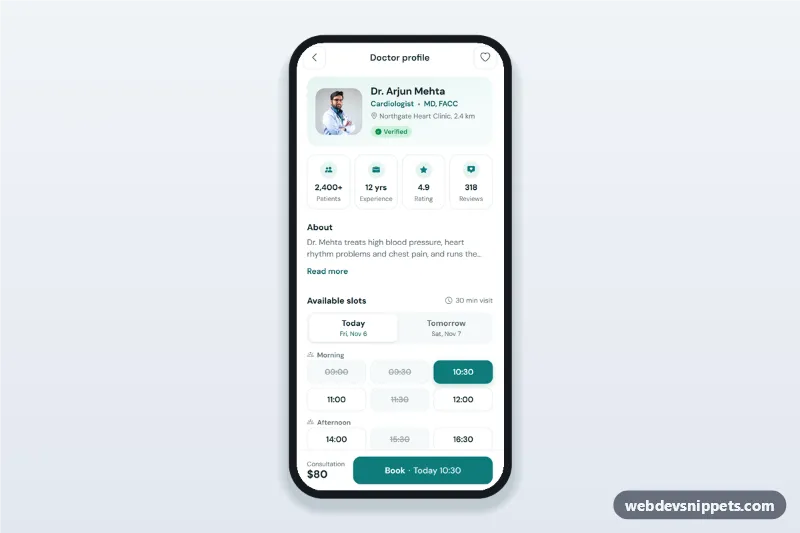
Doctor profile screen for healthcare apps with rating, experience stats, today and tomorrow time slots and a doctor appointment booking sheet.

Edit Profile Screen with Avatar Picker – Bootstrap 6 mobile profile screens preview

Edit Profile Screen with Avatar Picker

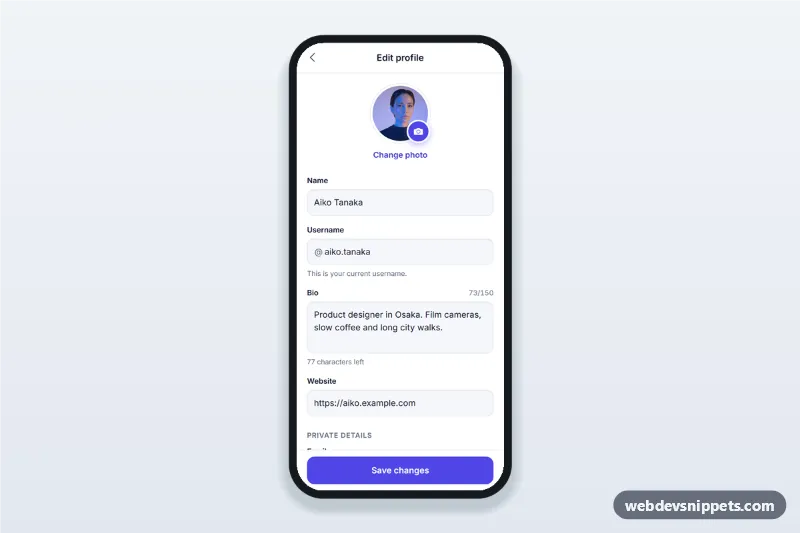
Edit profile screen for mobile apps with an avatar picker bottom sheet, username availability check, bio character counter, validation and a sticky save button.