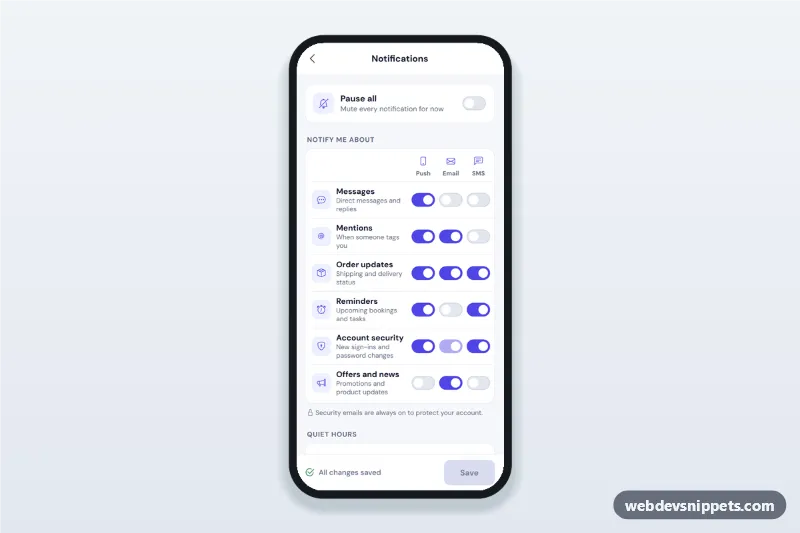
Mobile notification settings screen with push, email and SMS switches per category, a pause-all toggle, quiet hours with a time range and days, and a save bar with unsaved state.
Also known as: notification settings ui, app notification preferences page, push email sms notification toggles, quiet hours settings, mobile settings screen html
A notification preferences screen built with Bootstrap 5: an HTML mobile template with push, email and SMS switches for each notification type, a pause-all toggle, quiet hours with a time range and repeat days, and a save bar that tracks unsaved changes. Use this notification settings UI in the account area of a mobile website, a PWA or a Capacitor app.
How it works
The root .npf-app is a 430 px app column with a sticky top bar, a light grey content area and white cards.
.npf-pause: a "Pause all" switch. When on, the script disables the .npf-matrix fieldset and shows .npf-paused-note.
.npf-matrix: one .npf-row per type with three Bootstrap 5 form-switch checkboxes marked with data-channel (push, email, sms). The security email switch is disabled and stays on.
.npf-quiet: a switch, two type="time" inputs and seven day toggles. .npf-quiet-summary updates live ("Muted for 9 h, weeknights") and handles ranges across midnight.
.npf-digest: a select for instant, daily or weekly email.
.npf-savebar: a sticky bar with the save status, Discard and Save.
script.js stores a snapshot of all fields on load and compares the form with it on every change: when they differ the bar shows "Unsaved changes" and enables Save and Discard. Discard restores the snapshot. Save validates the quiet hours (start and end must differ, at least one day), shows inline errors with aria-invalid and focuses the first problem; when valid it simulates a request and shows "Preferences saved".
Customization
--npf-indigo on .npf-app: the colour of switches, day toggles, icons and the Save button.
Add a type by copying an .npf-row and changing data-category, icon, texts, name values and aria-labels.
Remove a channel by deleting its column in .npf-row--head and every row, then change repeat(3, 52px) in .npf-row.
checked on any switch or day input: the starting preferences.
step="900" on the time inputs: 15-minute steps; remove it to allow any minute.
describeDays() in script.js: how day selections are summarised.
Replace the timeout in the submit handler with fetch() to your settings API.
Use cases
Social and community apps: members choose how they hear about messages and mentions.
Online shops: separate order updates from marketing on each channel.
Booking apps: SMS reminders with quiet hours at night.
SaaS and banking apps: required security alerts next to optional news.
Accessibility
Every switch is a native checkbox with role="switch" and a label such as "Mentions: Email". The matrix is a fieldset with a hidden legend, and the locked switch points to its explanation with aria-describedby. Day toggles have full day names for screen readers. Errors are linked to the time inputs, and the save status is a role="status" live region. Save uses aria-disabled, so focus is never lost. Touch targets are at least 44 px.
Usage notes
Requires Bootstrap 5 (added automatically), Bootstrap Icons and the DM Sans font.
Can I use the Notification Preferences Screen code for free?
Yes. You can copy or download the code and use it in personal and commercial projects, including client work. No sign-up is needed. Reselling it as part of a component library or template collection is not allowed; see the license.
How do I add it to my website?
Load Bootstrap 5 and Bootstrap Icons and fonts.googleapis.com from a CDN (the links are under Requirements).
Paste the HTML where the component should appear, add the CSS to your stylesheet and load the JavaScript before the closing </body> tag.
Download HTML gives you a complete page with everything already linked.
Does it need jQuery or a JavaScript framework?
No. The script is plain vanilla JavaScript, so it works without jQuery, React or Vue. You can still use the markup inside those frameworks.
Can I turn this screen into an iOS or Android app?
Yes. It is plain HTML, CSS and JavaScript, so it works in a mobile website or progressive web app as it is. To ship it as a store app, put it in the web folder of a Capacitor or Cordova project and build it for iOS and Android; replace the sample data with calls to your own API.
How does it look on a desktop screen?
The screen is designed for phones. On wider screens it stays at phone width in the middle of the page, so it still looks like an app. The live demo opens at mobile width; use the Tablet and Desktop buttons to check other sizes.
Requirements
Add these to your page (already included in the download):
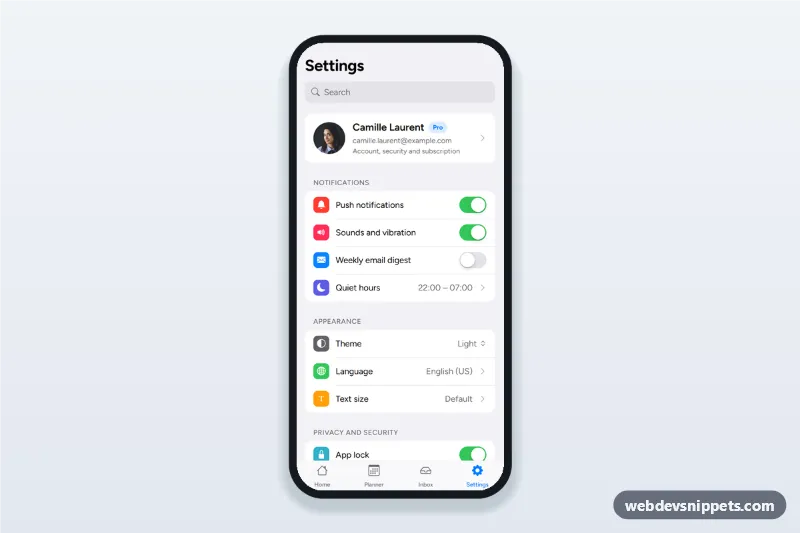
App settings screen with an account card, grouped lists, notification switches, a theme select with dark mode, a language bottom sheet, privacy options, help links and sign out.
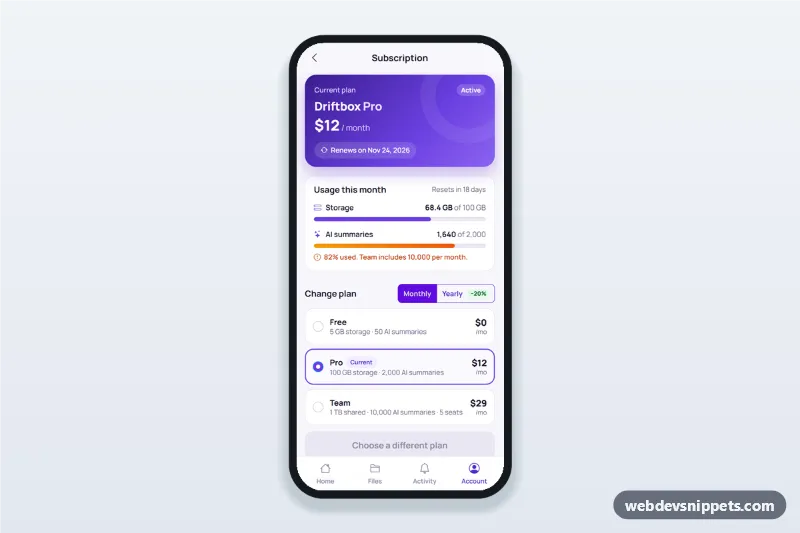
Subscription management screen for mobile apps with current plan card, usage bars, plan switcher with proration, payment method update and an invoice list.