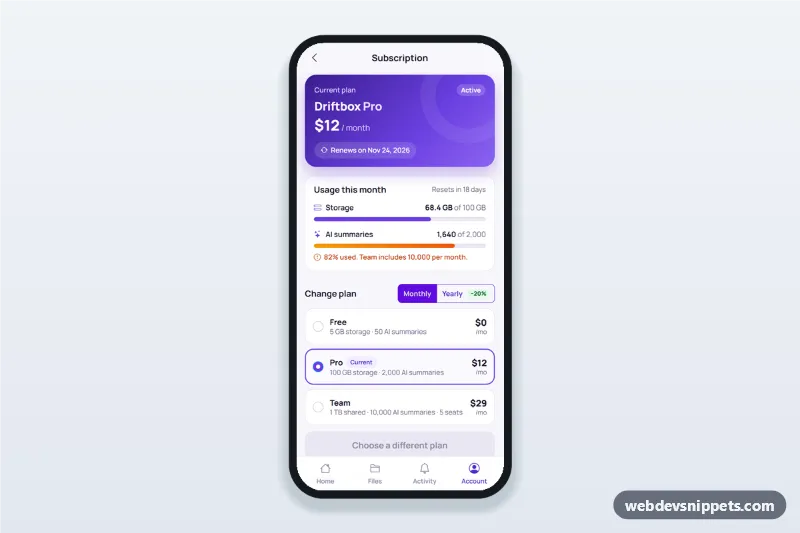
Subscription and Billing Screen
Subscription management screen for mobile apps with current plan card, usage bars, plan switcher with proration, payment method update and an invoice list.
Mobile settings and preferences screens with grouped lists, switches, selects and account actions.
1 component
Subscription management screen for mobile apps with current plan card, usage bars, plan switcher with proration, payment method update and an invoice list.
A settings screen groups app preferences and account options in lists: notifications, privacy, appearance, language, security and sign out. Clear grouping and native-feeling switches make it easy to scan.
Every app with user preferences needs one. Use grouped lists for a small number of options and nested screens for large settings areas.
role=switch or checkbox) with visible labels.Each screen is available in one of Bootstrap 6, Bootstrap 5, Tailwind CSS or pure CSS. The live preview opens at phone width; switch to tablet or desktop to see how the screen stays centred on larger displays. Copy the HTML, CSS and JavaScript or download the complete page, replace the sample data and connect it to your own API.