Skip to content

Onboarding Wizard

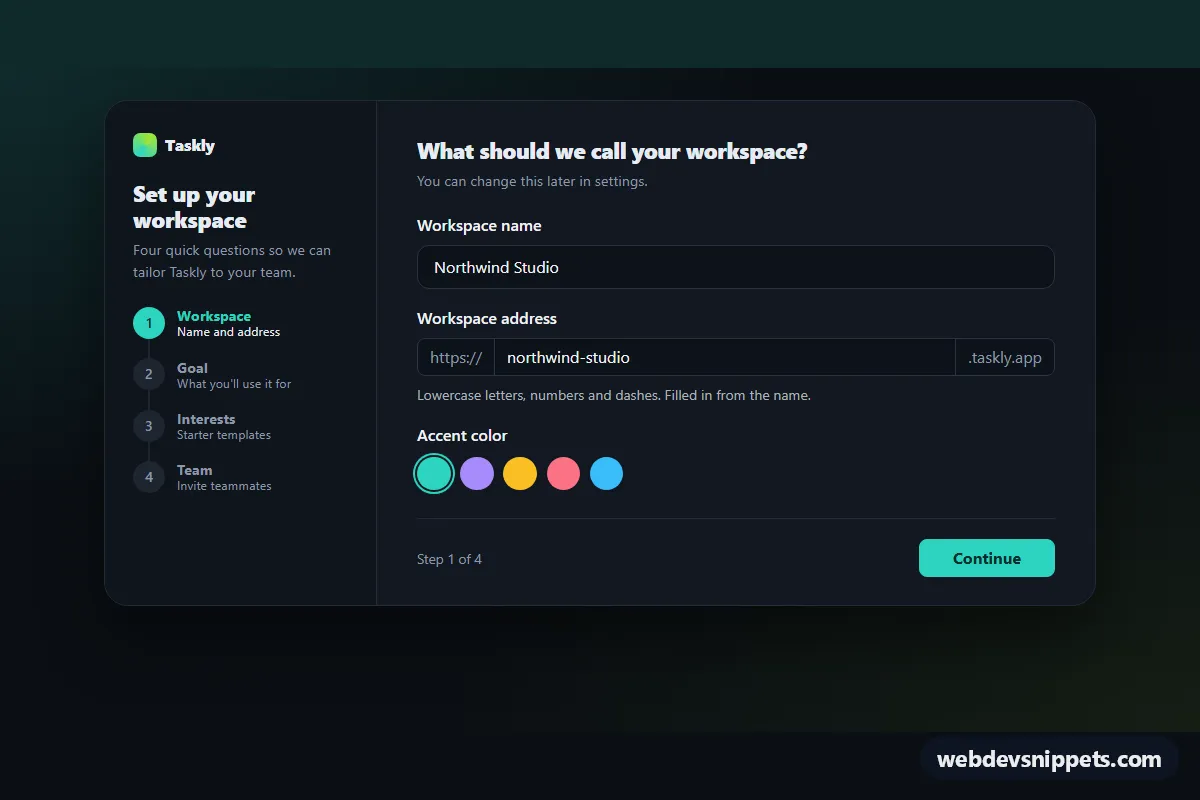
Dark Bootstrap 6 onboarding wizard with a vertical stepper, workspace setup, goal tiles, template Chips, email invite chip input and a finish screen.

Also known as: user onboarding flow, setup wizard, workspace setup form, vertical stepper form, welcome onboarding flow

Onboarding Wizard live demo

Open in new tab

Bootstrap 6 code (HTML, CSS, JS)

A dark onboarding wizard for Bootstrap 6 that walks a new user through workspace setup in four short steps and ends on a finish screen that sums up their choices. It fits SaaS products and team tools; a vertical Bootstrap 6 stepper in the sidebar shows progress.

How it works

The root .obw-root has data-bs-theme="dark" and a data-step attribute. The left .obw-side holds a .stepper whose items get .active as the user moves on; the current one also gets aria-current="step" and an accent title. On the right, each step is a <fieldset class="obw-panel"> with a data-obw-panel number.

  1. Workspace: a name field and an address field inside an .input-group. The slugify() helper fills the address from the name until the user edits it by hand. The .obw-swatch radios set --obw-accent on the root, so the whole wizard changes color live.
  2. Goal: four tiles built as Bootstrap 6 toggle buttons (label.btn-check with the radio inside). One choice is required.
  3. Interests: button.chip toggles with .active and aria-pressed; .obw-picked counts them, and at least one is required.
  4. Team: a Bootstrap 6 chip input (data-bs-chips, comma separator, create on blur). An add.bs.chips listener calls preventDefault() for anything that is not an email address, and change.bs.chips updates the counter. Chips.getOrCreateInstance(...).getValues() reads the final list. A "Skip for now" button finishes without invites.

The Continue button is the form's submit button. validate() checks only the current step, then the script shows the next panel and moves focus into it. Finishing shows a spinner, fills .obw-summary and focuses .obw-finish.

Customization

  • --obw-accent and --obw-accent-ink on .obw-root: change the default accent and the text color on accent buttons; the overridden --bs-primary-* tokens follow it.
  • --obw-bg, --obw-panel, --obw-side and --obw-line on .obw-root: adjust the dark surfaces and borders.
  • Add another .obw-swatch label with its own --obw-sw value to offer more accent colors.
  • MAX_INVITES and EMAIL at the top of script.js: change the invite limit and the email rule.
  • Add or remove button.chip items in .obw-chips to offer other templates; mark defaults with .active and aria-pressed="true".
  • Replace the setTimeout in finish() with a fetch() call that creates the workspace.

Use cases

  • SaaS first-run setup: a vertical stepper guides new users through workspace setup
  • Team tools: goal tiles and template chips let people pick how they will use the product
  • Collaboration apps: an email invite chip input adds teammates before finishing
  • Product onboarding: a finish screen confirms the setup is complete

Accessibility

Every step is a <fieldset> with its question as the <legend>. Swatches and goal tiles are native radios, so arrow keys work, and focus rings are drawn on the visible tile or swatch. Template chips are buttons with aria-pressed. Focus moves to the first control of each step and to the finish panel at the end.

Bootstrap 6 notes

Bootstrap 5 had no stepper or chip input; Bootstrap 6 adds .stepper, .chip and the Chips plugin. Toggle buttons now put the input inside label.btn-check btn-outline theme-primary, .form-select is replaced by .form-control on the select, and responsive helpers use prefixes such as sm:d-flex. Built on Bootstrap 6.0.0-alpha.1, so APIs may still change.
Onboarding Wizard at a glance

Framework
Bootstrap 6
Code
HTML, CSS, JavaScript
JavaScript
Vanilla JavaScript, no jQuery
Dependencies
Bootstrap 6, Bootstrap Icons
Layout
Responsive, works on mobile, dark design
Category
Multi-step Forms
License
Free for personal and commercial use

Questions about this template

Can I use the Onboarding Wizard code for free?

Yes. You can copy or download the code and use it in personal and commercial projects, including client work. No sign-up is needed. Reselling it as part of a component library or template collection is not allowed; see the license.

How do I add it to my website?

Load Bootstrap 6 and Bootstrap Icons from a CDN (the links are under Requirements). Paste the HTML where the component should appear, add the CSS to your stylesheet and load the JavaScript before the closing </body> tag. Download HTML gives you a complete page with everything already linked.

Does it need jQuery or a JavaScript framework?

No. The script is plain vanilla JavaScript, so it works without jQuery, React or Vue. You can still use the markup inside those frameworks.

Does it work on mobile?

Yes. The layout adapts to small screens. Use the Mobile and Tablet buttons above the live demo to check it at phone and tablet width.

Requirements

Add these to your page (already included in the download):

  • <link rel="stylesheet" href="https://cdn.jsdelivr.net/npm/bootstrap@6.0.0-alpha.1/dist/css/bootstrap.min.css">
  • <script type="module" src="https://cdn.jsdelivr.net/npm/bootstrap@6.0.0-alpha.1/dist/js/bootstrap.bundle.min.js"></script>
  • <link rel="stylesheet" href="https://cdn.jsdelivr.net/npm/bootstrap-icons@1.11.3/font/bootstrap-icons.min.css">

Built for Bootstrap 6.0.0-alpha.1. Bootstrap 6 ships as an ES module, so its script and this component's JavaScript load with type="module". Alpha releases can still change before the stable version.

Onboarding Wizard – free Bootstrap 6 multi-step form template
Onboarding Wizard · free Bootstrap 6 multi-step form template

More Multi-step Forms

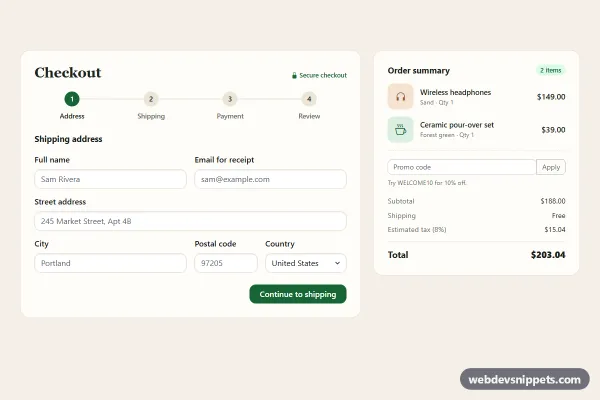
Checkout Multi-Step Form – free Bootstrap 6 multi-step form template

Checkout Multi-Step Form

Bootstrap 6 checkout in four steps (address, shipping, payment, review) with a stepper, country Combobox, live order totals, promo code and card checks.

Multi-Step Form with Progress Bar – free Bootstrap 6 multi-step form template

Multi-Step Form with Progress Bar

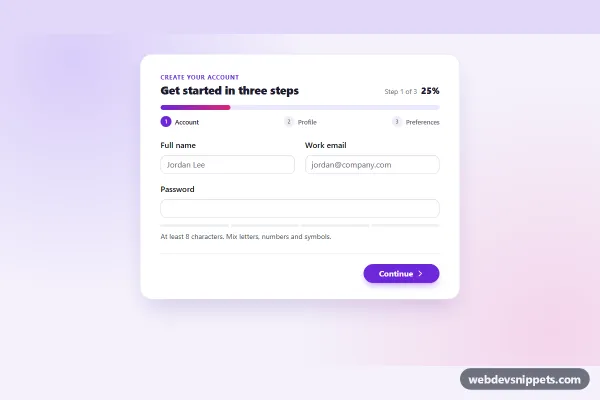
Bootstrap 6 three-step signup form with a gradient progress bar, per-step validation, password Strength meter, radio cards, switches and a success screen.

Multi-Step Form with Progress Bar – free Pure CSS multi-step form template

Multi-Step Form with Progress Bar

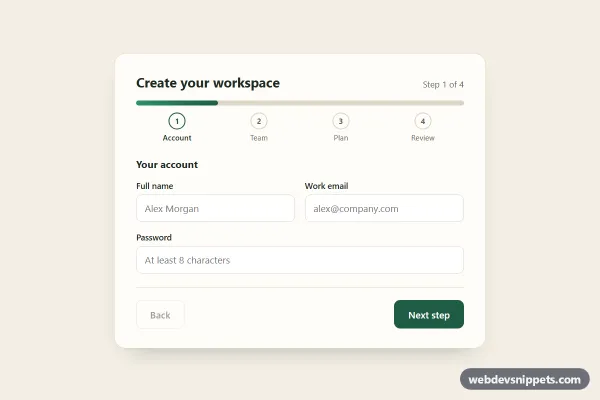
Four-step signup form with an animated progress bar, numbered step labels, per-step validation, Back and Next buttons and a review summary.

Multi-Step Registration Form – free Bootstrap 5 multi-step form template

Multi-Step Registration Form

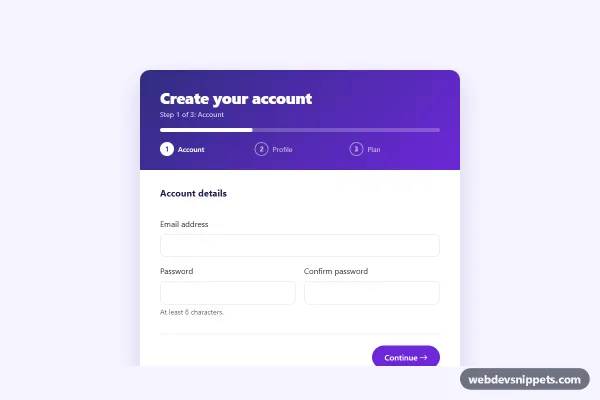
Bootstrap 5 three-step registration form with a progress bar, step indicators, per-step validation, password matching, plan cards and a success screen.

Onboarding Wizard – free Tailwind CSS multi-step form template

Onboarding Wizard

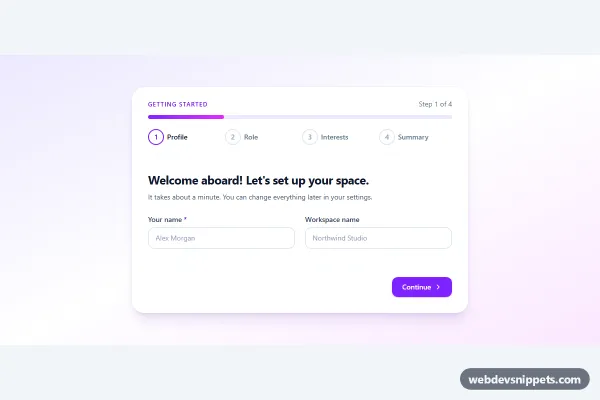
Tailwind CSS onboarding wizard with step indicator, progress bar, radio cards, topic chips, validation and an editable summary before finishing.